

In September 2026, digital marketers heard that the latest ChatGPT model can conduct multi-hour research, execute complex data analysis, and autonomously manage end-to-end digital marketing campaigns. When they opened ChatGPT and looked for this new model, ChatGPT Astra 6, in the model picker, many of them, including paid subscribers, couldn’t find it.
Was that a glitch?
Nope. OpenAI has deliberately concealed its latest flagship model in different parts of the product. It shows up in different names depending on the task and subscription plan. In ChatGPT’s chat window, it appears as ‘GPT-6 Pro.’ In the Work and Codex windows, it’s labelled ‘Astra.’ If you want to use this model and have faced this issue, don’t worry; in this blog, we’ll explain:
- What ChatGPT Astra 6 means
- What the model can/can’t do
- How to access it without falling for malware
- How ChatGPT Astra 6 subscription works
- How digital marketers can use it
Let’s start with the name.
What ChatGPT Astra 6 Means
It’s basically the search-friendly name for OpenAI’s official model name, ‘GPT-6 Astra.’ It was released on 3rd September 2026 and is built for long, multi-step work like:
- Performing long-context literature reviews on massive data sets
- Accessing and operating integrated third-party software (including marketing apps)
- Full-stack software development
- Producing highly nuanced results – sometimes after hours of processing
Since this model’s name keeps tripping people up, here’s what the term ChatGPT Astra 6 means:
- GPT-6 is the name of the generation of this large language model from OpenAI
- Astra is the flagship model operating on top of GPT-6
- It’s designed specifically for long, demanding tasks
- Sibling models like Sol, Terra, and Luna sit below Astra at lower price points
- All of these models have celestial-themed names
OpenAI has called ChatGPT Astra 6 their most-capable model yet. So naturally, there are some serious cyber-security concerns around it. Hence, this model has undergone a phased roll-out. That’s why accessing it has been confusing for some users because:
- In ChatGPT’s regular Chat experience, subscribers see it as ‘GPT-6 Pro, powered by Astra’
- In Work and Codex sections, the model is titled just ‘Astra’
Regardless of where you access it from, this model will give you some extraordinary capabilities.
Key Features of ChatGPT Astra 6
The technical features of Astra that made heads roll when it was released include:
- 1.05 million-token context window
- Up to 128K output tokens
- 5 selectable effort levels (low through max)
- April 30, 2026 knowledge cut-off
Here’s how these technical features impact this model’s capabilities:
Advanced Reasoning and Research
ChatGPT Astra 6 can:
- Investigate complicated questions
- Compare competing explanations
- Organise information from multiple sources
A marketer researching a new market, for instance, could ask it to:
- Examine competitor positioning
- Identify gaps in existing content
- Prepare an in-depth report with linked sources and assumptions clearly separated from findings
They can also assign open-ended research topics, like:
- ‘Evaluate the regulatory impact of European privacy directives on cross-border SaaS billing’
- ‘Assess 10 government databases and cross-reference a company’s in-house protocols to determine if it’s compliant’
The 1.05 million-token context window means that users can upload huge data sets (like gigabytes of company files) with ease.
Content Creation, Coding Assistance
A developer recently shared how he used Astra to simplify a large SQL code section from roughly 33,000 lines to around 1800. This is the kind of clean coding ChatGPT Astra 6 can do.
It can review, edit, debug, and create unique code from small and simple prompts — way more effectively than most AI models today.
Its coding abilities are even better when the prompts are longer and contain several connected steps. And it’s by far ChatGPT’s best content-creation model so far. It can:
- Draft professional-grade documents
- Develop 100% unique content outlines
- Analyse content trends and create unique blogs, articles, etc. independently
- Write blogs, articles, scripts, etc. with humanistic narrative flows, citations, and character voices
That’s why it’s becoming one of the many must-use tools for freelance writers and coders today.
Computer-Use and Workflow Automation
If its content creation capabilities – which many other advanced AI models also have – don’t impress you, this one will. Astra’s defining feature is GUI manipulation. Through the desktop app on macOS or Windows, Astra can be granted permission to interact directly with your screen.
Then, it can view your screen, calculate coordinates, click buttons, type text, and switch between local apps. Once they set this feature up, digital marketers can easily use it to execute tasks like:
- Click through multi-step operational tasks that previously required human manual entry, like testing software workflows or building staging websites
- Autonomously manage complex browser-based CRMs
- Run automated end-to-end quality assurance inspections on websites or apps
Document Analysis and Business Productivity
With that 1.05-million-token context window, Astra can even ingest entire organizational workspaces. That means it can easily:
- Analyse massive spreadsheets
- Summarise annual reports
- Combine information from separate business documents and prepare presentations
Many digital marketers are even feeding the model exhaustive data dumps of:
- Slack channel data
- Months of Notion documentation
- Years of email threads and executive meeting notes
Astra is analysing these dense interconnected records and accurately identifying project bottlenecks and internal resource waste across all company initiatives – in seconds.
ChatGPT Astra 6 Subscription: Plans, Access and Costs
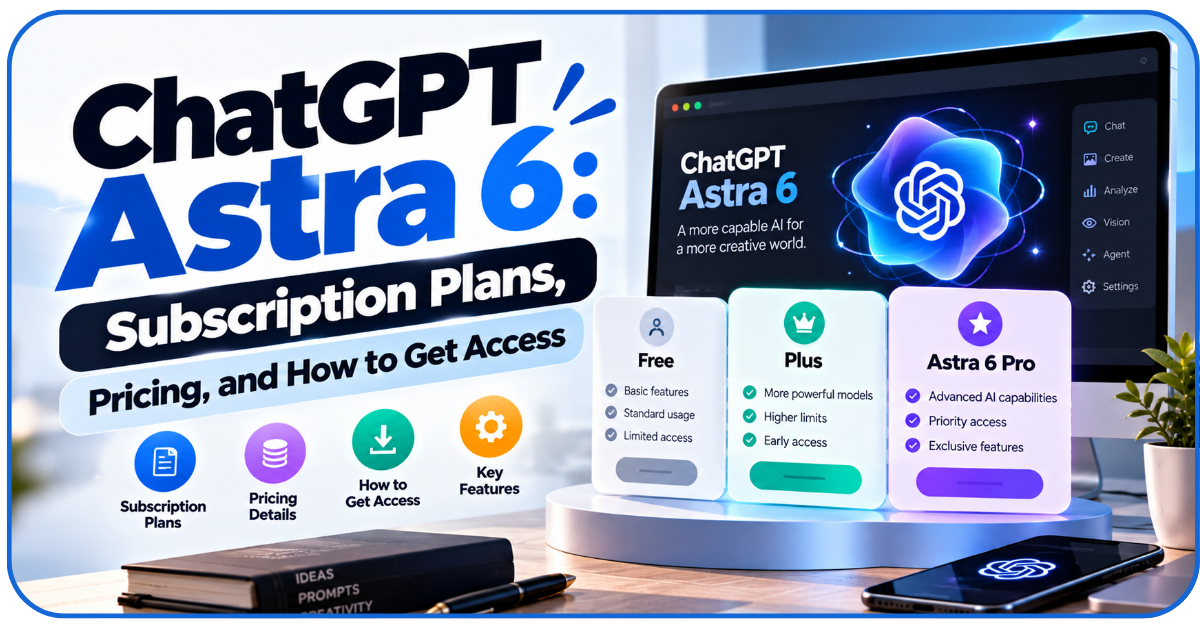
You cannot purchase an ‘Astra license’ or subscription on its own. You get access either by signing up for specific OpenAI subscription tiers or with a pay-as-you-use metered API billing arrangement.
Here are three ways to get a ChatGPT Astra 6 subscription:
| Platform Door | Interface Location | Eligible Account Tiers | Model |
| Standard Chat | Main chat window | Pro ($200/month)
Business, Enterprise |
Labelled as ‘GPT-6 Pro’ |
| Work and Codex | Dedicated Work tab
IDE |
Plus ($20/month)
Pro, Business, Enterprise |
Labelled as ‘Astra’ |
| Developer API | Programmatic endpoints | Tier 1-5 API developer accounts | Pay according to token usage and any applicable tool charges
This is separate from a ChatGPT subscription |
Here are some more details about the ChatGPT Astra 6 subscription:
- Free and Go subscribers don’t get it
- Plus subscribers get Astra only in Work and Codex
- Pro subscribers can unlock ChatGPT Astra 6 directly in Chat
- Business and Enterprise subscribers can add various custom admin controls
ChatGPT Astra 6 Download: How to Access It Safely
There’s no separate app called ‘Astra’ that you need to download.
So why do sites showing it has this ‘app’ show up when you search ‘ChatGPT Astra download’? That’s because sketchy sites are already exploiting the search term. Avoid them. Instead, use the:
- Web Platform: Access the model directly within your browser at chatgpt.com by logging into your paid account and opening the Work tab
- Official Desktop App: Download the verified desktop client for macOS or Windows exclusively from openai.com/ChatGPT/download. Already have the desktop app installed but don’t have ChatGPT Astra 6? Go to Menu > Check for Updates and then download the latest version.
- Codex CLI: Developers using the model for local codebase management should install the official terminal engine through the official OpenAI GitHub organization.
Avoid third-party sites offering ‘free Astra installer’ or ‘ChatGPT Astra download with cracked subscriptions.’ Never give another website your ChatGPT password or verification code.
How to Use ChatGPT Astra 6: A Step-by-Step Guide
Don’t begin by giving the new model unrestricted access to every business application. Give it a simpler, research-based task that has a clear outcome and low risk first.
You can ask ChatGPT’s free version, ‘how to use ChatGPT Astra 6’ as well, before you start.
Step 1: Check Your Account and Model Availability
Sign in to ChatGPT and confirm that your plan includes Astra. If you use the desktop app, update and restart the app. Select GPT 6 Pro if you’re working in chat or ‘Astra’ if you’re using Work or Codex.
Step 2: Choose the Right Workspace and Settings
Check Settings → Usage before starting a demanding task.
Choose a sensible reasoning level for the job rather than automatically selecting the highest one. Higher reasoning effort, larger inputs and outputs, and multi-step actions consume more usage.
Enable computer-use permissions only when needed. Approve access to the specific apps involved.
Step 3: Defined Prompt
Explain the goal, relevant context, limits, and required output in your prompt, like this:
- Prepare a content brief for ‘keyword X’
- Analyse the supplied Search Console export
- Visit five competitor URLs and analyse their content
- Identify search intent of users searching the keyword
- Propose an H2/H3 outline and list questions competitors have missed
- Link sources for external facts
- More details are described in the attached document
This prompt tells Astra what evidence to use, which assumptions to avoid, and what the output should contain. It’s more effective than prompting, ‘Research this keyword and write a great blog.’
Step 4: Review the Output
ChatGPT Astra 6 may be better at checking its work than earlier models. But it can still be wrong.
Ask the model to identify weak claims, inconsistencies, wrong sources, uncited figures, wrong calculations, and other potential errors. Then, verify them independently.
How ChatGPT Astra 6 Can Support Digital Marketing
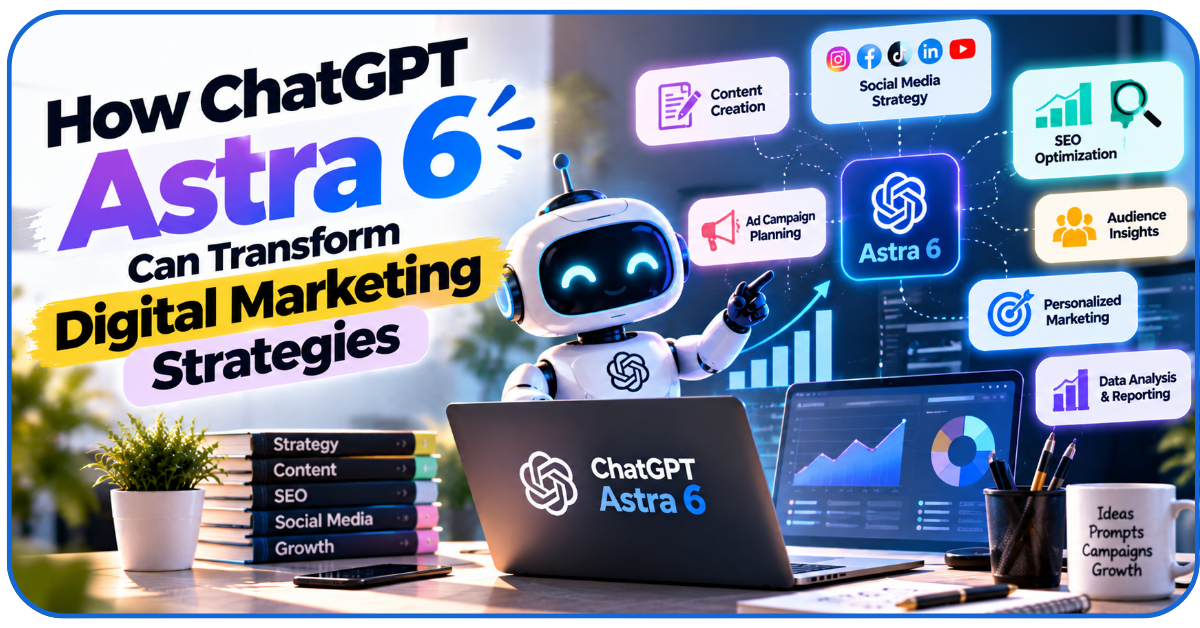
Digital marketers today have to deal with multiple tabs and tools simultaneously, like:
- Google Search Console
- Google Analytics 4
- Meta Ads Manager
- CMS dashboards
- Third-party SEO auditing platforms
ChatGPT Astra 6 can synthesize the data from all of these sources and provide a variety of insights and direct assistance with tasks like:
SEO and Keyword Research
Feed Astra a 6-month Google Search Console export and an Ahrefs keyword gap CSV and ask it to:
- Cluster 2000 long-tail queries into different semantic search intent groups
- Identify pages suffering from keyword cannibalization
- Prepare an updated keyword strategy with clear explanations
Tasks like these would take a human SEO strategist a week.
Astra can do them with shocking accuracy in minutes.
Content Marketing Strategy
You can upload to Astra:
- Your competitors’ website URLs
- Recent industry whitepapers
- Customer interview transcripts
Then, you can prompt it to do all types of strategizing, like:
- Identify 10 recurring customer objections
- Generate comprehensive editorial outlines designed to answer those specific pain points
- Generate blogs, articles, research papers, etc. based on those new editorial outlines
You’ll need human writers to authenticate this output. But the output will be pretty close to perfect.
You can also combine it with other highly rated AI writing tools for social media to radically upgrade your brand’s social media presence.
Omnichannel Campaign Planning
Give the model your product’s specifications, pricing models, existing audience research data, previous campaign results, and target demographic data. Then, ask it to draft:
- Google search ad headlines
- Meta ad copy angles
- Custom email nurturing sequences
- Alternative campaign concepts
- Landing-page messages
Again, human writers can give these write-ups more emotional resonance.
But Astra’s output will be pretty world-class.
Lead Qualification and Outbound Architecture
Upload inbound lead criteria into Astra and instruct it to process webhook payloads. The model can:
- Research prospect domains
- Cross-reference their tech stack
- Draft contextual cold outreach briefs for the sales team
Astra can even assess your CRMs’ workflows and replicate your lead qualification processes step-by-step. Just make sure to not upload any private customer data.
Reporting and Data Synthesis
You can upload raw campaign data related to your paid search, paid social, and other digital marketing campaigns and ask Astra to:
- Calculate blended customer acquisition costs (CAC)
- Isolate landing pages with falling conversion rates
- Generate an executive summary on how to improve each campaign
A human marketing director must inspect Astra’s mathematical calculations and determine the broader business causes behind the numbers.
But these insights are usually accurate and very helpful.
Limitations and Best Practices
While Astra has proven to be more accurate and capable than its predecessors, it can still be prone to errors. That’s why users must always:
- Verify before publishing – check every important claim, link, quotation and calculation
- Protect sensitive information – upload customer, employee or company data only when authorised and in line with the applicable privacy rules and workspace policy
- Limit computer access – start read-only, approve specific apps and require confirmation for consequential actions
- Keep a human sign-off – review external communications, campaign changes, financial decisions and website edits before they go live
- Watch the allowance – use ChatGPT Astra 6 only for tasks where its extra capability matters; use a more economical model for simpler work
Conclusion
Does this flagship model live up to its promise, and is a ChatGPT Astra 6 subscription worth it?
For digital marketers who want to combine reasoning, research, computer use, and document creation in long, multi-step, and connected workflows – yes. Our advice?
Try out ChatGPT Astra 6 for a month and see if the finished work is better enough to justify the cost.
FAQs
Q1- Can ChatGPT Astra 6 work in multiple languages?
Yes. But its multilingual work still isn’t error-free enough for you to blindly trust it. If you plan to use it for ads or marketing copy, have a human reviewer check its tone and accuracy.
Q2- Can Astra analyse PDFs, spreadsheets and business documents?
Yes, it can analyse a variety of files including PDFs, Word Docs, Excel Files, CSV files, and more.
Q3- Can AI-generated content rank on Google?
It can, provided the content is useful, accurate, original, and enhanced by human writers.
Q4- Does Astra remember previous conversations?
Yes, but for how long depends on the settings, workspace, and the length of the prompts and outputs in the chat.
Q5- Can Astra connect to CRM and marketing analytics platforms?
Yes, if your platforms allow it or have the right APIs.
Confirm connector availability before designing your workflows.