

You’re casually scrolling through Instagram or YouTube Shorts, and suddenly, an animated vertical ad pops up. In the ad, a woman crashes a billionaire’s wedding and drops a DNA test on the altar. ‘This is your baby,’ she screams and turns to the camera. That’s when the clip abruptly cuts off.
To see what happens next, you have to download an app. You never thought you’d fall for such melodramatic AI-generated ‘slop.’ Yet, 10 minutes later, you’re on the app, locked into episode 4.
We’re sure you’ve come across these oddly gripping AI-generated short dramas on your phone screen before. They’ve exploded in popularity in the past year.
Until recently, generating these viral, bite-sized telenovelas required massive production crews.
Today, there are many AI tools for making microdramas that’ll let you produce your own gripping multi-episode series in hours. In this blog, we’ll discuss these microdramas and explain:
- How they work
- Why they’re great for digital marketing
- How to build your own viral microdrama series step-by-step
And we’ll review the 9 best AI tools for microdramas that you should consider using.
What are AI Microdramas?
A microdrama is a dramatic TV serial presented in dozens of short, <90-second episodes. Microdramas are:
- Short: Usually <=90 seconds
- Vertical: Vertical 9:16 video format meant for phone screens only
- Hooks: The story starts with a dramatic hook
- Cliff-hangers: Ends on an irresistible twist
Viewers usually see them as ads on Instagram or Facebook. They then get funneled into apps like ShortMax, VibeShort, or StoryReel that specialize in producing microdramas.
Now, these apps (and other new creators) are pivoting to AI-generated short dramas. They’re producing highly addictive microdramas significantly faster and cheaper than ever before — with AI.
AI tools for making microdramas let creators:
- Generate and iterate gripping drama scripts in minutes
- Render cinematic scenes without real locations or actors
- Use voice synthesis and localization tools to create compelling dialogue and then dub the audio into multiple languages
The latest video generation models now guarantee character consistency and visual stability across dozens of episodes. So, creating multiple high-quality episodes — in hours — is now easily plausible.
That speed matters because this format rewards testing. You can try out different characters, plots, and endings and double down on whatever people in the comments find most engaging.
Digital marketers love this because it nearly guarantees attention retention. A gripping microdrama series will keep people coming back for more in a way that single ads never can.
No other video ad format commands that kind of return viewership at such low costs.
How to Make an AI Drama Series
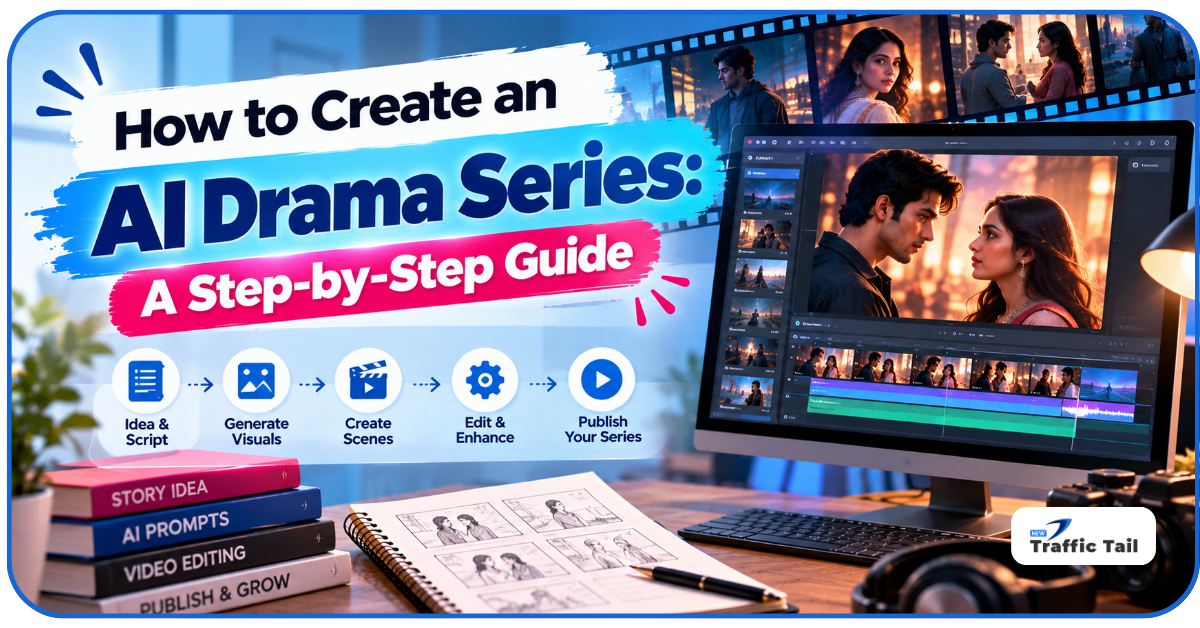
To be clear – you can’t prompt an AI tool to ‘create an engaging microdrama’ and expect any useful output. AI tools for making microdramas don’t work like that.
To create high-quality clips with a coherent narrative — where your protagonist doesn’t randomly change age/ethnicity between shots — you need to follow these 5 AI-assisted phases:
-
Write the Main Script
Map the whole story out, frame-by-frame, before generating anything.
Write down what the characters, the major plot points, twists, and the ending will be. Claude or ChatGPT can help with that. Then define your microdrama’s visual rules:
- Wardrobe
- Locations
- Props
- Colour-grade
Make this document your go-to reference.
-
Develop Character Reference Sheets
Next, generate clean, multi-angle images of every recurring character in your series.
For every character, create:
- Front-profile images
- Three-quarter images from all angles
- Full-body images
- Images showing all the characters displaying different emotions (sad, happy, furious, etc.)
Use tools like Midjourney or Flux for this step.
These images will ensure your characters’ faces stay identical from episodes 1-20.
-
Storyboard Keyframe Stills
Don’t try to prompt a full 60-second video at once. Break the script down into different frames.
Then, generate dramatic still images for every single shot. Re-roll these stills until they’re perfect.
That’ll be cheaper and easier to do than rerolling short videos.
-
Animate and Add Voices
Feed each start frame into an image-to-video AI model with motion prompts like ‘slow push-in, she turns in shock.’ Then generate the dialogue with AI voice tools.
Then, lip-sync it to the mouth movements with tools like HeyGen or LivePortrait.
-
Edit Aggressively
Dump all the short clips into post-production tools like CapCut.
- Use fast, hard cuts to hide any residual AI visual drift
- Slap on massive subtitles
- Layer in royalty-free dramatic scores
- End every clip/episode on a cliffhanger until the finale
You may have to repeat these steps multiple times before you master it. But once you learn how to make AI drama series, your production output will be 5x faster than using a real human crew.
9 AI Tools for Making Microdramas
Here are the tools that are the best for facilitating these steps:
-
Runway
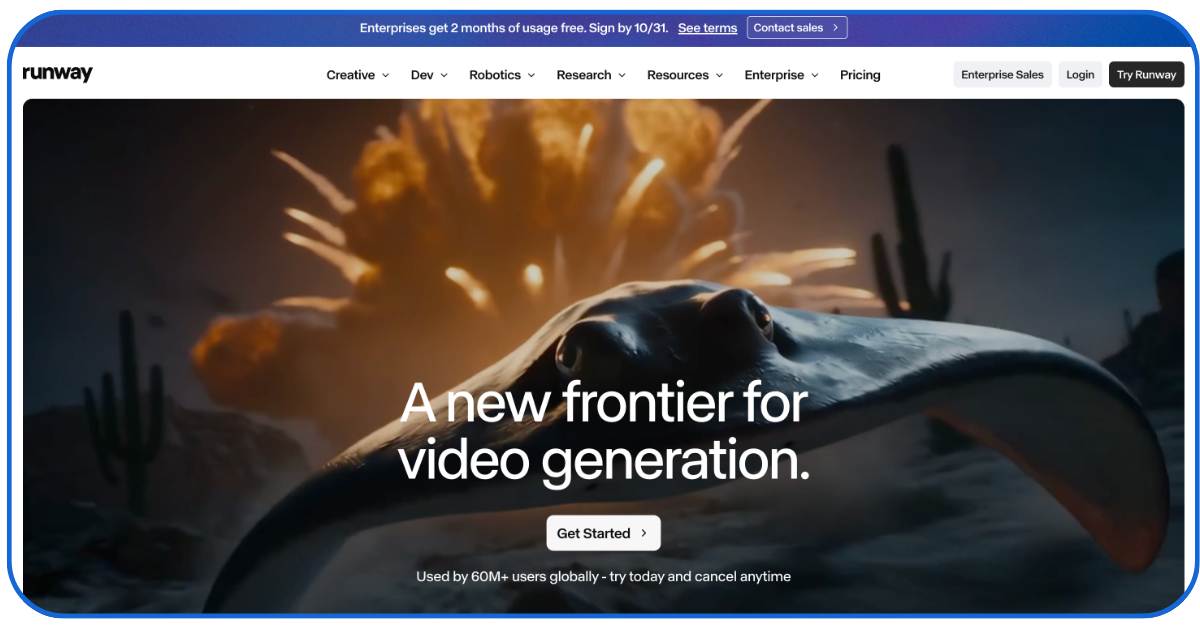
Runway generates video from both text and images.
But it’s #1 on our list because it gives creators highly granular camera control. You can dictate the exact speed and direction of the lens and even mimic drone shots or crane movements.
There’s also a ‘Motion Brush’ feature that lets you target specific areas of a still image for isolated animation effects. That way, only the targeted elements move while the rest of the scene stays still.
Runway’s Gen-4.5 and Gen-4 Turbo models are currently the best for creating:
- Establishing shots
- Dramatic scene transitions
- Any moment where cinematic camera work is needed
Of all the AI tools for making microdramas, Runway is the best for giving your videos the high-budget television production feel.
But you’ll have to get the pricey ‘Max’ ($95/m) subscription to create large volumes of mini-videos.
-
Kling AI
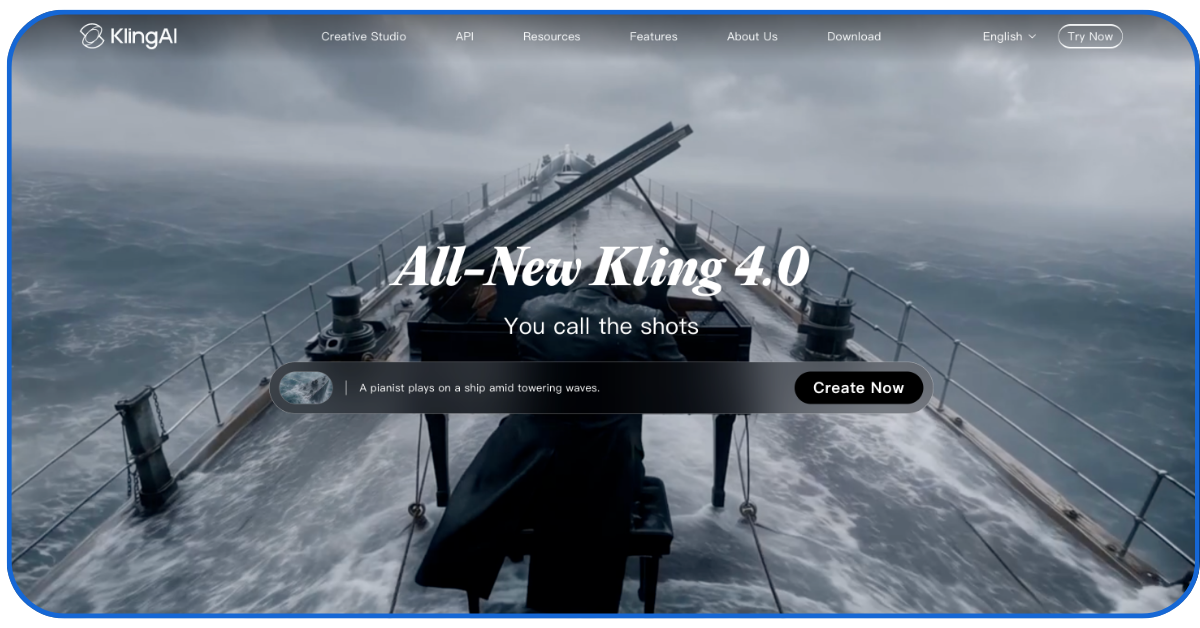
Kling AI is the consistency champion.
It’s been the go-to AI tool in the Asian microdrama market for 2+ years. It has now gained global adoption because it reliably maintains character identity across dramatic perspective shifts.
Kling is ideal for generating highly realistic AI videos with:
- Strong focus on complex character actions
- Dynamic character interactions
- Emotional facial expressions
- Complex action sequences
If your script calls for a character to cry, shout, or fight, Kling will outperform all Western models. But it can suffer from latency issues during peak traffic hours due to overwhelming global demand.
InVideo AI
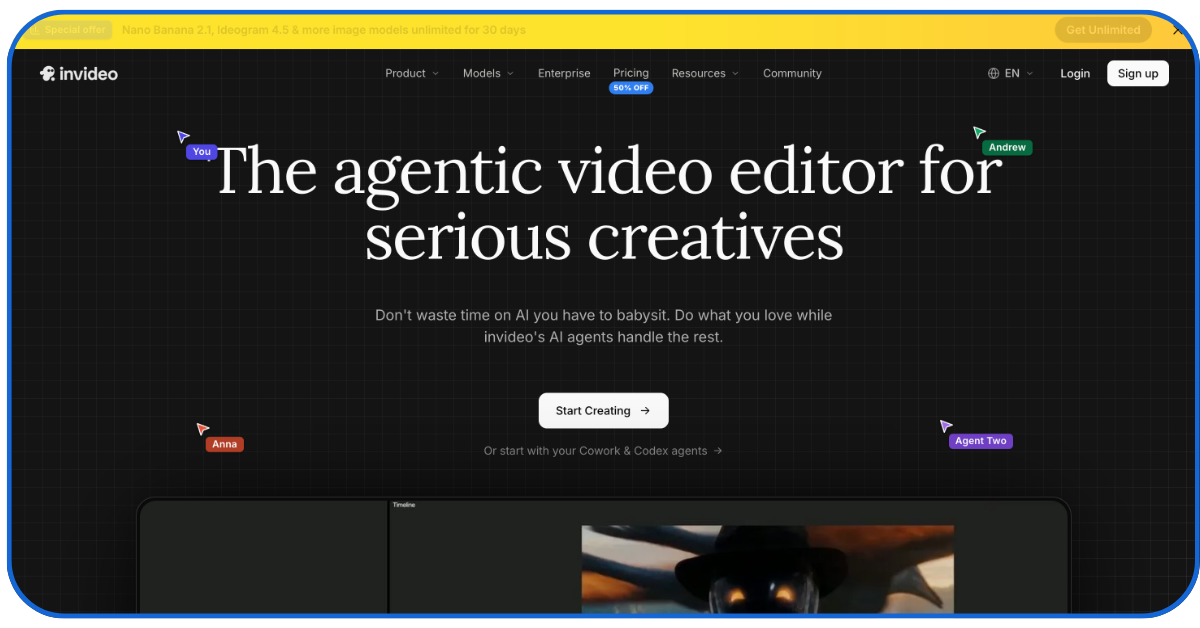
Kling and Runway can generate amazing shots — but someone has to organize them.
InVideo is that organizer. It has an ‘agent’ setup that you can use as your own production crew:
- One agent holds the series script
- Another blocks the shots
- Another routes each shot to a suitable model like Seedance 2.0 or Kling 3.0
The ‘Kling + Seedance’ combination is all you need to create a full-fledged, high-quality microdrama series – without any manual editing. You also get:
- Strong project memory for characters, locations, and visual rules
- Per-shot model routing instead of one model for everything
- Voices and music built in
This is the perfect ‘one-platform-for-everything’ tool for beginners, and starter plans cost just $20.
-
Hailuo AI (MiniMax)
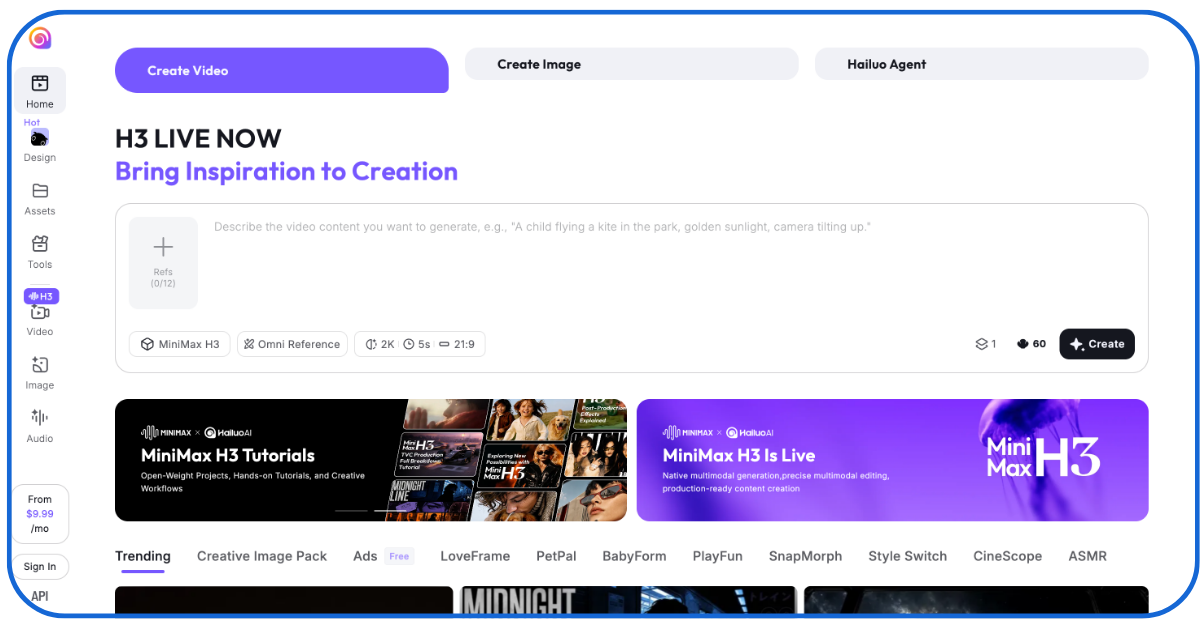
Hailuo is consistently rated as one of the best AI tools for microdramas because of its ability to understand complex prompts.
Describe an atmosphere in detail (like – ‘rain on a hospital window at 3 AM’), and it’ll deliver a short video with that exact mood and great natural lighting.
Hailuo is best for creating:
- Emotional scenes directly from text when you have no start frame
- Scenes that need good lighting and shadow
- Stable backgrounds
If you want to create a series of videos with just text prompts, Hailuo is a safe bet. But you’ll have to get the $94.99/m unlimited plan for that.
-
Luma Dream Machine
Luma is built for speed. Where other tools make you wait hours to generate different versions of a scene, Luma lets you experiment with a scene in dozens of ways and times in an hour.
It’s also strong at creating scenes where characters are moving rapidly (like sprinting down corridors or car crashes). Extending a clip from 5 seconds to 10-15 is also easy on the Luma Dream Machine.
Overall, Luma is great for:
- Creating kinetic cliffhanger shots
- Fast iteration
- Creating fluid and fire effects
- Generating looping backgrounds for dialogue scenes
Pricing is usage-based.
-
Pika

Pika is one of the faster, more playful AI tools for making microdramas for individual users. It’s perfect for rapidly generating short social media video chains or short anime-style dramas.
Pika also offers:
- Region-specific edits (no need to regenerate scenes to make minor edits)
- Built-in lip-sync features
- Fast generation for rapid prototyping
- Accessible interface for non-technical creators
If you can manually polish your Pika creations with CapCut, you’ll love this tool’s $10/m basic tier.
-
HeyGen
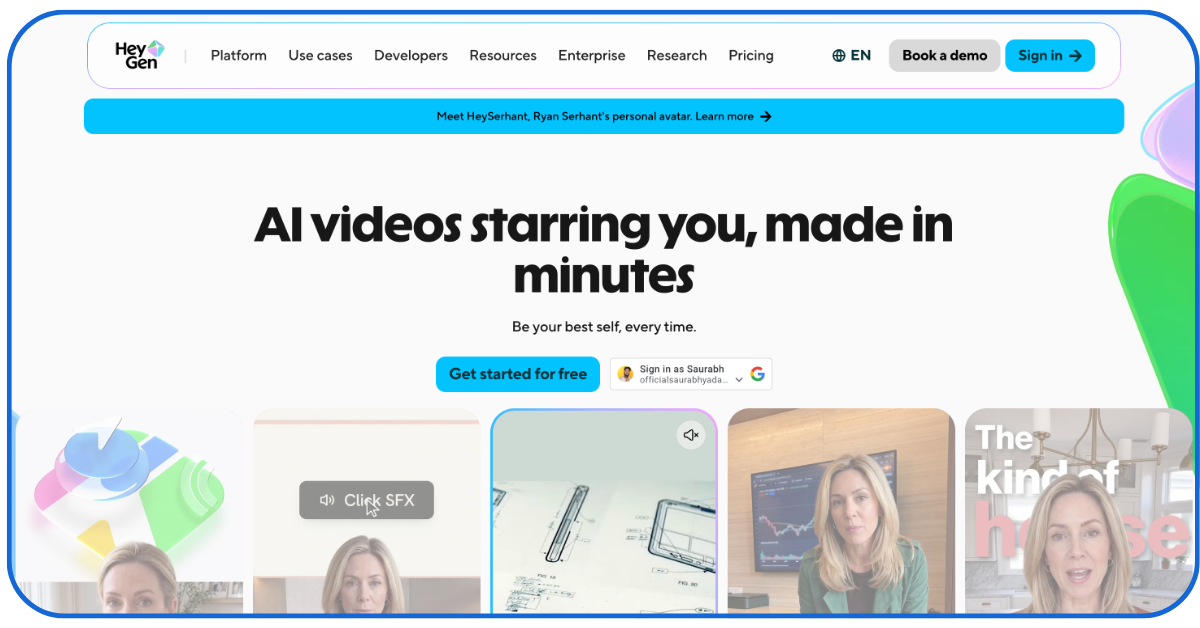
If the microdrama you’re developing has multiple emotionally resonant dialogue scenes, HeyGen can be of great help.
It generates talking avatar videos directly from scripts with hyper-expressive facial expressions like smirks, raised eyebrows, or sorrow.
HeyGen’s standout features are:
- Generating faces with detailed micro-expressions
- Templates for reaction-style hooks
- Voice cloning
- Translation across a large language list
You can upload a short audio sample of an actor and quickly generate hours of consistent, emotionally varied dialogue in multiple languages on HeyGen.
You can also use it to dub multilingual versions of existing episodes. But it’s restricted to the talking-head format and can’t generate full-body cinematic action sequences.
-
Synthesia
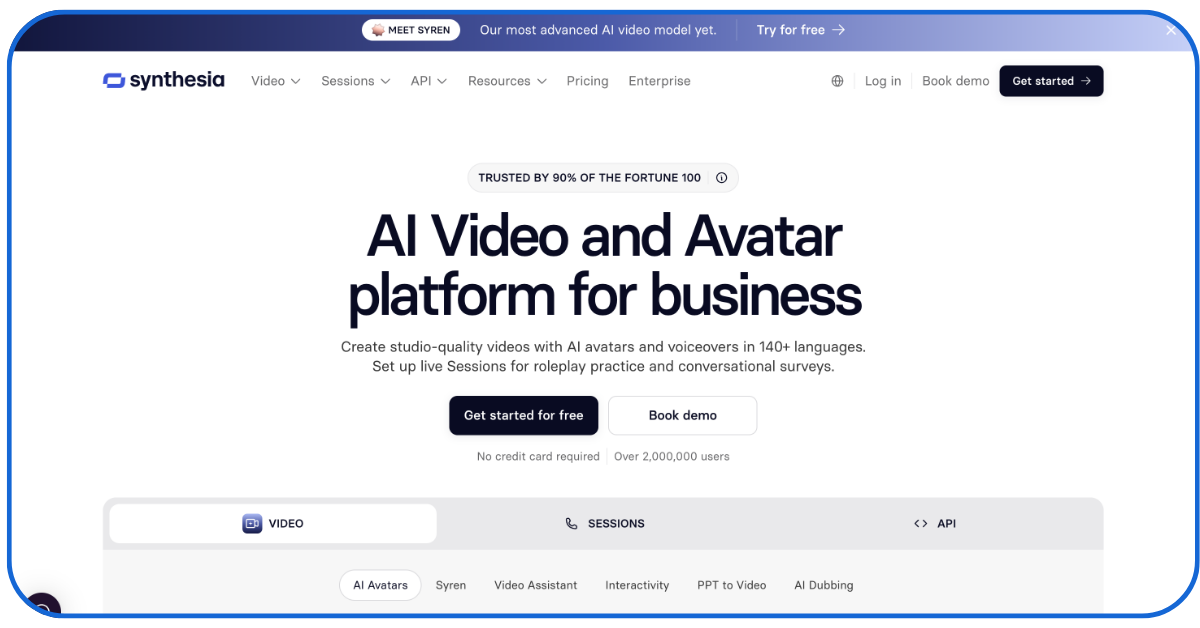
Synthesia is the corporate-centric version of HeyGen. It’s typically used by:
- B2B marketers
- Corporate marketing teams
- Educational brands
They use it to create:
- Serialized training videos
- Marketing videos where presenter-style characters deliver dialogues
- Employee training videos
- Brand stories
If your microdrama is dialogue-heavy (rather than cinematic action), Synthesia is great as it offers:
- Stock avatars and personal digital twins
- One-click translation
- Strong lip sync and translation into 140+ languages
Synthesia is a great tool for corporate teams experimenting with AI microdramas.
-
CapCut
CapCut comes last in the microdrama-making process. Here, makers can assemble their AI clips and apply:
- Auto-captions
- Animated text
- Speed ramps
- Transitions
- Sound effects
- Vocal isolation and background removal
- Trending sounds and music
You can apply all of those essential effects and use the built-in ‘social-media-export’ feature to publish your videos directly.
Most creators who post AI-generated short dramas regularly use CapCut.
And it just costs $9.99/month!
How to Choose the Best AI Tool for Microdramas
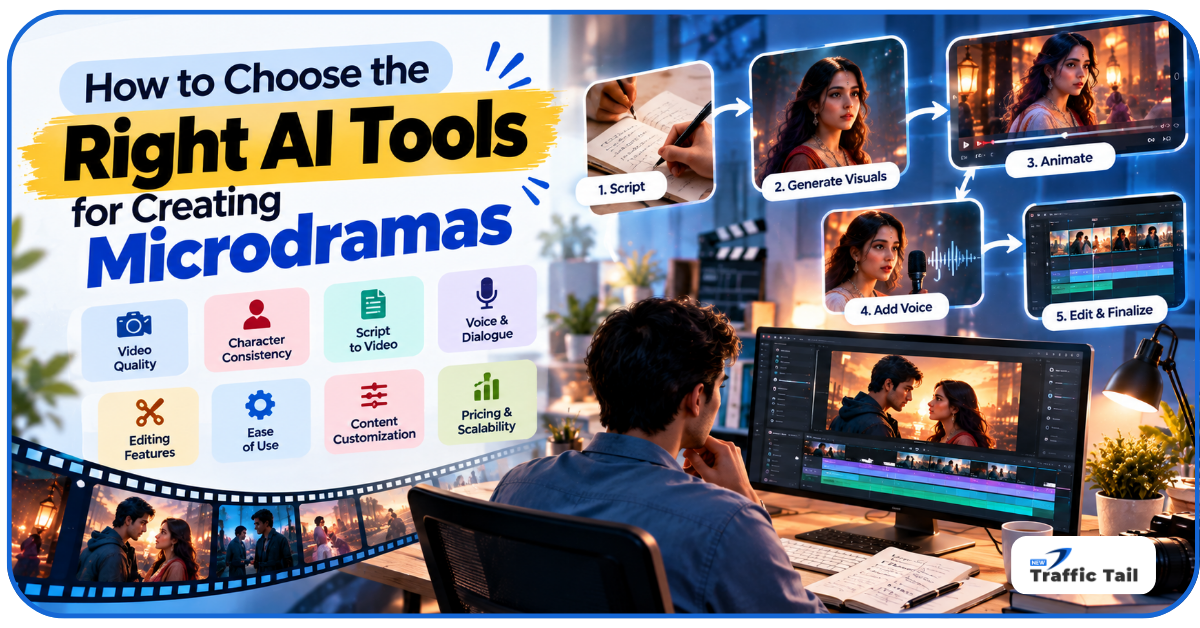
The ‘best tool’ for you depends on your workflow, skill level, budget, and specific requirements like:
Video Quality: For cinematic-looking work, Runway and Hailuo stand out
Character Consistency: Kling is the best for maintaining facial identity and visual consistency.
Script-to-Video: If you lack editing or image-generation skills, stick to the prompt-to-video tools like Runway or Hailuo.
Voice and Dialogue: HeyGen and Synthesia give the strongest lip sync and voice delivery.
Editing Features: CapCut is the best at assembling clips and hiding AI imperfections.
Ease-of-Use: Pika is one of the best AI tools for microdramas for beginners.
Content Customization: Runway’s Motion Brush and Pika’s region edits let you change one element without regenerating a whole clip. That saves credits.
Social Media Compatibility: Most generators support vertical outputs, so this shouldn’t be a big deciding factor.
Pricing and Scalability: Credits vanish quickly when you reroll shots. A team making multiple episodes should model its burn rate first. Unlimited plans, like Hailuo’s, keep costs predictable.
Here’s how many professional teams use these AI tools for making microdramas:
- Write a well-defined script with ChatGPT/Claude
- Generate start frames with Midjourney
- Animate the images with Kling
- Add establishing shots with Runway or Luna
- Create voice close-ups in HeyGen
- Finish the project in CapCut
Use the rest of the tools for specific projects — like HeyGen for educational ads or Synthesia for B2B marketing.
How AI Microdramas Can Support Digital Marketing
Many major brands are using professionally produced microdramas today to promote their brands online, like:
- P&G
- Maybelline
- Marc Jacobs
- Crocs
Here’s how AI-generated short dramas can help smaller brands do the same, but at much lower costs:
- Social Media Marketing: Serialized posting trains users to expect and look forward to content from brands
- Brand Storytelling: Brands can influence audiences without explicitly promoting themselves (like Crocs recently did) by making viewers connect with a gripping story first and then their product
- Engagement: Cliff-hangers create a reason to return — which a standalone ad can’t do
- Product Promotion: With AI, you can easily insert products into scenes – a subtle yet effective marketing mechanism
- Localization: AI tools for making microdramas (like Synthesia) can translate dialogue into 140+ languages
More Tips for Creating Engaging AI Microdramas
Presenting a compelling story, with engaging plot points, hooks, and cliff-hangers, is still way more important than using the right tools.
So treat the software as a means and the story as the product.
- Hook: Instantly hook the viewer with a bold claim, a relatable pain, or by starting the scene mid-argument
- Conflict-per-Episode: In <90 seconds, there’s room for only 1 problem, 1 escalation, and 1 cut-off
- Recurring Characters: Familiar faces/stories create attachment, so lock them with reference sheets
- Cliffhanger: End each clip with a shocking secret, betrayal, or threat
- Visual Consistency: Even if the audience can feel the microdrama is AI-generated, they expect consistency in clothing, setting, colour tone, and the characters’ facial features
- Edit: AI scripts sound too formal; rewrite them into short, punchy lines people would actually say; use other AI editing tools to remove visual flaws
- Subtitles: Many phone users watch on mute, so use big animated captions
- Test Hooks: Test different opening shots with test viewers; only keep the most engaging ones
- Track Retention, Read Comments: Write the next episode to shock or satisfy the expectations of the commenters
Conclusion
So, what are the best AI tools for microdramas for your next project? The ones you feel are the easiest to experiment with.
So, start experimenting now! Max out on the free plans and the free credits.
As you grow comfortable creating coherent series of clips, integrate the tools you like into your digital marketing stack. AI tools for making microdramas will be an indispensable weapon in most digital marketing arsenals soon, so start now!
FAQs
Q1- Can AI microdramas be monetized on social media?
Yes, creators can monetize directly on social platforms with revenue-sharing.
Q2- Can AI microdramas be created without acting experience?
Absolutely. The best AI tools for microdramas are trained on hours of high-quality acting footage. They can easily synthesize believable digital performances.
Q3- How long should a microdrama episode be?
60-90 seconds, but episodes can stretch to 150-180 seconds if the narrative tension supports it.
Q4- Can AI microdramas use the same characters across multiple episodes?
Yes. A key part of learning how to make AI drama series is setting specific character reference parameters.
Q5- Can AI microdramas be created in multiple languages?
Yes! The main motivation to create AI-generated short dramas is that you can cheaply target large Hindi-, English-, Chinese-, or Portuguese-speaking markets!