
Businesses today are digitising faster than ever. But most of them are not investing in the necessary cybersecurity tools and techniques to secure what they’re digitising. Now, AI is making cyber security an even more expensive concern for businesses.
While this technology can strengthen threat detection, it can also help hackers create more convincing phishing messages and automate their attacks.
For eCommerce brands, that could mean more checkouts getting compromised by scammers. For digital marketing agencies, it could mean drastic increases in their private client data getting stolen.
Every business with a digital presence is facing unprecedented cyber threat levels today. And for smaller businesses, that risk is even bigger because they can’t afford to buy every defence on the market. So selecting the right cyber security tools has never been more important.
This guide will simplify that selection process.
We’ll review 11 proven cyber security tools and arrange them in the sequence security practitioners recommend using them. By the end, you’ll get a clear idea of what paid and free cyber security tools you need to keep your business processes and data 100% safe in this new era of cybercrime.
What Are Cyber Security Tools?
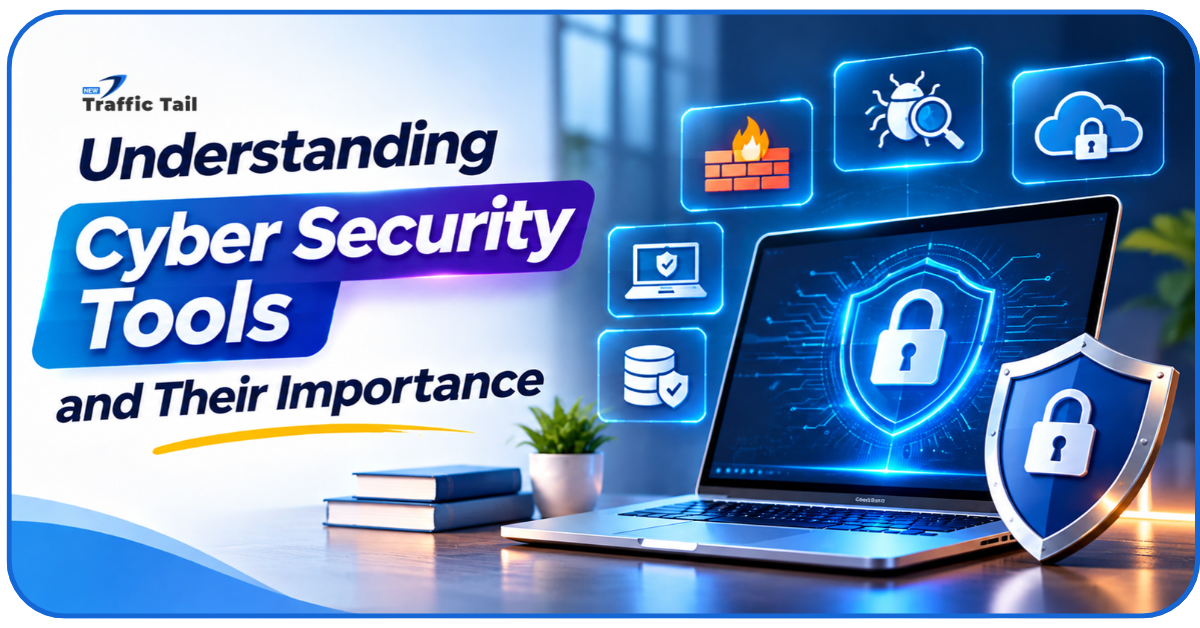
They’re a mix of different types of software systems that expose weaknesses in a company’s digital network before attackers find them. They work mainly in these four layers:
- Antivirus software blocks malicious files on individual devices
- Firewalls watch live traffic for major security threats and filter incoming and outgoing network traffic
- Vulnerability scanners consistently check the company’s digital network for known weaknesses
- Penetration-testing tools consistently test whether those weaknesses can actually be exploited by cybercriminals
Businesses need all of these different types of cyber security tools to protect every aspect of their digital presence – from their customer databases to the accounts they use to run digital campaigns.
Let’s go through the 11 most essential cyber security tools and techniques of today, next.
11 Top Cyber Security Tools Every Business Should Know About
We’ve arranged this cybersecurity tool list in the order security professionals recommend using them:
1. Nmap
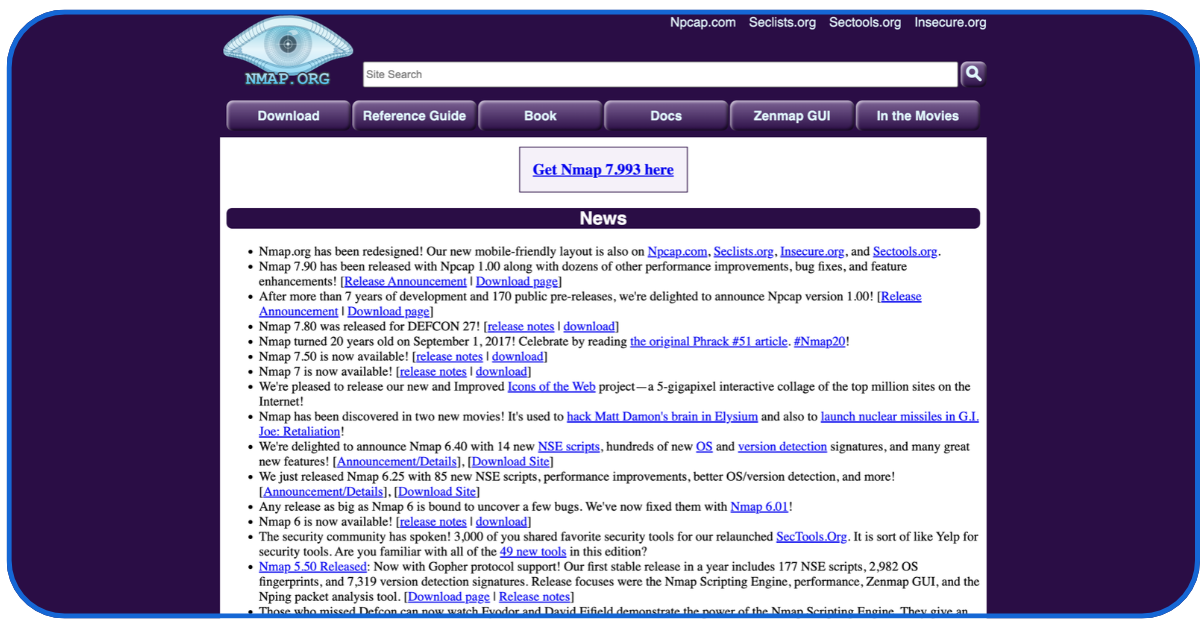
Every honest security audit starts with knowing what business assets are actually connected to the internet. Nmap is a free, open-source tool cybersecurity administrators run to learn that.
Short for ‘Network Mapper,’ it sends raw IP packets across a subnet to reveal live hosts, open ports, running services, and active firewalls. Its built-in scripting engine can also flag outdated software.
For small businesses, the value in all of this is finding potential security openings like –
- Forgotten servers that may attract injection attacks
- Staging sites that never got taken down
- Old landing pages still running on open ports
These unsecured digital touchpoints may hold customer data or connect to client accounts and thus expose the company’s digital network to broader cybersecurity risks.
Nmap is a free, open-source tool that scans and identifies all of these potential risk openings.
Its scan results are not certified proofs of vulnerabilities or invulnerabilities. Businesses should still use other tools to confirm and build on Nmap’s findings. But, as far as open-source and free cyber security tools go – Nmap is about as ‘must-use’ as they get!
2. Nessus
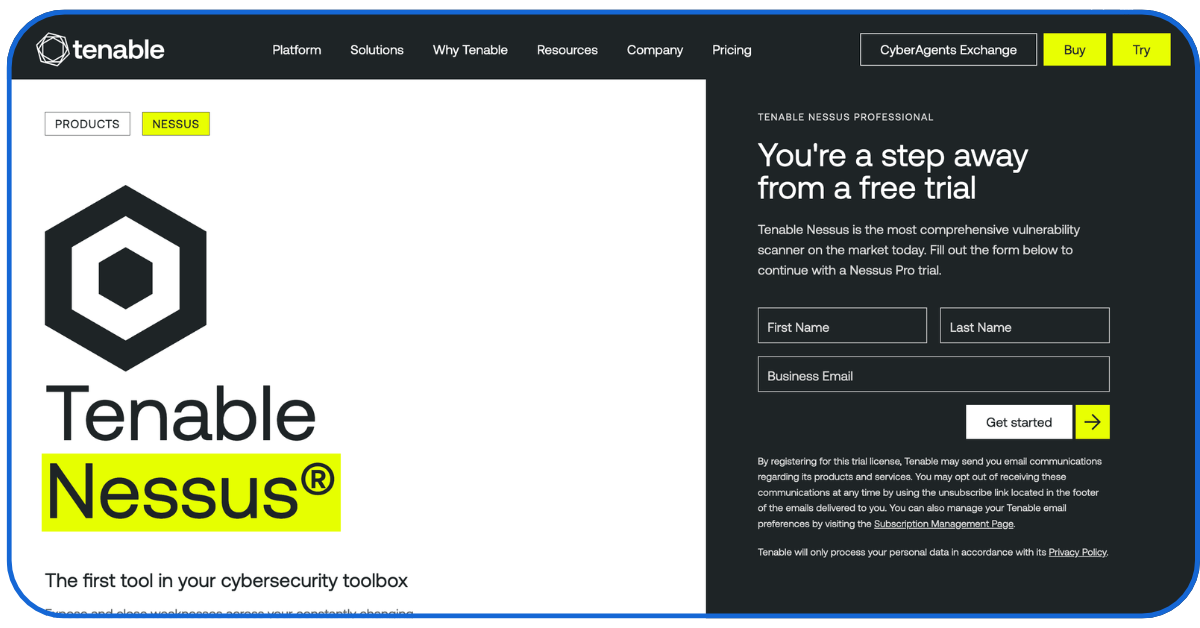
Once Nmap identifies the exposed systems, Nessus can investigate whether they contain certified weaknesses. It’s a dedicated vulnerability scanner that runs thousands of targeted checks for:
- Missing security patches
- Weak encryption cyphers (that basic, free port scanners routinely miss)
- Insecure network security configurations
Nessus is a paid product for professional use. So, smaller firms should weigh the licence against their needs. But if you’re a small business – like a digital marketing firm – paying for it will be worth it.
Nessus will audit your firm’s content management systems, server stacks, and third-party plugins. It’ll routinely tell you whether these business-critical systems face any cybersecurity threat.
The same goes for all growing enterprises, managed service providers, and security consultants that have to run routine formal compliance and security audits.
3. OpenVAS (by Greenbone)
OpenVAS is the free alternative to Nessus. It is an open-source vulnerability scanner that, like Nessus, scans systems for vulnerabilities and produces reports that help teams decide what needs fixing.
For a lean agency that cannot justify a Nessus licence for every client site, it does the core job. But since it is open-source, you’ll need some technical expertise to set it up and then run it manually.
It’s also not a set-and-forget tool like Nessus, and reading its reports also requires some technical know-how. But it’s a great free cyber security tool for smaller-scale agencies that have to routinely scan multiple internal systems and client websites for vulnerabilities.
4. Burp Suite
Network scanners catch server-level flaws. But most modern attacks target the company’s web application layers that sit right above the servers. For example, hackers may not directly target an agency’s internal CRM. But they can hack into a company network via their:
- Lead-capture forms
- Checkout flows
- Payment integrations
Burp Suite helps secure this critical web layer. It tests, intercepts, and manipulates all requests between the company’s servers and browsers. Testers can manually run the tool’s free Community Edition to manually inspect, pause, and modify live HTTP requests to uncover:
- Broken authentication attempts made by bot farms
- Injection flaws from hackers who insert malicious code (like SQL queries or cross-site scripts)
- Logic bugs from hackers trying to manipulate checkout and form flows to bypass business rules
The tool’s automated crawler and scanner can uncover all of this routinely on their own.
But those features cost up to $500/year.
5. OWASP ZAP
OWASP ZAP offers an accessible, open-source route to web app scanning. It can test websites for all the security problems that Burp does – for free. And it offers automation for free as well.
So, digital marketing agencies love using it to run routine checks while their landing pages or apps are in development. To run and configure it, you’ll need to have some technical expertise.
But once you have that, you can pair it with Nikto, a light command-line tool that flags outdated web servers, web-server misconfigurations, and messy or outdated HTTP components in seconds.
6. Metasploit
Scanners like Burp and OWASP produce long lists of theoretical weaknesses. Metasploit steps in to answer the only question executives care about — can an attacker actually break in?
It bundles thousands of exploit modules and payloads to validate whether a vulnerability is genuinely exploitable. Most businesses don’t operate Metasploit’s open-source framework in-house.
They hire authorised penetration testers who use it under signed scopes of work. These experts reveal details like whether a weak CMS admin portal truly exposes customer email lists.
7. Wireshark

Testing tools check static weaknesses. But when a network slows down mysteriously, or data starts leaking out, most cybersecurity professionals reach for Wireshark.
It’s the standard open-source packet analyser. It captures live network traffic and breaks down hundreds of protocols frame by frame so analysts can trace rogue outbound connections.
But Wireshark is a microscope, not an alarm system. It will never alert a team automatically, and reading huge packet captures takes genuine practice.
Even so, it remains one of the most essential free cyber security tools for network troubleshooting.
It helps teams quickly trace strange traffic spikes or suspicious outbound data transfers from servers that hold sensitive customer records.
8. Snort
No engineer can stare at Wireshark captures all day. Snort automates 24/7 traffic inspection.
It’s an open-source intrusion detection and prevention system (IDS/IPS).
It watches packets crossing the network against customizable rule sets and logs things like:
- Suspicious signatures
- Dropping malicious traffic outright
For agencies running on-premise servers or their own private cloud hosts, Snort stands guard over their shared networks — where clients’ creative assets and campaign databases live.
But setting it up takes manual rule tuning (to cut down false alarms).
9. Wazuh
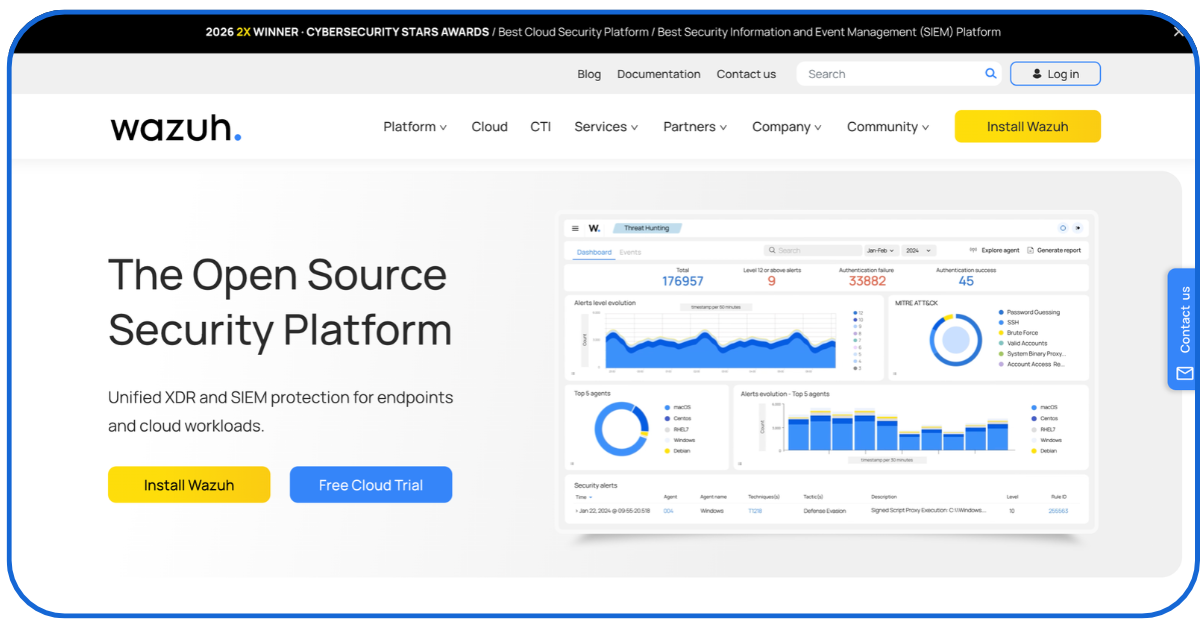
Watching network packets with Snort still leaves a blind spot on the actual servers and laptops.
Wazuh brings together security event monitoring, log analysis, endpoint monitoring and threat detection through an open-source SIEM (Security Information and Event Management) platform.
It gives teams a central view of all suspicious activity across their infrastructure in a dashboard.
Wazuh is free, but deployment and maintenance require technical skills.
It is a practical starting point for smaller IT teams at agencies tracking access to analytics platforms, customer databases and advertising accounts.
10. Splunk Enterprise Security
When log volumes explode across hundreds of servers, cloud apps, and global offices, open-source deployments start straining under maintenance.
Premium solutions like Splunk Enterprise Security are made for such scenarios. It’s a heavyweight commercial SIEM. It ingests machine data from almost any cloud or on-premises source.
Then, it correlates anomalies at massive scales.
Large digital publishers and enterprise agencies with strict client compliance contracts use Splunk to correlate massive web traffic logs against real-time attack patterns.
11. CrowdStrike Falcon
Logs and network sensors mean very little if an employee clicks a malicious attachment on a coffee-shop laptop. That’s why CrowdStrike Falcon is the final, critical layer in our cyber security tool list.
This is a premium, cloud-native Endpoint Detection and Response (EDR) platform. It uses lightweight sensors and behavioural AI to spot risks like:
- Ransomware
- File-less malware
- Credential theft
It’ll flag those risks in real time across distributed workforces and employee device networks.
For remote design and media-buying teams whose browsers hold saved logins to every client ad account, this form of EDR is invaluable.
But it only works if every single reimaged employee laptop actually keeps the agent installed.
How to Choose the Right Cyber Security Tools for Your Business
Now, let’s compare these top cyber security tools side-by-side to help you determine which ones are suitable for your business security needs:
| Cyber Security Tool | Free/Paid Availability | Best Use Case |
| Nmap | Free, open source | First-step audit of exposed ports and services |
| Nessus | Pro $4790/yr. | Deep vulnerability checks and compliance audits |
| OpenVAS (Greenbone) | Free Community edition
Paid Enterprise feeds |
Quarterly scanning for budget-conscious small teams |
| Burp Suite | Professional $499/user/yr. | Hardening eCommerce checkouts and web apps |
| OWASP ZAP | Free, open source | Routine security checks on websites and forms |
| Metasploit | Free, open-source Framework + paid Pro edition | Authorised testing by security professionals |
| Wireshark | Free, open source | Investigating suspicious traffic or slowdowns |
| Snort | Free, open source (paid subscriber rules optional) | Continuous monitoring of network traffic |
| Wazuh | Free, open source (paid cloud hosting optional) | Small and mid-size teams needing log visibility |
| Splunk Enterprise Security | Paid (custom data-volume pricing) | High-volume log correlation with a dedicated SOC |
| CrowdStrike Falcon | 60-185/device/yr. | Protecting remote teams and distributed laptops |
Free Cyber Security Tools vs. Paid Solutions: Which Should Businesses Choose?
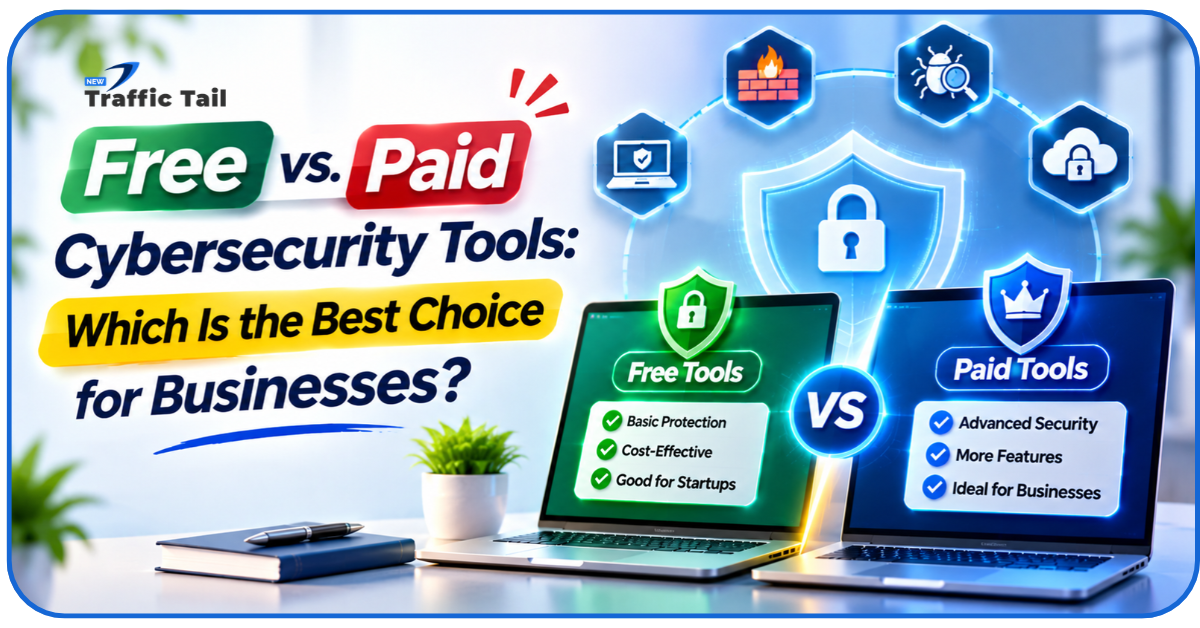
Depends on your in-house team’s technical expertise.
When in-house skill is thin, paying for a streamlined commercial platform or a managed security provider beats letting free cyber security tools collect dust.
But, gaining the technical know-how to run the free, open-source cyber security tools along with one or two paid solutions is by far the best option in the long run.
For digital marketing firms, eCommerce operators, and online publishers, the stakes extend straight to revenue. Top agencies work in an environment where businesses routinely manage Google Analytics properties, CRM lead databases, client ad accounts, and publisher logins.
A single compromised credential can pause live campaigns, leak customer records, or knock a high-converting site offline.
Using a mix of free and paid cyber security tools and techniques helps these businesses:
- Protect uptime
- Preserve client experience
- Safeguard their brand’s reputation
Conclusion
Start your journey into the ever-important world of cyber security tools with Nmap and OpenVAS or OWASP ZAP to run periodic scans.
Then, deploy Wazuh for basic log visibility, enforce MFA, and use a password manager across every admin and analytics login.
Once the number of remote laptops and client accounts in your network multiplies, layer on paid endpoint protection tools like CrowdStrike Falcon.
FAQs
Q1- How much does cyber security pay for professionals in India?
Entry-level – ₹4-7Lakhs per annum, mid-level – ₹8-15 LPA, and senior-level ₹20-45+ LPA.
Q2- Can small businesses protect themselves without a dedicated security team?
Yes, with a mix of:
- Free cyber security tools
- Seasonal managed security services
- Staff training
Q3- Which of these tools should a small business start with?
Nmap + OpenVAS or ZAP.
Q4- Is it legal to scan with Nmap or Metasploit?
Only on systems you own or have written permission to test.
Q5- Can AI replace cybersecurity professionals?
No, because human scammers can outthink AI-powered cyber security tools, and we’ll always need smarter humans to outthink them.