
Are you confused about automating office workflows? 91% employees reported that their companies are using at least one automation tool. The stats are good, but using only one tool says a lot about the owners’ mindsets.
They are avoiding blind automation of workflows, but at the same time, they are compromising employee productivity. When we consider their concern, the owner is not wrong either. As these office automation tools are expensive, installing them without understanding the need is not a wise decision.
If you are also a confused owner, then you should read this article. We haven’t just curated a list of the best available tools, but have answered what, why, and how of automating workflows.
So, let’s start with “What”!
What is Office Automation?
Office Automation is the systematic use of technology and AI-powered digital tools to execute and automate repetitive tasks. It limits digital burnout and adds to the productivity of the organisation. By installing the required tools for your business, you create an office automation system that eliminates manual errors and allows employees to focus on important tasks.
The whole system integrates multiple tools and digitises workflow to manage all tasks in one place. It eases scalability and allows you to keep track of growth on one dashboard.
Coming to the main components of automation, it includes document management, email routing, approvals, scheduling and digital assigning of tasks.
Why do you need Office Automation tools?
As per reports, businesses that have automated their workflows have improved productivity by four times. Apart from smooth management, such companies have improved talent retention rate and reduced digital burnout significantly.
By now, you must have understood the benefits of automation. Now, let’s have a glance at the types of office automation tools that you cannot miss, irrespective of business size.
Types of Office Automation Tools

Document Management Tools
Document management tools help organisations create, store, and organise digital documents in one place. They make it easier for teams to access files quickly and reduce the need for physical paperwork.
Communication and Collaboration Tools
These tools allow team members to collaborate efficiently through messages, calls, and shared workspaces. They help improve coordination and ensure that everyone stays connected while working on tasks.
Project Management Tools
Project management tools help teams plan projects, assign tasks, and monitor progress. They keep work organised and ensure that deadlines and responsibilities are clearly defined.
Workflow Automation Tools
Workflow automation tools streamline repetitive tasks by automating routine processes. This helps save time and improve overall productivity in the workplace.
Data Management and Spreadsheet Tools
These tools make it easier to track information and support better decision-making based on accurate data. Whether you’re managing office workflows or using specialized resources like a Joist paint calculator to estimate materials, the right digital tools simplify complex tasks and reduce human error.
Difference Between Business Process Automation and Office Automation
As we discuss office automation, there are two closely related concepts you should know. Often, Business Process Automation and office automation are used as each other’s substitutes, but are different in reality. Office automation can be done in a single department, while BPA is used for complex tasks that could be inter-departmental. Also, office automation tools don’t require heavier technologies like Robotic Process Automation (RPA) and Intelligent Document Processing(IDP) that are necessary for Business Process Automation.
Role of AI in Office Automation
AI provides error-free data analysis. It can analyse patterns in data, generate insights, and help businesses make informed decisions. For example, AI systems can predict trends and provide useful recommendations for improving workflow.
The key roles of AI in office automation are automating repetitive tasks such as data entry, scheduling meetings and managing documents. AI-powered tools can quickly process large amounts of information, reducing errors and saving time.
Another important contribution of AI is enhancing communication and collaboration. AI chatbots, virtual assistants, and smart email systems help employees manage messages, respond to queries, and organise tasks more efficiently.
Overall, AI has become a powerful component of office automation. By increasing accuracy and speeding up processes, it supports better decision-making.
No,w let’s have a glance at the list of office automation tools.
11 Best Office Automation Tools List
1. BetterCloud

BetterCloud is one of the most affordable office automation tools. It helps organisations manage and automate tasks across different cloud applications used in the workplace. It allows IT teams to control user access, monitor software usage, and automate routine administrative work.
It eases app management and improves security. It helps businesses in maintaining smoother operations while reducing the time spent on manual system management.
Price
$3-$10 per user/ month
Rating
4.5/5
2. Spoke
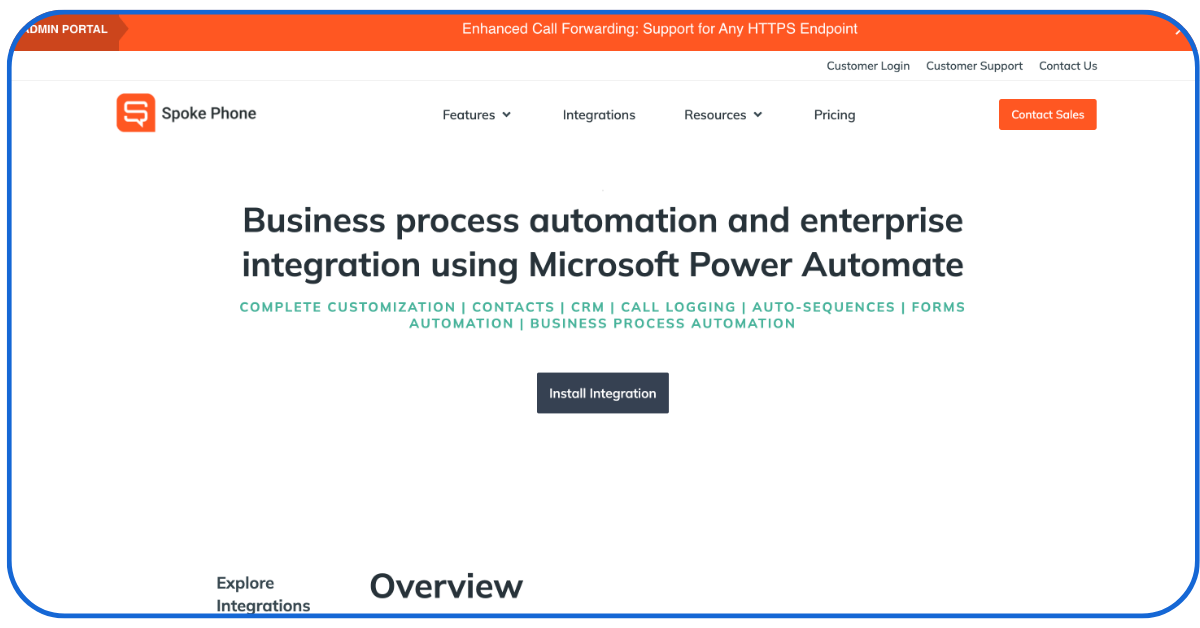
Spoke is known for delivering what it promises. It is designed to streamline internal requests within an organisation. The employees can use it to ask for IT help, HR support, or other workplace services through a single system.
The platform organises and tracks these requests automatically. This improves response time, reduces confusion, and helps teams handle internal operations in a more structured way.
Price
- Starter plan: $24 per user/ month
- Pro plan: $29 per user/ month
- Enterprise plan: $399
Rating
4.3/5
3. Robin
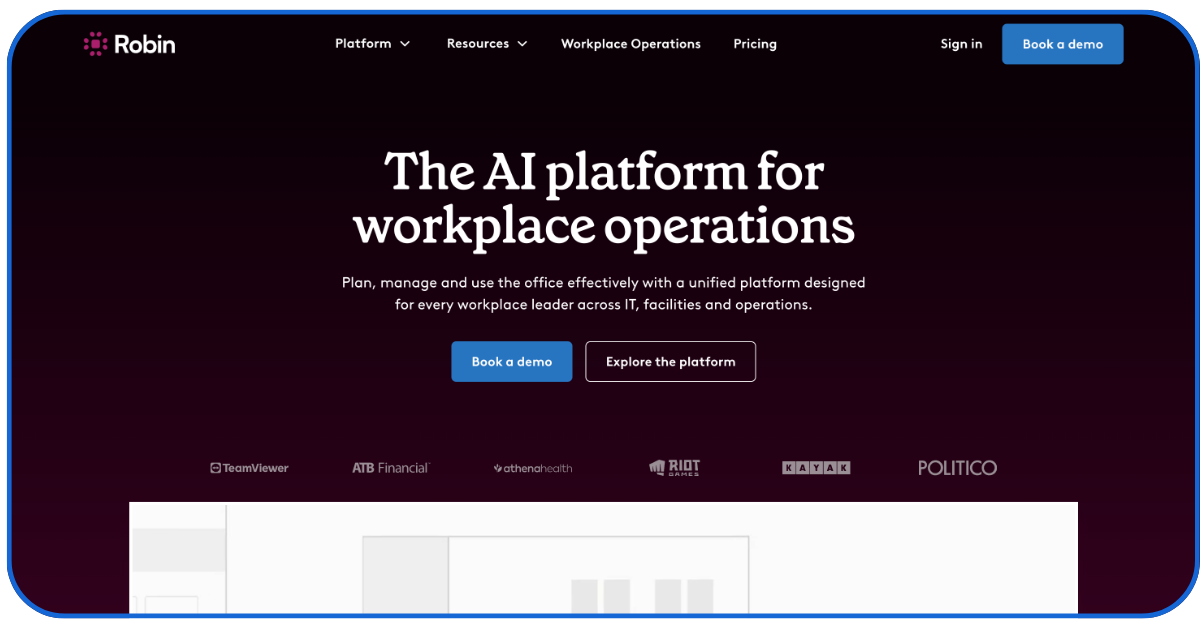
This tool is designed to simplify office scheduling and space management. It enables employees to reserve desks, meeting rooms, and other workplace resources through a digital platform. The system also provides insights into office usage patterns.
It is known for organising workplace planning efficiently. Apart from that, it also aids companies in supporting hybrid work models and creating a more structured office environment.
Price
Reach out to the team for clear pricing
Rating
4.6/5
4. Slack
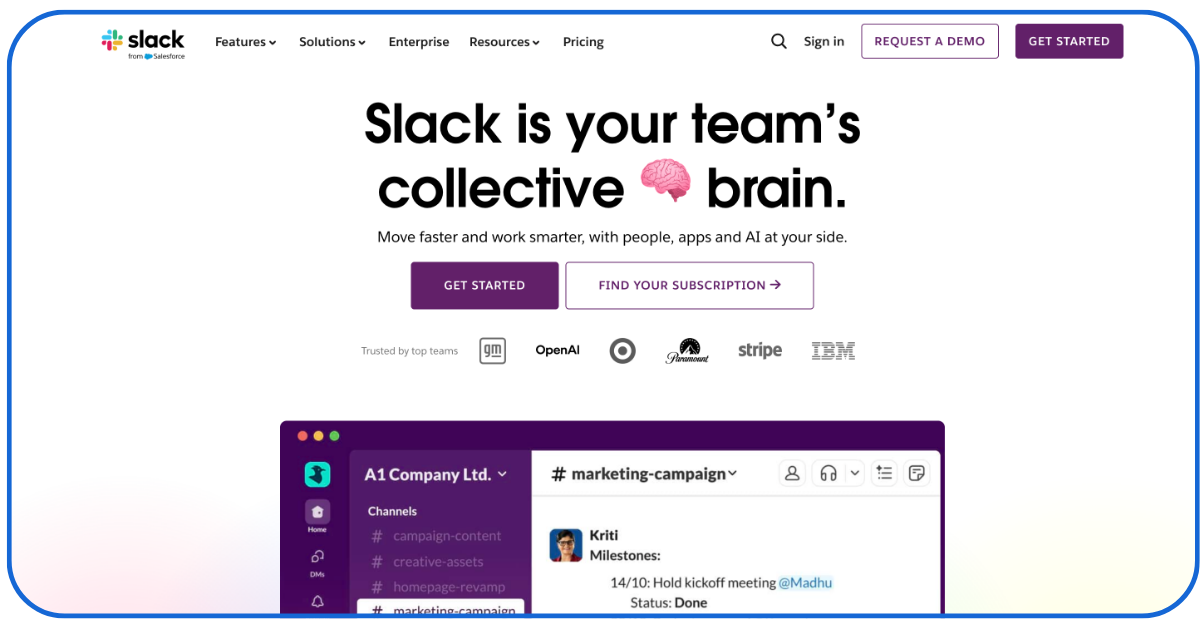
Slack is a workplace communication platform that helps teams stay connected and organised. It brings conversations, file sharing, and project updates into dedicated channels, making collaboration easier.
The tool can also integrate with many other office apps to automate notifications and tasks. It reduces email overload and helps teams communicate more efficiently.
Price
- Pro plan: $10 per user/month
- Enterprise Plan: $15 per user/ month
Rating
4.5/5
5. Deskbird
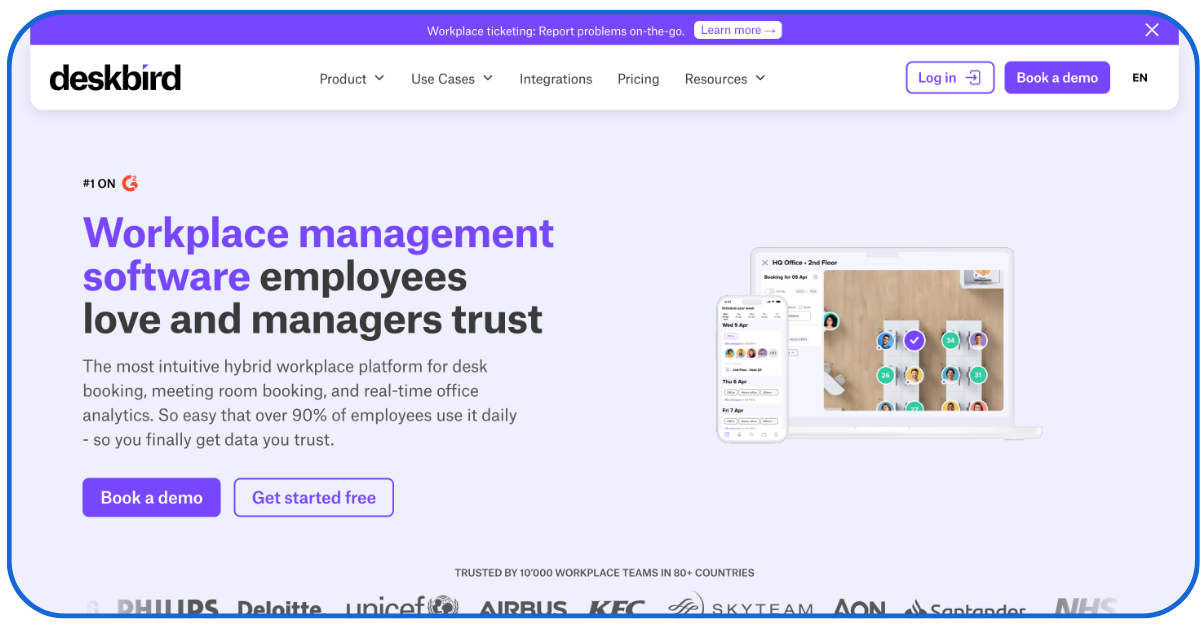
Deskbird helps organisations in managing hybrid workspaces more smoothly. It allows employees to book desks, meeting rooms, or office spaces through a simple digital system. Managers can also track office usage and plan workspace resources better.
It brings flexibility and better coordination by supporting efficient office management and improving the overall workplace experience for teams. The best part about this tool is that it offers a starter pack at zero cost.
Price
- Starter: Free forever
- Business: $3.75 per user/ month
- Professional: $4.75 user/ month
Rating
4.5/5
6. GitLab Duo

GitLab Duo is an AI-powered tool that supports developers and teams in managing software projects more efficiently. It assists with writing code, reviewing changes, and suggesting improvements during development.
It automates technical tasks and offers intelligent suggestions. It helps teams work faster, maintain better code quality, and simplify complex project workflows.
Price
- Pro: $19 per user/ month
- Enterprise: $39 per user/ month
- Self-hosted: $299 per seat/ month
Rating
5/5
7. Dialpad
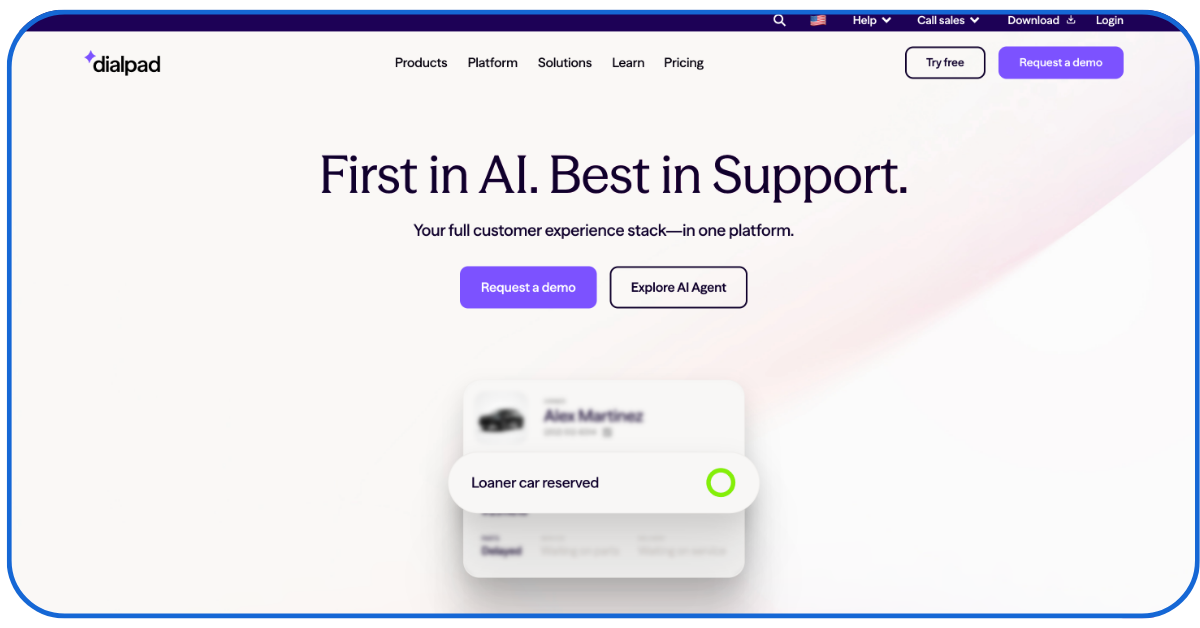
It is a cloud-based communication tool that helps businesses manage calls, messages, and virtual meetings in one platform. It uses AI to provide real-time call transcription, smart call routing, and conversation insights.
It streamlines communication and reduces manual note-taking. Dialpad helps teams respond faster, collaborate better, and improve customer interactions.
Price
- Standard: $15 per user/ month
- Pro: $25 per user/ month
- Enterprise: Custom pricing
Rating
4.4/5
8. Notion
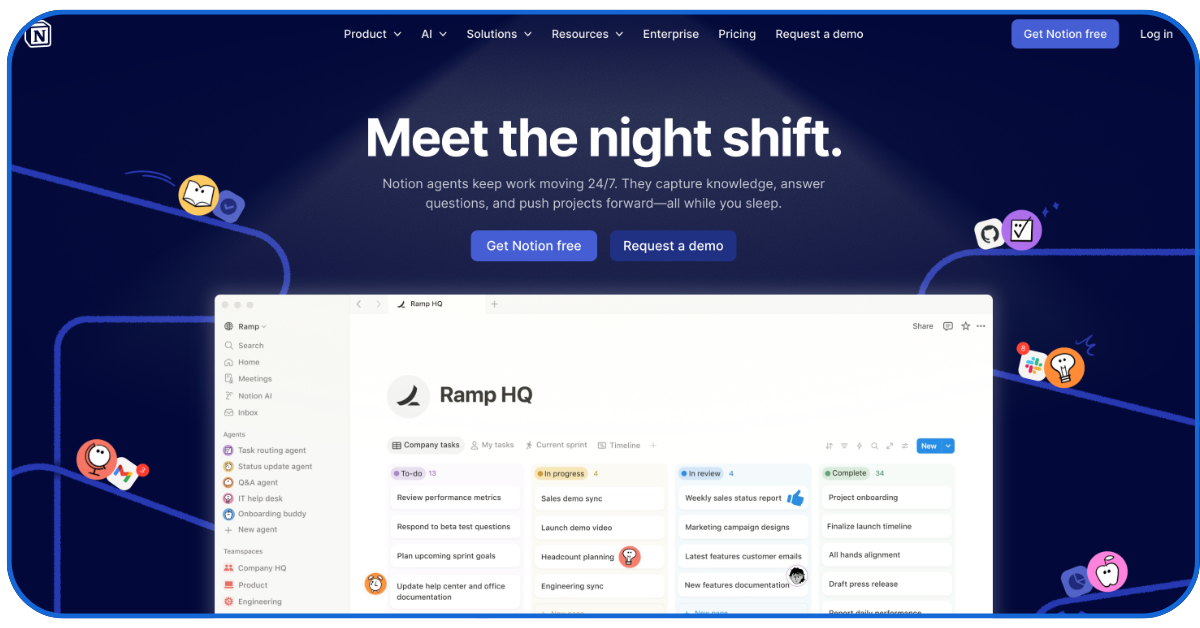
It is a flexible office automation platform that helps teams organise their work in a single digital workspace. It allows users to manage notes, tasks, databases, and project plans in an organised way.
It offers customizable templates and collaboration features that simplify workflow management, improve team coordination, and help employees keep information accessible and well-structured. It is one of the best office automation tools for note-taking.
Price
$10 per 1000 credits
Rating
4.8/5
9. QuickBooks

QuickBooks is a popular accounting and office automation tool used by businesses to manage their financial activities. It helps automate tasks such as invoicing, expense tracking, payroll management, and financial reporting.
It organises financial data in one system, improves accuracy, and allows businesses to monitor their finances and make better financial decisions. It provides 50% discount for the first 3 months, which is a great deal.
Price
- Basic: $38 per month
- Advanced: $275 per month
Rating
4/5
10. Pipedrive
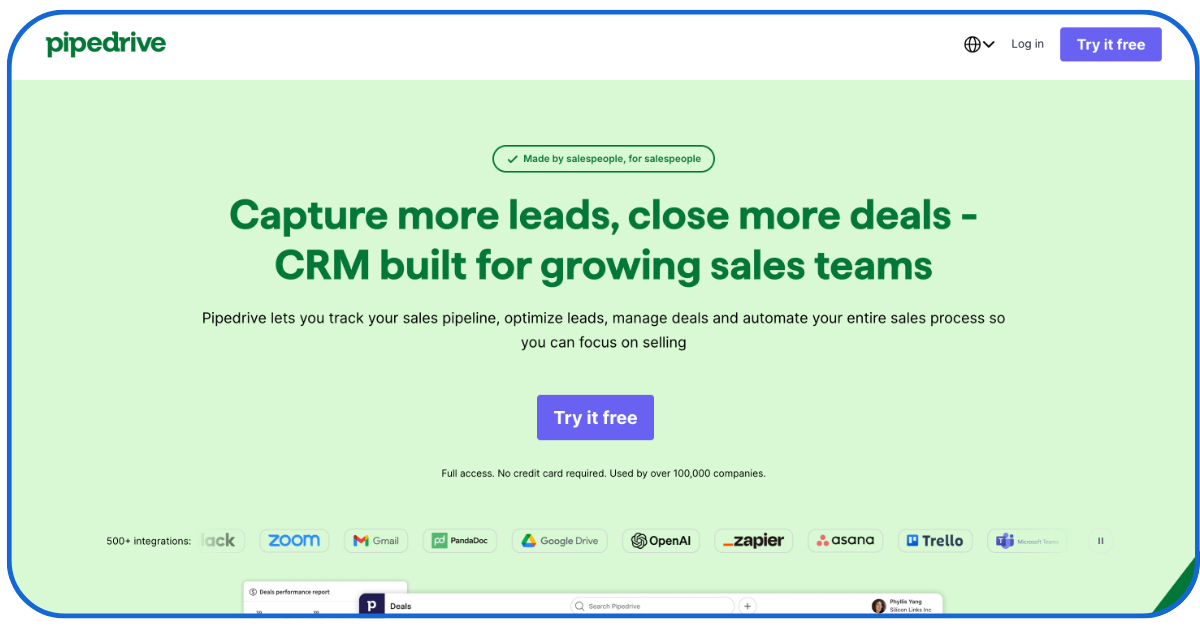
Pipedrive is a sales-focused office automation tool designed to help teams manage and track their sales pipeline effectively. It allows users to organise leads, monitor deals, and automate follow-ups.
This tool provides clear visual dashboards that make it easier to understand sales progress. It simplifies sales management and helps teams stay organized, improve efficiency, and close deals faster.
The basic version is affordable, but the advanced version lies on the pricier side.
Price
- Basic: $19.90 per month
- Advanced: $94 per month
Rating
4.3/5
11. HubSpot

HubSpot is a widely used office automation tool that helps businesses manage marketing, sales, and customer relationships in one place. It automates tasks like email campaigns, lead tracking, and customer communication.
It helps in organising data and simplifying workflows, which allows businesses to build stronger customer relationships. HubSpot is one of the oldest office automation tools known for its top-tier performance till today.
Price
- Basic: $20 per user/ month
- Professional: $800+/month
Rating
4.5/5
Ending Words
In 2026, if you are saying no to office automation tools, you are giving an advantage to your competition, as they are focusing on important tasks instead of repetitive manual work. Office automation toolsares not a luxury anymore, instead it has become the need of this hour. It not only automates tasks but also lowers your operational costs. From streamlining communication to tracking employee performance, everything can be done in a unified space. So, it’s high time to stop wasting hours on tasks that can be completed by a machine in minutes. It cannot be denied that change troubles, but that is temporary. Focus on the long-term benefits and choose the right tool for your business.
More Reading :
New Tools in Digital Marketing
Email Deliverability Tools for Businesses
FAQs
Q1- Which office automation tools are highly recommended for small businesses?
There are many tools, such as Rippling, Zapier, and many more, that are specifically designed for small and medium-sized businesses.
Q2- What are the limitations of automating office workflow?
The office automation tools are generally good, but sometimes integration issues occur that disturb the whole digital environment. Initially, you have to deal with employee resistance and training costs.
Q3- Which industry benefits the most from office automation tools?
From finance to healthcare, every industry can get the most out of these tools by choosing the right ones for their businesses.
Q4- Are office automation tools secure?
Yes, most tools offer strong security features like cloud storage and data encryption. Make sure you are choosing a brand after learning about security.