
Almost every developer today is familiar with AI tools for coding. Some use it to auto-complete their code; others — to debug the code they write. But in 2026, we saw the launch of a new generation of AI tools that’ve already transformed the field of software development – perhaps forever. These are ‘agentic AI coding tools’ that do way more than just debug code or assist human developers.
These tools can take on specific tasks, plan the steps, edit multiple files, run commands, test their own work, and report back like human developers — all on their own. So instead of assisting human developers, they work alongside them with a high degree of autonomy.
Whether you’re a solo founder launching an app or a digital marketer who needs to ship multiple high-converting landing pages overnight, using these tools can basically give you your own army of ultra-productive AI developers. But since many such tools have been launched in recent months — all promising to deliver radical productivity boosts — which ones should you prioritise using?
To help you answer that, we’ll review the 9 most highly-rated agentic AI coding tools in this blog.
What Are Agentic AI Coding Tools and How Do They Work?
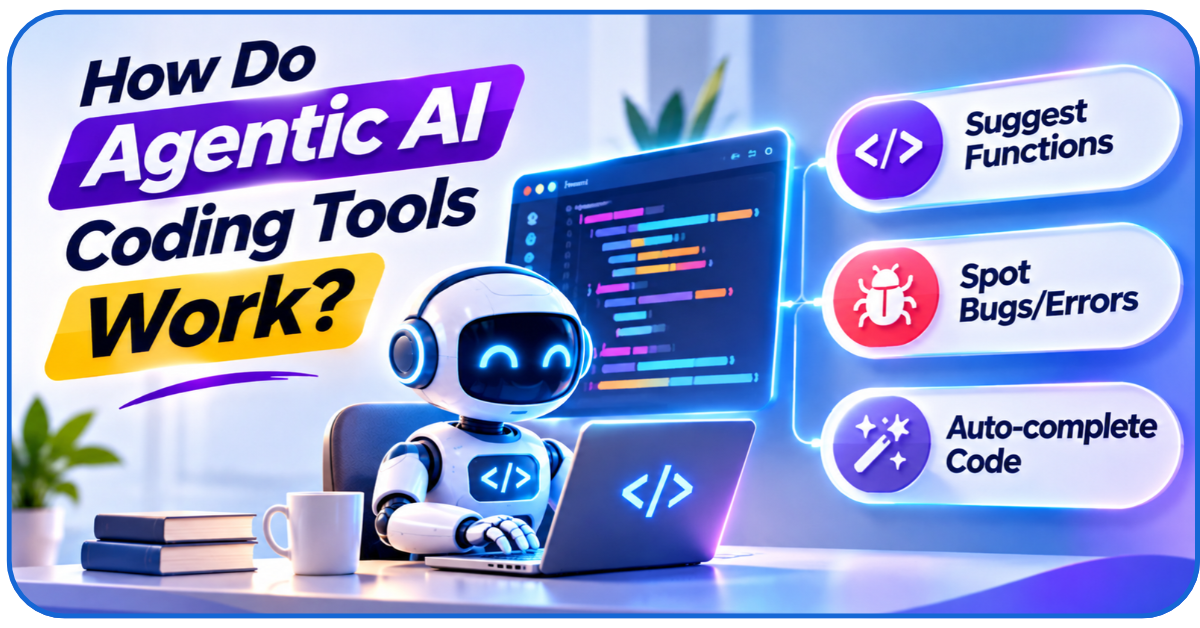
Traditional coding assistants can:
- Suggest functions
- Spot bugs/errors
- Auto-complete blocks of code
But at every stage of using them, the developers remain responsible for deciding what to do next and how to carry out each step.
Agentic AI coding tools operate way more autonomously.
They can take on whole tasks, break them down into smaller steps, run terminal commands, execute those steps, and then iterate on their work — all on their own.
That means developers can actually delegate meaningful development work to these AI agents.
Human developers still have to review the outcomes. But with these tools, they can totally automate tasks like:
- Building ‘skeletons’ of websites/apps
- Fixing broken code in large legacy codebases
- Updating pre-made code packages with new security/feature updates
Here’s how these AI agent coding tools take on these complex tasks:
- Understand: The agent examines the task and asks for missing details (e.g., it reads your ‘build a website’ instruction and asks clarifying questions like whether you need user logins)
- Plan: It breaks the request into smaller tasks and lists every file that needs to be created/edited in the right order
- Build: It edits the relevant files and generates or updates the necessary code
- Test: It runs commands and checks the result by running ‘robot tests’ against the code
- Correct: It uses errors or failed tests to run this cycle again
- Report: It presents the new code for developers to inspect
So, developers, and even non-developers can now…
- Create apps/websites
- Rewrite entire legacy architectures
… in a fraction of the usual time.
They just have to guide their agentic AI coding tools through structured instructions.
Such productivity gains are impossible to ignore. That’s why these tools are being rapidly adopted by almost every team that’s involved in any form of software development.
9 Best Agentic AI Coding Tools to Consider
Let’s assess the strengths, weaknesses, and suitability of 9 of the most popular tools in this category:
1. Claude: Best for Complex Coding Tasks
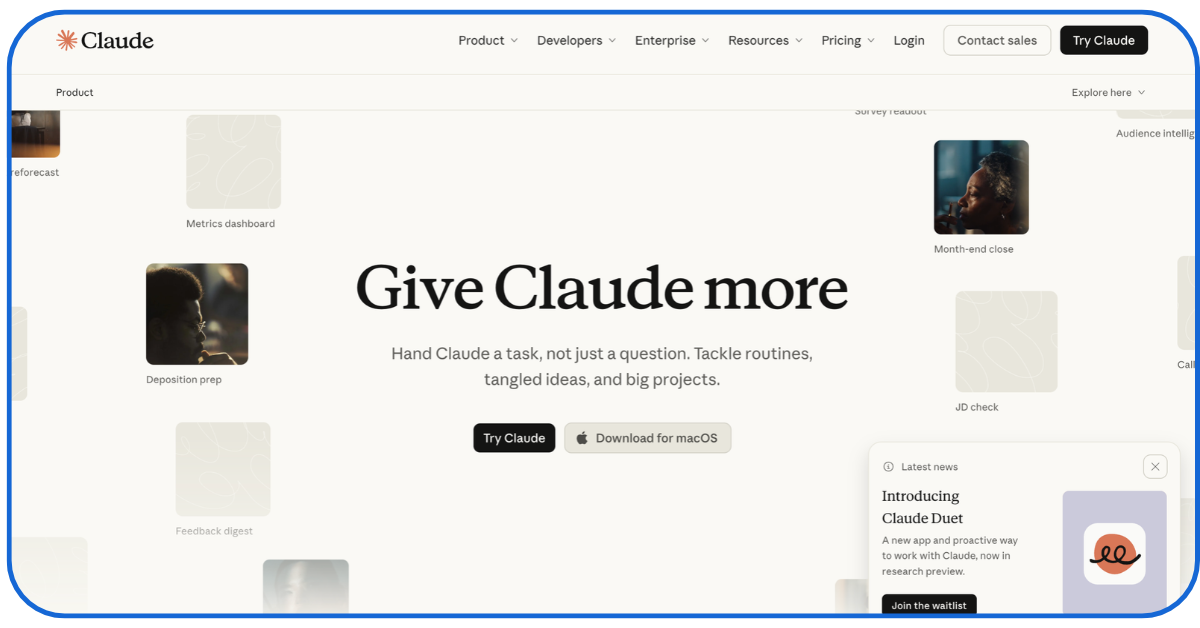
We’ve all used Anthropic’s Claude as an LLM or a standard by now. But now Claude has a built-in terminal-based coding agent that can do almost anything software-development-related.
By ‘terminal-based’ we mean that this agent will operate directly inside your computer’s text-based command-line interface (terminal).
Via this interface, you can integrate Claude with Claude Skills or various MCP servers to build all types of agents that can use Anthropic’s LLM technology to:
- Read and edit massive, complex codebases
- Parse complex directory structures
- Write and modify multiple software files simultaneously
- Help you with deep back-and-forth planning before helping you determine what type of production code you should write
It’s especially useful when developers need to understand unfamiliar codebases before updating them or building something similar. For example, a marketing agency can use it to:
- Trace a broken conversion-tracking script across several websites
- Prepare a consistent fix
- Deploy those fixes immediately
But to use it effectively, developers need to understand:
- How Claude’s terminal workflows operate
- How to grant integration permissions with other software tools
- The tools’ strict usage limits
These tasks may not suit non-technical professionals looking for more visual, click-first coding experiences.
2. OpenAI Codex: Best for Autonomous Software Engineering
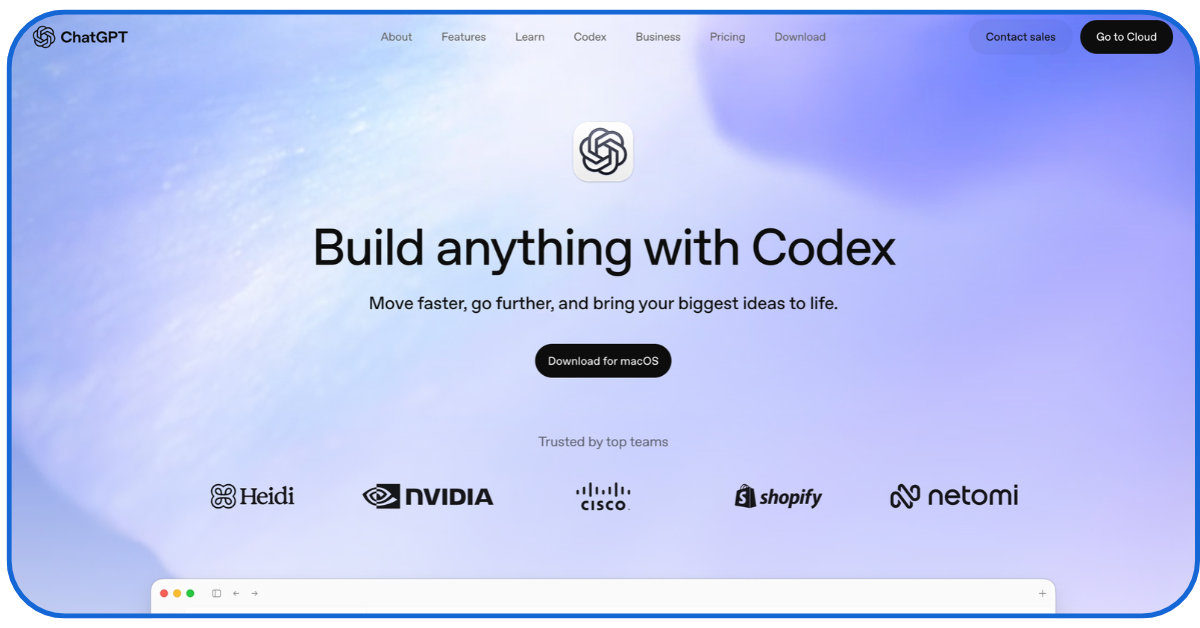
Again, we’re all familiar with OpenAI’s ChatGPT. Codex is their coding agent.
It’s included in most premium ChatGPT GPT-6.1 plans, and once you set it up, you can assign all types of coding tasks to your Codex agents, including:
- Investigating bugs in large codebases
- Adding features to existing software
- Running parallel coding tasks in separate work-trees
- Scheduling repeated work like reviewing GitHub pull requests and GitLab merge requests
A marketing team can assign multiple Codex agents to:
- Build and test different versions of the same landing page simultaneously
- Pick the landing page that’s most conversion-optimised
While this form of task delegation can be awfully helpful, you need to be careful about what kind of business data you share with ChatGPT.
You also need to be careful about using too many credits and over-relying on these agents’ outputs (which can often be error-ridden) without proper reviews.
3. Cursor: Best for AI-Powered Code Editing
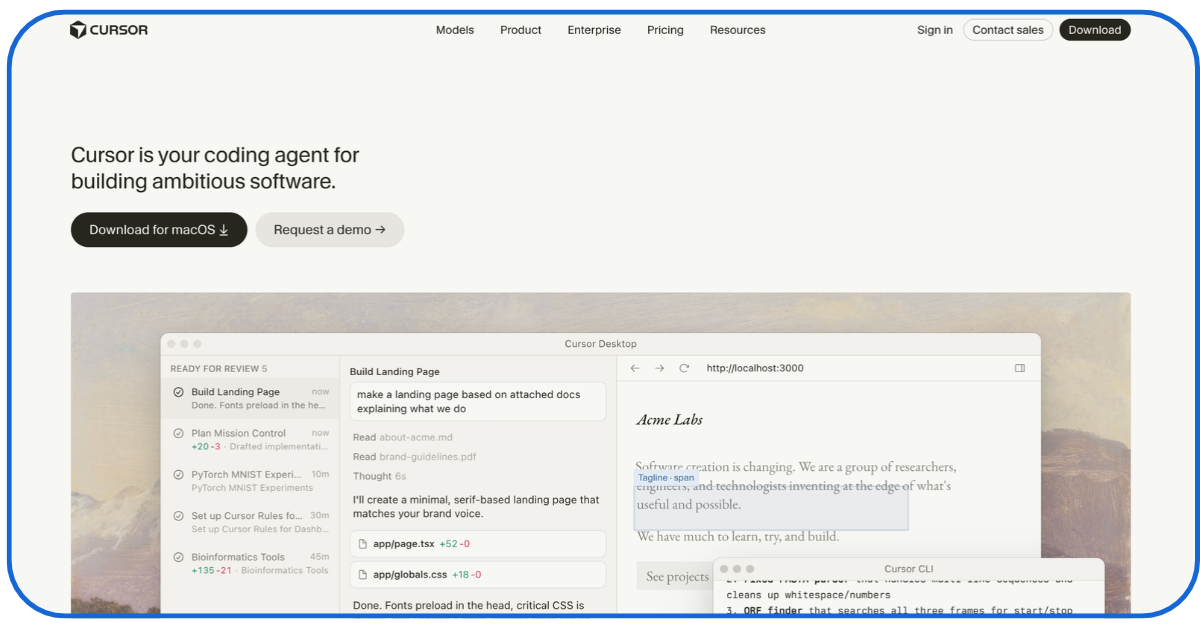
You’ve probably heard of Cursor before — the AI-powered Integrated Development Environment (IDE) that developers use to code faster. Now, you can use it to build custom AI agents.
This is a developer-centric tool. So, you need to have a technical background to use it. But once you master its ‘Agent Mode’, you can run all types of complex tasks with its agents, like:
- Revising entire codebases
- Executing multi-file edits
- Applying debugging improvements right inside your editor window
Learning how to custom-create and then integrate these agents with the right MCP servers, tool APIs, and different AI models like Claude, Gemini, or ChatGPT Astra is the hard part.
But once you do that (with YouTube tutorials), you can achieve a lot with Cursor’s custom agents.
For example, marketers can iterate on a campaign website inside one editor to find out which UI elements need changing.
They can simultaneously apply those changes with another Cursor agent in real-time!
4. GitHub Copilot: Best for GitHub-Based Development
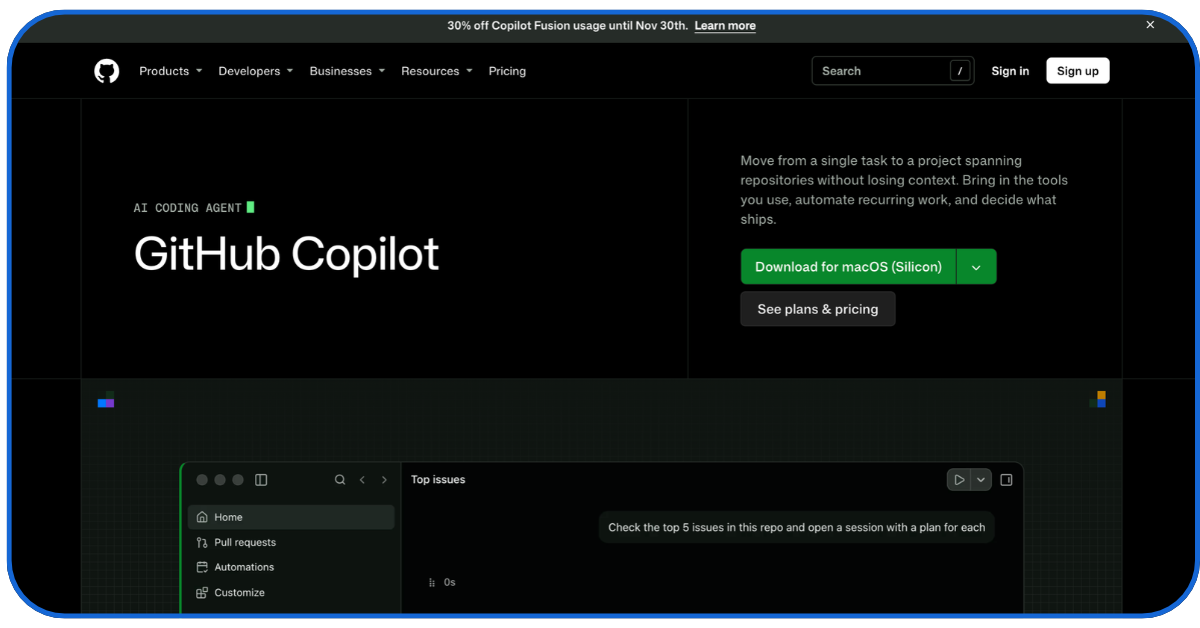
GitHub Copilot was one of the first AI tools to provide live code suggestions and auto-code-complete. Now, it offers very powerful agent features that can:
- Edit files based on simple instructions and then apply those changes across multiple files in the GitHub repository
- Fix GitHub issues autonomously by researching the full codebase, creating plans, and making changes to the code for the developers to review
For teams already managing their development work via GitHub, using these agents is a no-brainer.
A digital marketing agency could assign a website bug to their GitHub Copilot agent, review the proposed changes, and then discuss the fix directly through GitHub pull requests.
But if you don’t use GitHub extensively, getting used to deploying these agents will take time.
5. Devin: Best for Independent Development Tasks
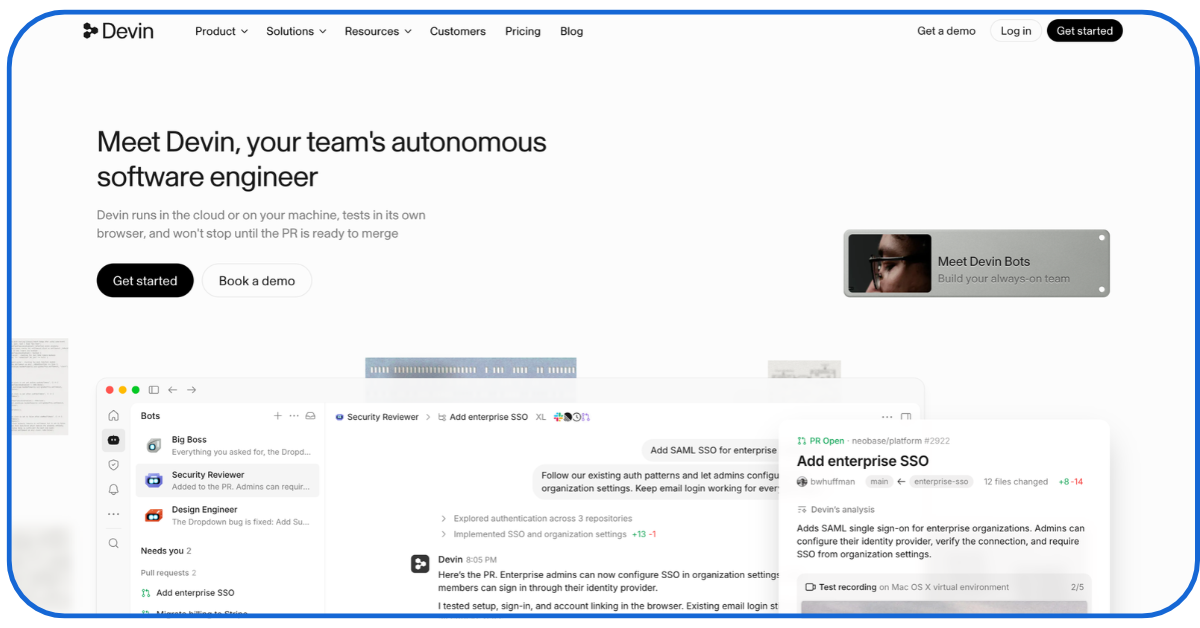
Devin is one of the world’s first fully autonomous software development agents that can oversee independent development projects from start to finish. You ask it to build software, and it will:
- Plan out the software’s architecture
- Write the full code
- Execute tests
- Iterate and fix deployment errors
- Manage its own sandbox development environment for future changes to the software
- Run multiple similar software development projects simultaneously
With Devin, digital marketing teams can fully automate tasks like routinely maintaining their clients’ web properties or handling end-to-end bug fixes for every app/website they create.
But Devin’s autonomous agents need highly well-defined instructions to avoid drifting. Running lengthy development tasks with them can also be very expensive.
Smaller projects with tight budgets may be better-served by simpler editor-based agents.
6. Replit Agent: Best for Building Applications Quickly
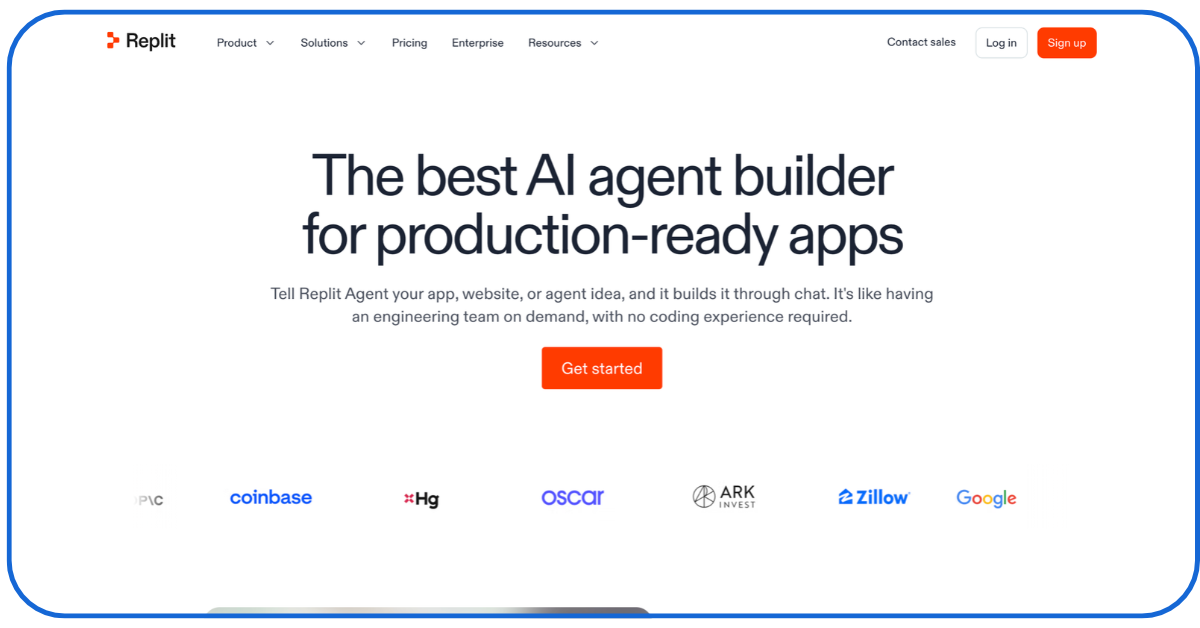
You can give Replit’s agents natural-language prompts, and they’ll quickly build fully-functioning web applications inside the Replit browser.
For non-technical creators – this is the dream tool for rapidly building web-app prototypes.
There’s also a new ‘Design Canvas’ feature which lets you visually explore your prototypes before you commit to creating the code.
Unless you’re building enterprise-grade software that requires complex legacy integrations or custom security guardrails, this is one of the best agentic AI coding tools you can use.
7. Cline: Best for Flexible AI-Assisted Development
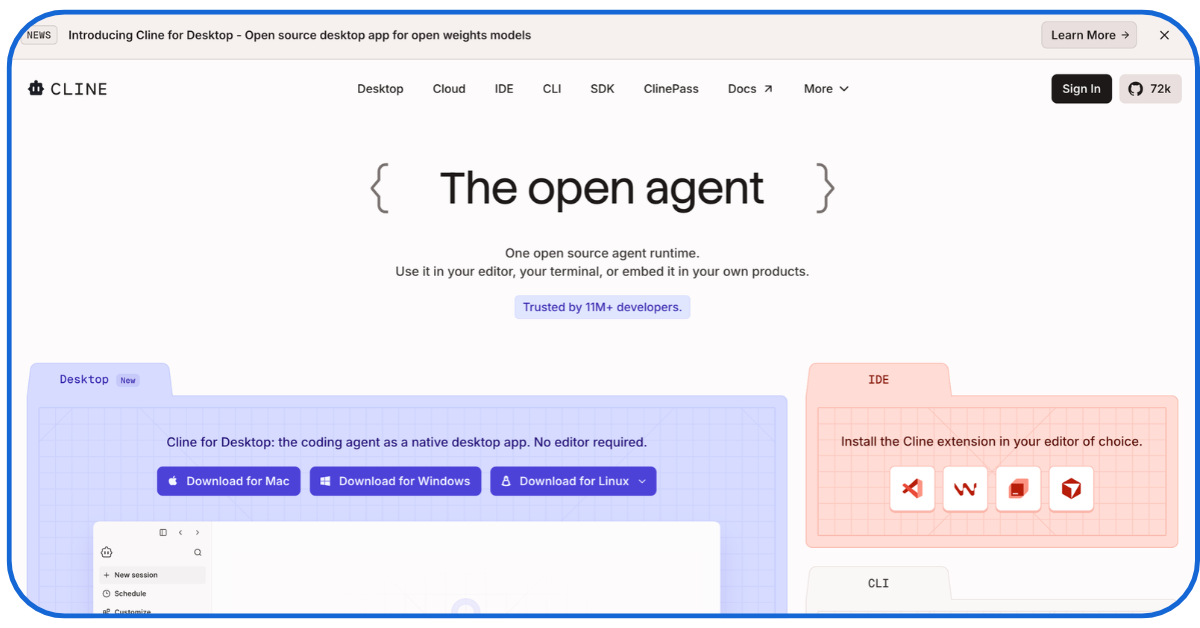
Do you use VS Code? Then, you can plug Cline — an open-source AI coding agent — directly into it as an extension, and then make it:
- Read and edit local files
- Execute terminal commands
- Build features through natural conversation
- Integrate your project with various underlying AI models (such as Claude 5.5 Sonnet or GPT-4o) and then make smarter coding decisions
Before it modifies any of your files, Cline will ask for your approval. So, developers get full control.
Digital marketers can use Cline’s agents to:
- Pre-visualise how their web/app software changes with code changes
- Approve specific changes only after confirming the changes are beneficial to users
But to use Cline – you’ll have to carefully budget its API token keys on your own.
8. Aider: Best for Git-Based Coding Workflows
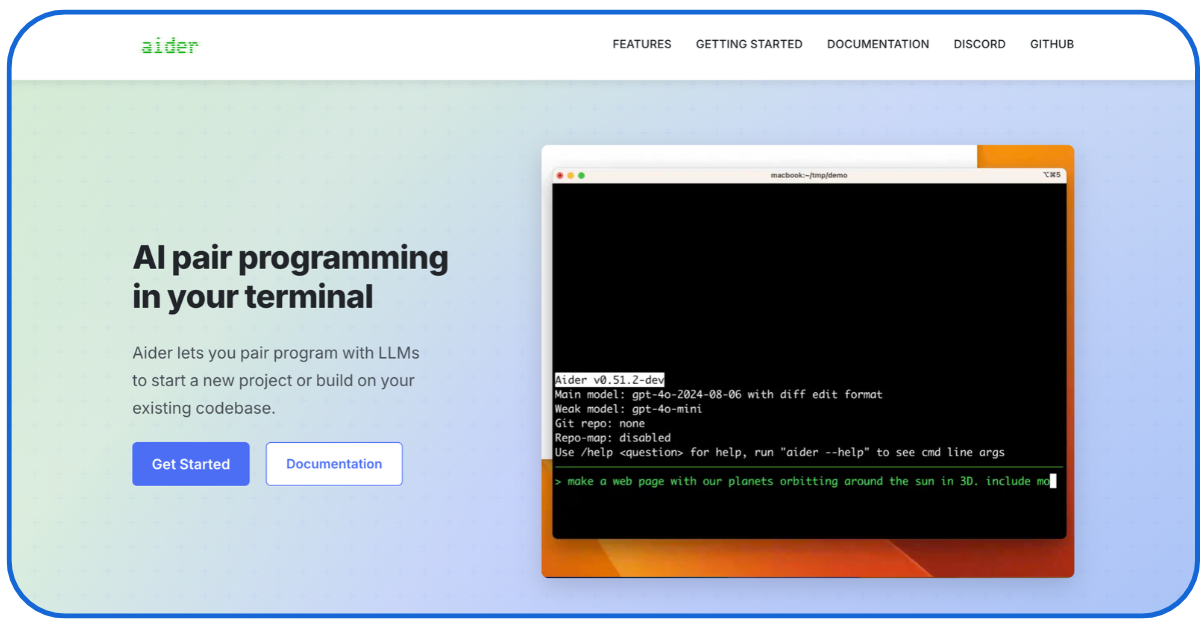
Aider is a terminal-based AI pair-programming tool. It integrates directly with Git repositories.
Once integrated, developers can directly chat with AI agents in the terminal to:
- Connect to different cloud and local language models
- Make complex, multi-file edits (while tracking changes through Git commits); developers can then review or undo those changes using familiar commands
- Update website components
- Make controlled changes to a digital marketing agency’s existing codebase
Aider works best for developers who already use Git.
9. OpenHands: Best for Customisable, Open-Source Development
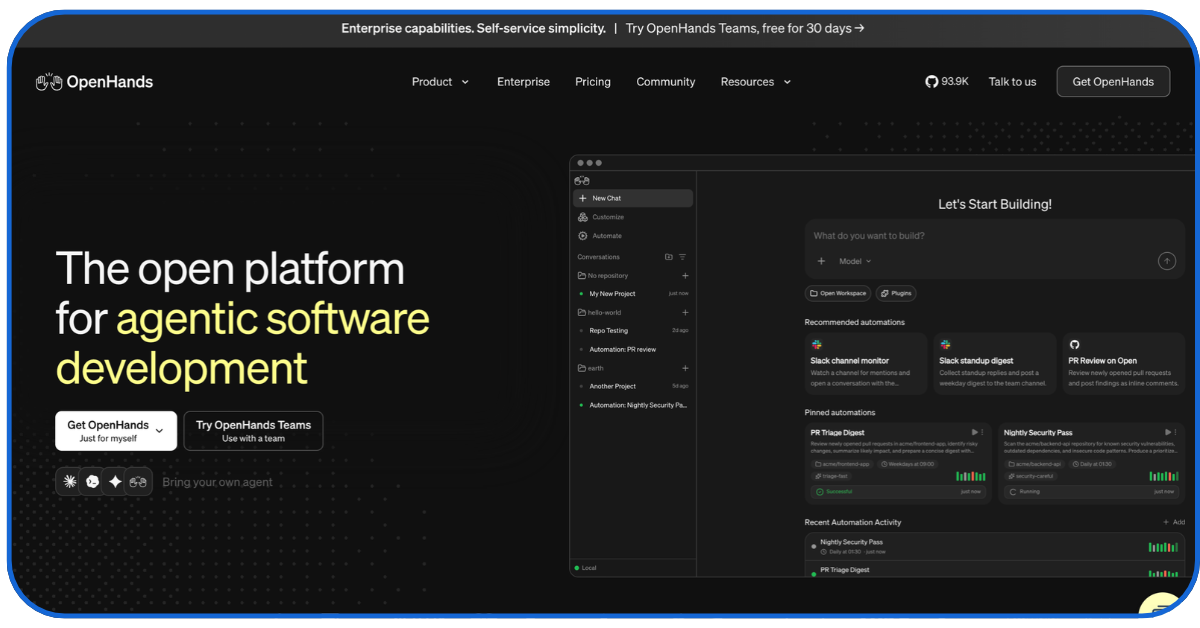
OpenHands is an open-source platform.
Typically, companies with their own hosting infrastructure use it.
They use it to create their own AI-powered software development environments where OpenHands’ agents:
- Read, edit, and debug all company codebases
- Investigate issues in legacy codebases
- Run tests on complex project codes
- Support automatic repository maintenance
But to use these agents, teams must:
- Configure their own OpenHands environments
- Choose suitable models
- Manage data-access permissions
For people new to agentic AI, it’s not the friendliest starting point.
Agentic AI Coding Tools Comparison: Which One Fits the Job?
| Tool | Best suited for |
| Claude Code | Complex codebase tasks |
| OpenAI Codex | Delegated engineering tasks |
| Cursor | Multi-file editing |
| GitHub Copilot | GitHub-led team workflows |
| Devin | Independent development tasks |
| Replit Agent | Rapid app prototyping |
| Cline | Flexible, controlled agent use |
| Aider | Git-based code changes |
| OpenHands | Customisable agent company workflows |
The right AI tool for coding depends on the coding work you’re doing:
- Developers who need close control may prefer Cursor, Cline or Aider
- Teams delegating complete tasks may favour Codex, Devin or GitHub Copilot
- Replit is particularly accessible for prototypes
- OpenHands offers more room for custom infrastructure
Start with one because using too many AI agents at once can lead to management-related problems.
How Agentic AI Coding Tools Benefit Businesses, Developers, and Digital Marketing Teams
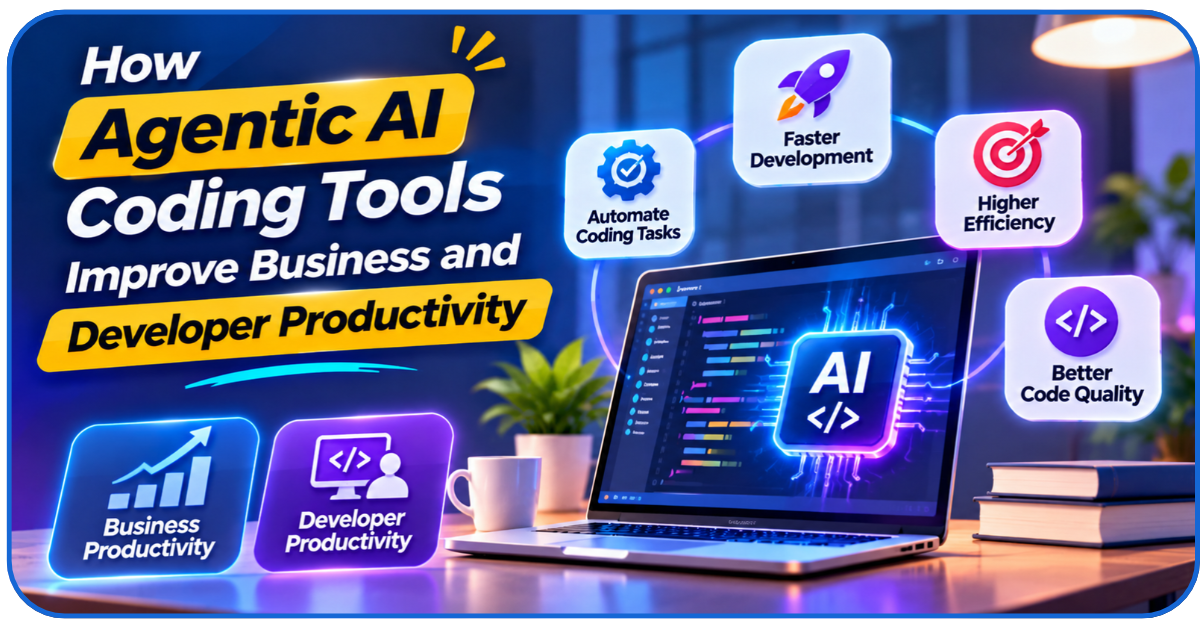
The benefits these tools bring to businesses and developers are fairly obvious:
- Faster development lifecycles
- Less repetitive work
- Better debugging
- Less friction during peer code reviews
- More time for design and strategy
For digital marketing teams, these efficiencies translate to:
- Faster and more efficient building of high-converting landing webpages for campaigns
- The ability to develop custom marketing dashboards for every project
- Deploying interactive quote calculators, lead-magnet widgets, and localised content-generation engines for every client
- Connecting complex tracking pixels, customer data platforms (CDPs), and marketing automation workflows with agentic AI coding tools
- Faster website improvements and conversion optimisation
That’s why even non-technical digital marketing professionals need to learn how to use AI tools for coding!
Conclusion
The easiest way for businesses to benefit from these AI agent coding tools? Use them to deliver highly refined digital experiences to customers. That’s where New Traffic Tail can help.
We were one of the earliest adopters of AI tools for coding in the marketing space.
We can help businesses launch all-encompassing digital marketing strategies where every customer touchpoint is AI-enhanced.
We’ll help you deploy the right agentic AI coding tools to drastically strengthen your digital presence!
FAQs
Q1- Can coding agents upgrade my legacy software?
Yes.
But carefully test every change these agents make to your legacy code in a staging environment before applying them.
Q2- Who owns code generated by an AI coding agent?
Depends on:
- The tool’s terms
- The business contracts they make users sign
Before using their code in your products, review these details.
Q3- Can non-programmers use AI agent coding tools to build software?
Yes, tools like Replit are non-programmer-friendly.
But you’ll still need some programming knowledge to review the code these tools generate.
Q4- Will AI coding agents use my private source code to train their models?
Depends on the provider. Check each tool’s data policy before uploading your company’s codebase.
Q5- Can AI agents independently identify and fix cybersecurity vulnerabilities?
They can help detect issues and suggest fixes. But performing human security audits is still essential.