

Communication tools have become the backbone of human connections, both personal and professional. One of the famous tools was Skype, which once ruled the communication field, offering video calls and messaging. However, ever-evolving technology has given rise to many other applications that are better Skype alternatives.
Are you a business looking for other eligible and reliable video calling tools for conducting conferences with remote workers? Or you are an individual who wants a smoother and more satisfactory experience, just like Skype.
If yes, this blog will provide you with a list of alternative programs to Skype for national and international calls.
Why Is There a Need for Skype Alternatives?

The main reasons to look for Skype alternatives for international calls are as follows:
- Microsoft officially shut down the Skype application on May 5 in 2025. They retired the tool to enhance the effectiveness and robustness of their other product, Microsoft Teams, which offers similar features to Skype. Therefore, users need to find other Skype-like applications to fulfill their communication requirements.
- Recently, Skype has been lagging behind other tools in terms of innovation and development. It was updated shortly after the COVID-19 pandemic, making it less suitable for business-related remote work meetings.
- Many other modern applications provide more user-friendly interfaces, offering better audio and video quality. Additionally, they offer stronger security options, protecting users’ privacy when integrating with other tools seamlessly.
- Skype offered limited features that did not support large-scale conferences, including file sharing in real-time collaborations. Therefore, it is no longer an effective platform for remote business communications.
- With fewer official updates and support, there were risks of security breaches on Skype. Also, users’ data may become vulnerable to cyber attacks.
- The tool was not compatible with modern devices used to carry out automated workflows in organizations.
List of Alternative Programs to Skype
Here is a list of Skype-like applications for a better business and personal communication experience.
1. Microsoft Teams
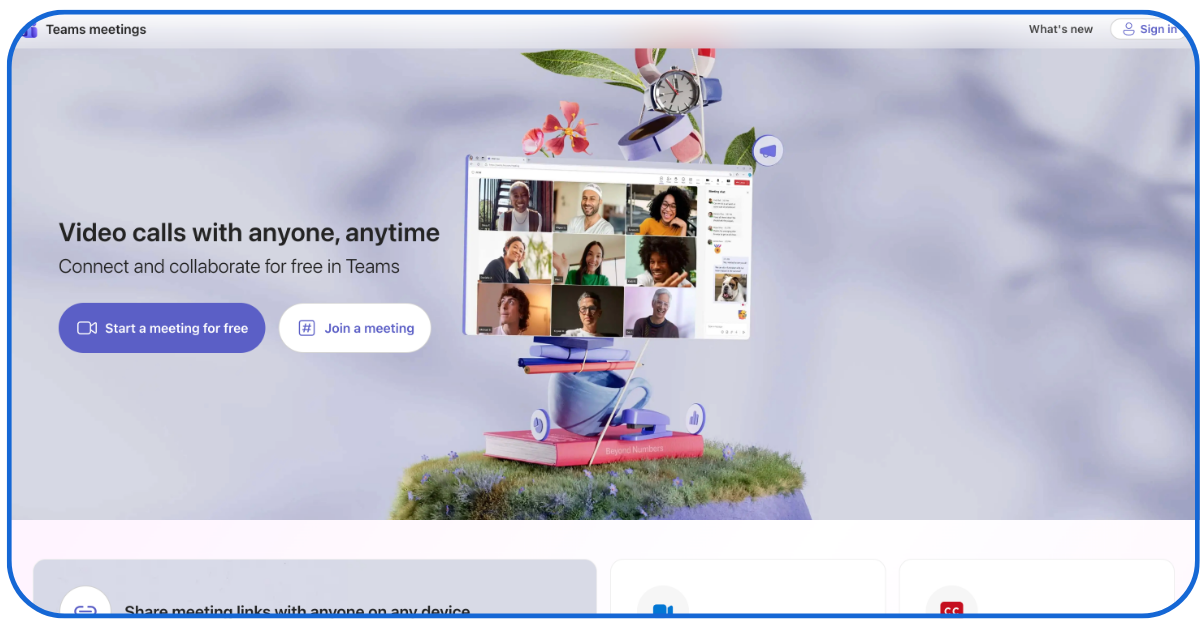
It is another prominent communication tool powered by Microsoft for an enhanced experience, allowing users to chat, make video calls, and share files.
Pros of Microsoft Teams
- It easily integrates with other Microsoft applications, such as Excel, Word, and PowerPoint, making it appropriate for remote workers.
- The tool allows up to ten thousand people to join conference meetings, along with recording and screen-sharing features. Therefore, it is the best Skype replacement for large enterprises.
- Microsoft Teams seamlessly links with more than seven hundred third-party applications and services, providing robust security and data encryption features.
Cons of Microsoft Teams
- The tool can be difficult to use in complex integrations for new users because it may require advanced resources for this.
- Microsoft offers a limited storage capacity and features in the free plan. It may require additional payments to unlock the advanced features.
- The application features can be different when using it on a mobile device than on a desktop.
2. Zoom
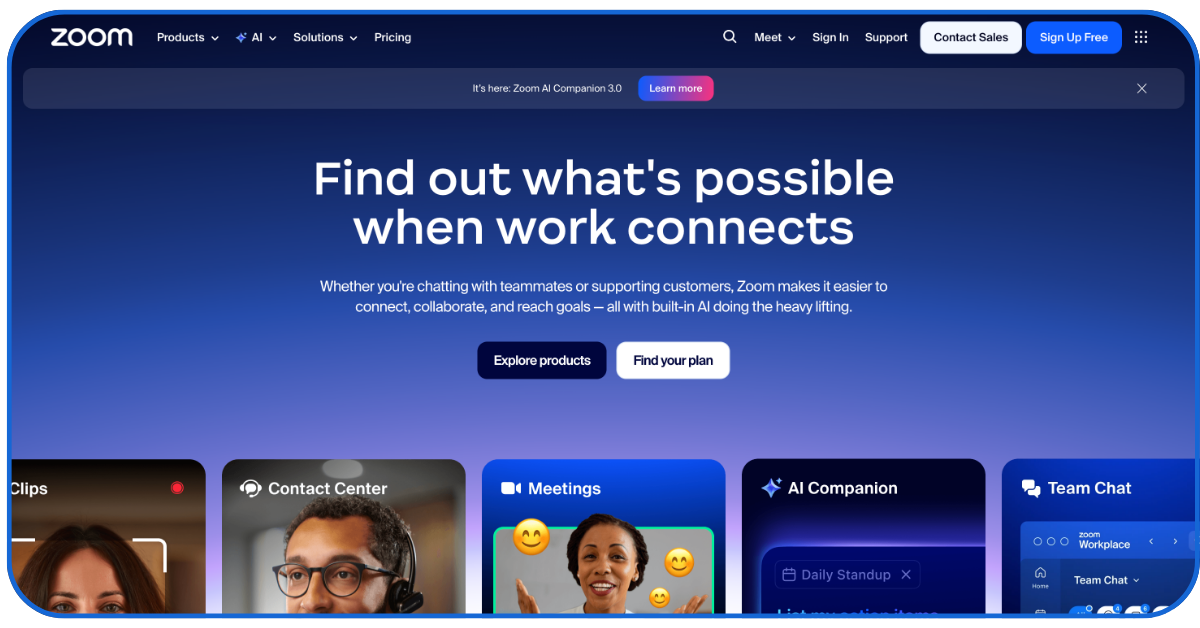
Another famous tool for high-quality virtual meetings and webinars is Zoom. The tool allows in-meeting chatting and file sharing options.
Pros of Zoom
- Users can record their meetings to review later.
- Business people can conduct large-scale conferences, allowing up to 10,000 participants to attend.
- The tool is compatible and available for desktops, mobiles, and the internet.
Cons of Zoom
- Zoom offers a limited time of only forty minutes per meeting. Therefore, it can interrupt longer ongoing conferences by pausing video calls in between.
- Recently, Zoom has faced many security issues, raising data breach concerns for users.
- The tool’s video quality also depends on the internet connection.
3. Google meet
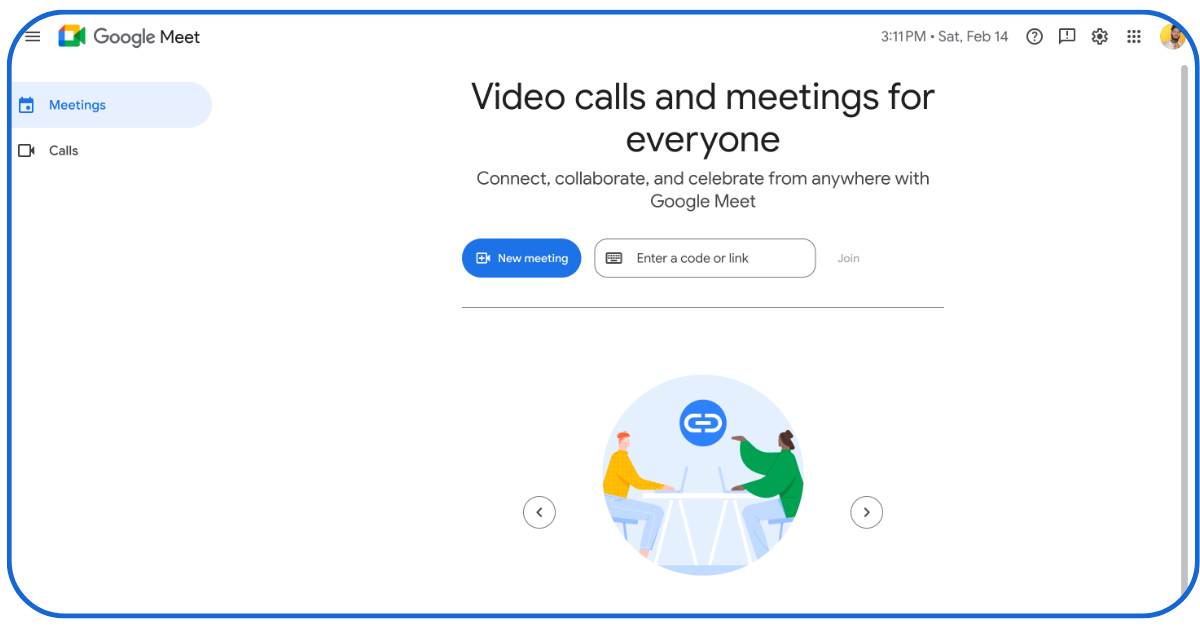
Another widely used alternative to Skype is Google Meet, offering high video and audio quality for conference meetings.
Pros of Google Meet
- Users can schedule meetings by integrating Google Calendar with Google Meet seamlessly.
- Presenters can share their tabs, screens, and windows in real time.
- The tool also offers automatic captions for audio in multiple languages in real time.
- Google Meet is available on various platforms, such as web, desktop, and mobile, providing video recording features to capture meeting highlights for later review.
Cons of Google Meet
- Many important features, like meeting recording options, are only available in paid plans. The free plan offers limited access to advanced services.
- Additionally, the free plan offers a time limit of one hour for meetings.
- The application requires a Google account to conduct or join meetings.
- It integrates with a limited number of third-party applications in comparison to other communication tools.
4. Whatsapp
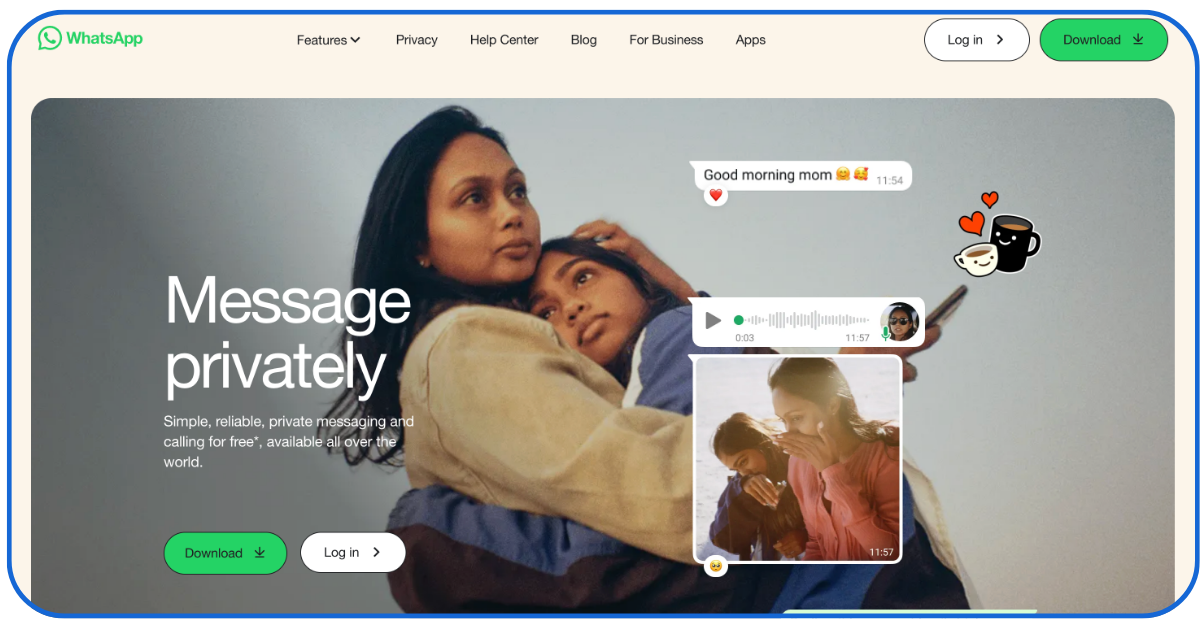
WhatsApp is another prominent alternative to Skype for sending text, multimedia, and document messages.
Pros of WhatsApp
- It allows individual or group voice or video calls. Therefore, it can be used for team meetings or building social relationships.
- WhatsApp is available on IOS and Android mobiles and online.
- The tool provides a robust end-to-end encryption to secure private personal messages.
- It offers free services with a simple and easy-to-use interface.
Cons of WhatsApp
- WhatsApp has restrictions on the number of participants in group chats and calls.
- Users need a phone number to use WhatsApp with limited features in comparison to other communication applications.
- Business people have to create a WhatsApp business account for business-related communications.
5. Telegram
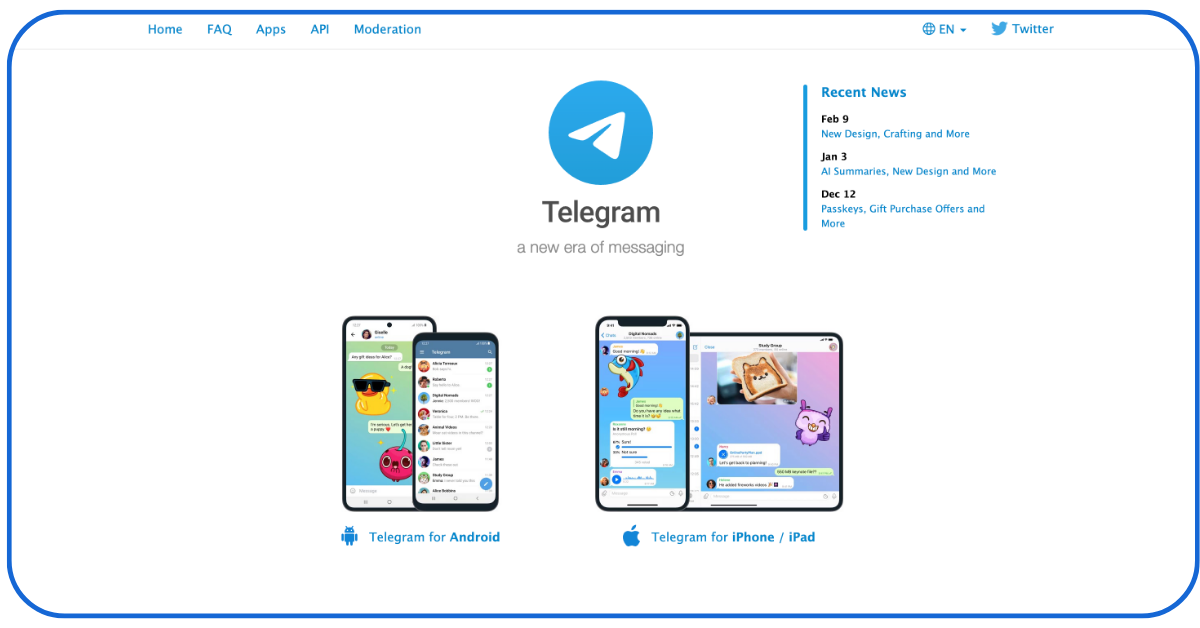
Another communication tool that offers high security messaging is Telegram.
Pros of Telegram
- It allows participation of up to 200,000 people in groups, offering team collaborations for large enterprises or social groupings.
- The tool permits users to share multimedia and document files with a limit of 2GB.
- Telegram provides services for integration with bots for automated workflows in organisations.
- The tool is completely free to use without any subscription charges.
Cons of Telegram
- Although Telegram offers diverse services, it is not used as much as WhatsApp.
- It stores conversations in cloud storage, which could be a concern for businesses’ sensitive information.
- Additionally, Telegram does not offer encryption for all chats by default.
6. Viber

Viber is one of the leading encrypted communication apps used worldwide.
Pros of Viber
- The tool offers affordable rates for international calls, making enterprises conduct overseas meetings.
- This free tool also allows users to join chats on various topics open publicly.
- Viber is also available on distinct online platforms.
Cons of Viber
- Despite being useful, Viber has fewer quality features in comparison to other applications.
- Public chats showcase advertisements, disrupting serious discussions in between.
- Viber asks for a mobile number to create an account and operate.
- The application keeps running background activities, draining the device’s battery life.
7. FaceTime
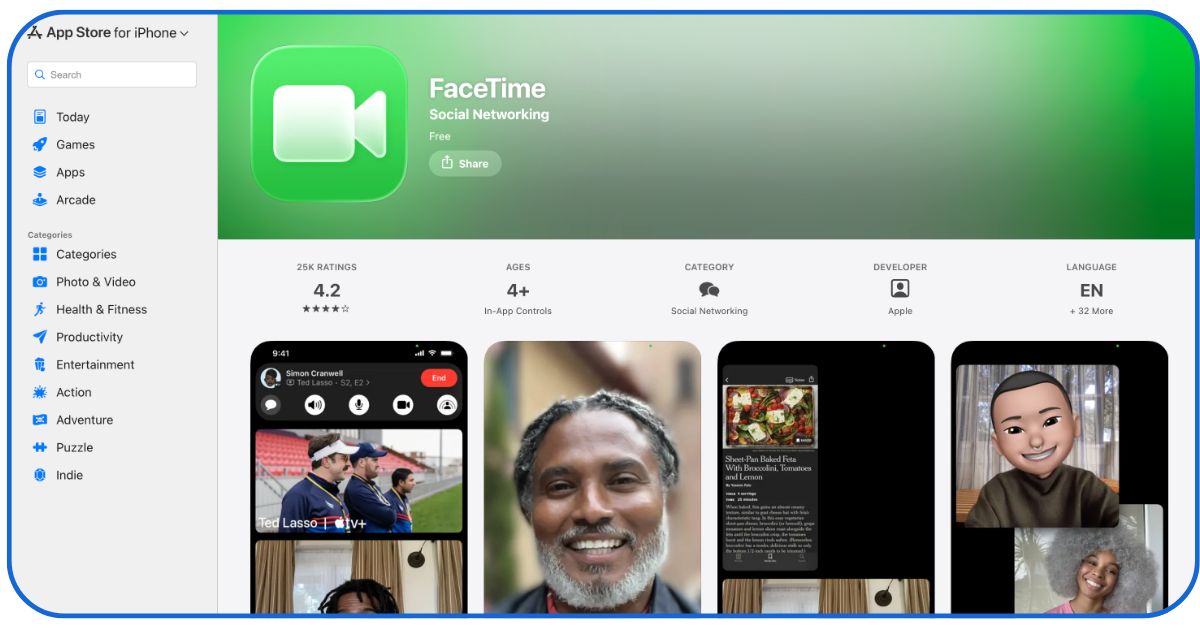
Another high-quality tool for audio and video calls.
Pros of FaceTime
- It allows users to share their screen for presentations in corporate meetings.
- The application allows up to thirty-two participants in a video call.
- It can link users’ iPhone contacts and other Apple services securely and easily.
Cons of FaceTime
- This communication tool is only compatible with Apple devices, providing no web or Android support.
- Users have to create an Apple ID to run the app.
- The screen-sharing option is available only on the latest devices, not older Apple iPhones.
- FaceTime is not accessible in all areas or nations.
8. Discord

Discord is a famous community-building tool widely used by teams and friends.
Pros of Discord
- The tool supports the sharing of distinctive media files, including pictures, videos, and documents.
- Enterprises can integrate it with bots and other services to activate automation in their workflows.
- There are no subscription fees to use the tool, along with an easy screen-sharing option to collaborate in video discussions.
Cons of Discord
- This application was created for gamers, making it non-ideal for other niches.
- Many new users can find it difficult to use several features in the tool.
9. Slack
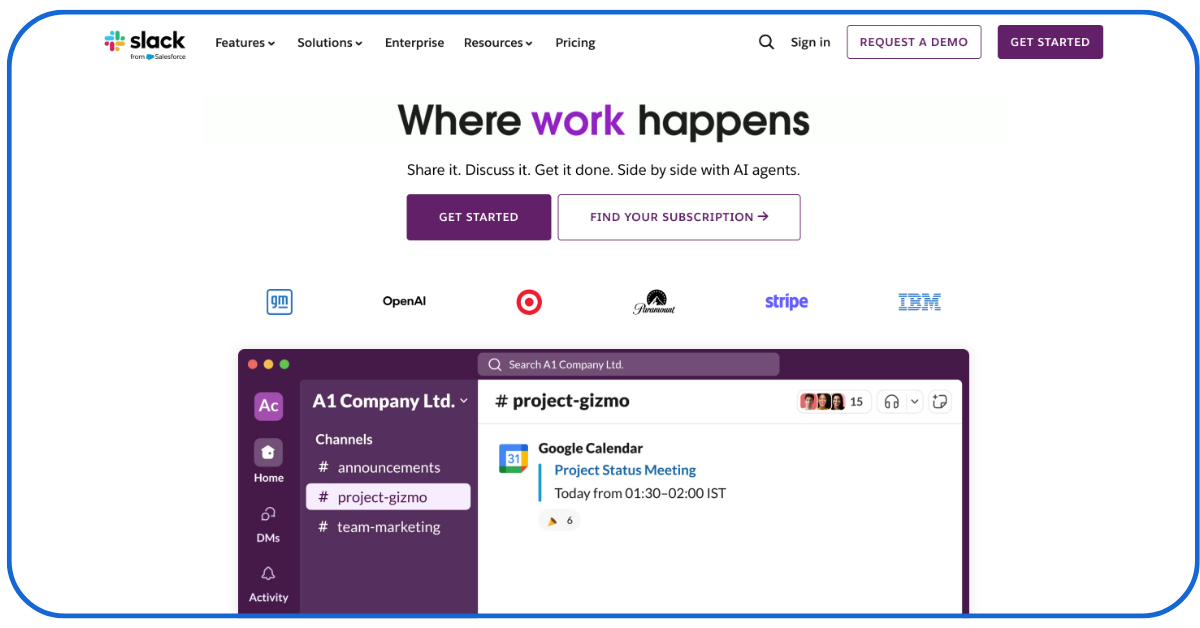
Slack is one of the notable Skype alternatives for collaborating and communicating for teamwork.
Pros of Slack
- It can integrate with more than two thousand applications, such as Trello and GitHub, for sharing business projects.
- Slack offers a search tool to discover files, conversations, and messages.
- It also provides enterprise-level secure features.
Cons of Slack
- The tool offers paid plans that can be expensive to run for large teams. However, it also has a free plan that provides limited storage and features.
10. GoToMeeting
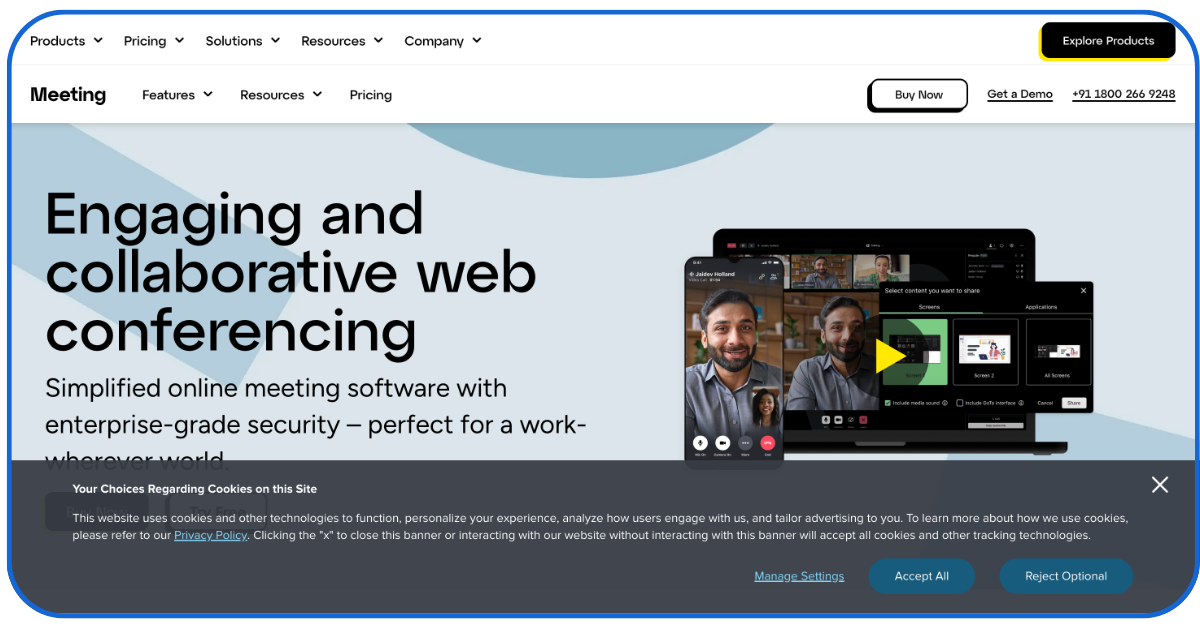
It is another outstanding tool for video conferencing and online meetings.
Pros of GoToMeeting
- The tool offers a toll-free calling service for audio conferences, allowing up to twenty-six members.
- It integrates with popular third-party applications, ensuring business-level security features.
Cons of GoToMeeting
- The application does not offer any free plan. It only allows users to use the tool for a trial period.
- Small businesses or individuals can find a paid plan to be expensive.
- The audio conferencing feature allows a limited number of people to join the call.
11. Amazon Chime
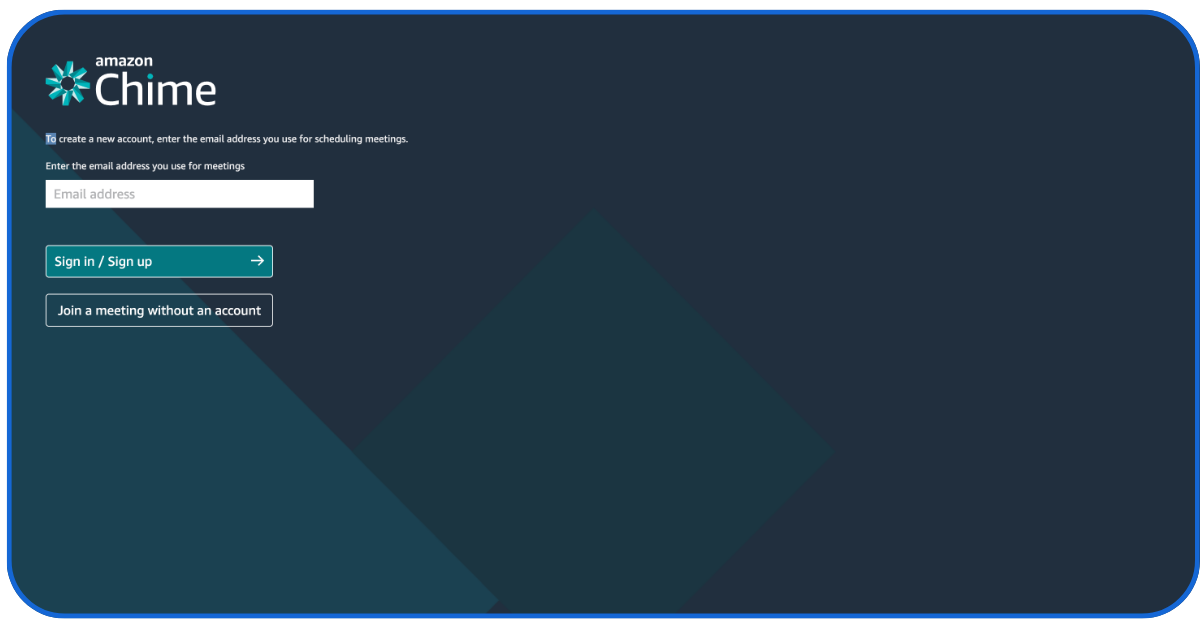
Amazon Chime is another Skype-like application for high-quality audio and video conferences.
Pros of Amazon Chime
- The tool allows users to record and save meetings to an Amazon bucket.
- It can be integrated with Amazon Web Services, hence, well-suited for businesses or companies using AWS already.
- The app offers a pay-per-use pricing plan, making it cost-effective for small enterprises and individuals.
Cons of Amazon Chime
- It can be accessed with an AWS account only.
- Although it is available on handsets, it offers limited feature quality in comparison to its desktop version.
Skype Alternatives- Choosing the Best Conference Tool for a Business
With Skype’s removal from the communication field, many people may have faced difficulties. However, creators keep developing the newest technology applications to fill the gap.
If you are seeking a better and smoother audio and video conferencing quality features application, we hope our list will help you find the best ones.
Best wishes for your future business meetings with the best Skype alternatives!
????Other Readings from New Traffic Tail on Marketing Tools
17+ ???? Free SEO Tools for Bloggers- Boost Your Online Reach
Sustainable SEO Practices for Long-Term Success
11+ Best n8n Alternatives: Explore????AI Automation Platforms
11+ ????Website Vulnerability Scanners- Site Security At Ease
FAQs
Q1: Why do individuals or businesses switch from Skype?
First of all, Microsoft has retired Skype. Additionally, other Skype alternatives provide superior features with enterprise-level security and application integration.
Q2: Are alternative programs to Skype free to use?
Many communication applications, such as WhatsApp, offer free services. However, several other tools provide premium functions in paid plans.
Q3: What type of system is required for using Skype alternatives?
Most of the alternative tools to Skype are compatible with different systems, such as Windows, macOS, Android, and iOS. However, some applications, like FaceTime, are only built for specific systems.
Q4: Is it secure and safe to use Skype alternatives?
Most of the Skype-like applications offer end-to-end encryption, including protection for passwords. Users must check for security features before using any communication tool.