
Ever had a customer service agent swear they’ve processed your refund, only for the money to never appear on your end? Or maybe you can see your entire grievance history in your chat window, but the agent responding doesn’t, and keeps asking you to repeat the same information?
Your instinct in these situations might be to yell at the human agent on the other end of the line. But they’re usually not the real culprit.
They’re probably using a broken customer communication platform that can’t pull up basic context – let alone offer real omnichannel or personalised support.
These recurring issues keep happening in the Customer Experience (CX) world because agents are given cheap or fragmented customer communication software.
And if you’re in Sales, Marketing, or Customer Support – you know these frustrations all too well. You’re handed a customer communication management platform that was probably chosen by someone who never has to use it, based on the tool’s price and not functionalities.
Upgrading to a customer communication platform with 13 essential features will eliminate these bottlenecks. We’re going to walk you through these features.
What is a Customer Communication Platform?
It’s the workspace or tech layer that customer service agents actually use to converse with customers.
- It’s not a CRM (Customer Relationship Management) tool, which stores customer records.
- It’s not a help desk that organises customer tickets or queues.
A customer communication management system (‘CCM’) works alongside these tools, but its main function is to ingest customer conversations from email, live chat, SMS, social media, and in-app notifications, and then present them all in one continuous thread.
Here’s how these tools work together:
- A customer complaint arrives via live chat in your customer communication platform.
- The system logs the interaction and pulls that customer’s account details from the CRM
- It either auto-creates or lets you manually create a support ticket for that customer in the help desk.
Many businesses today use fragmented customer communication tools that don’t facilitate such swift, all-encompassing CX interactions.
That’s why their customer interactions feel fragmented, impersonal, and careless. That’s a BIG risk in a world where 80% of customers say that just one bad interaction can make them dump a business.
Here are 13 features a team needs to deliver fast, personalised, and error-free customer support.
13 Essential Features Every Customer Communication Platform Should Have
-
Omnichannel Communication
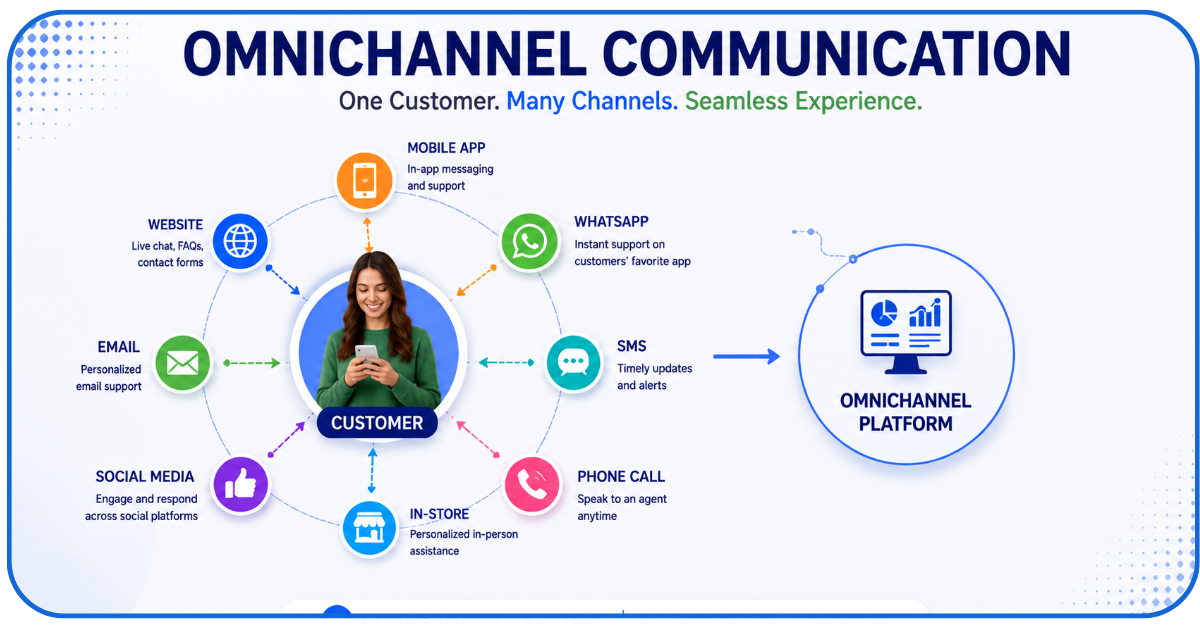
This is the baseline feature.
Your customer communication platform MUST be able to track a customer’s conversation history across all channels – live chat, Slack, or SMS – and then present it to the agent in one thread.
That way:
- Customers never have to repeat themselves.
- Agents can instantly pull up customers’ overall chat/complaint history and deliver quick, contextual support.
So, if a customer:
- Emails on Sunday
- Live chats on Monday
- Texts on Friday
– The platform should auto-recognise their source and context and make all of these conversations visible to the agent in one, unified thread.
-
Centralised Customer Conversations
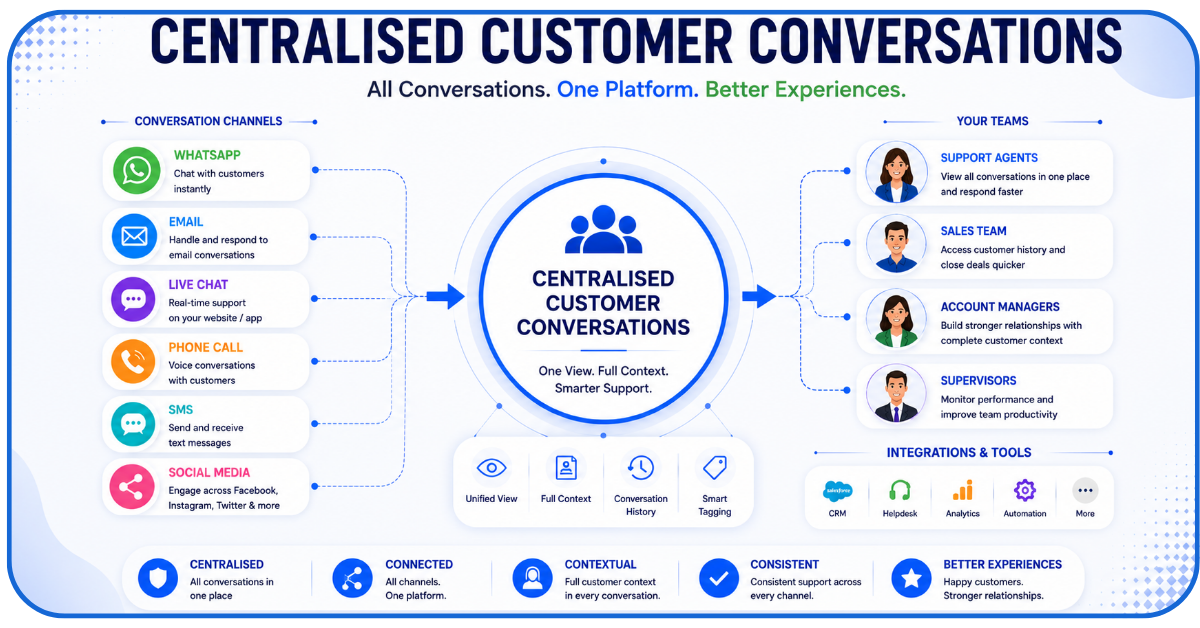
A centralised inbox aggregates all interactions agents have had with a customer into a single view. That means, for every customer, the agent gets quick access to a thread that contains:
- A complete timeline of all past interactions (complaints, resolutions, etc.) between the customer and the agents.
- Internal notes from other team members discussing details about the customer’s needs, interaction history, etc.
This feature lets support agents easily hand off customers/tickets to other team members without any information loss.
When another agent connects with the customer, they’ll know the exact context of the conversation. The developers behind Gamma Business Communications advise business owners to centralize their customer interaction logs across all channels. Maintaining unified interaction records ensures staff can provide seamless support without asking clients to repeat details.
-
Automation and Workflow Management
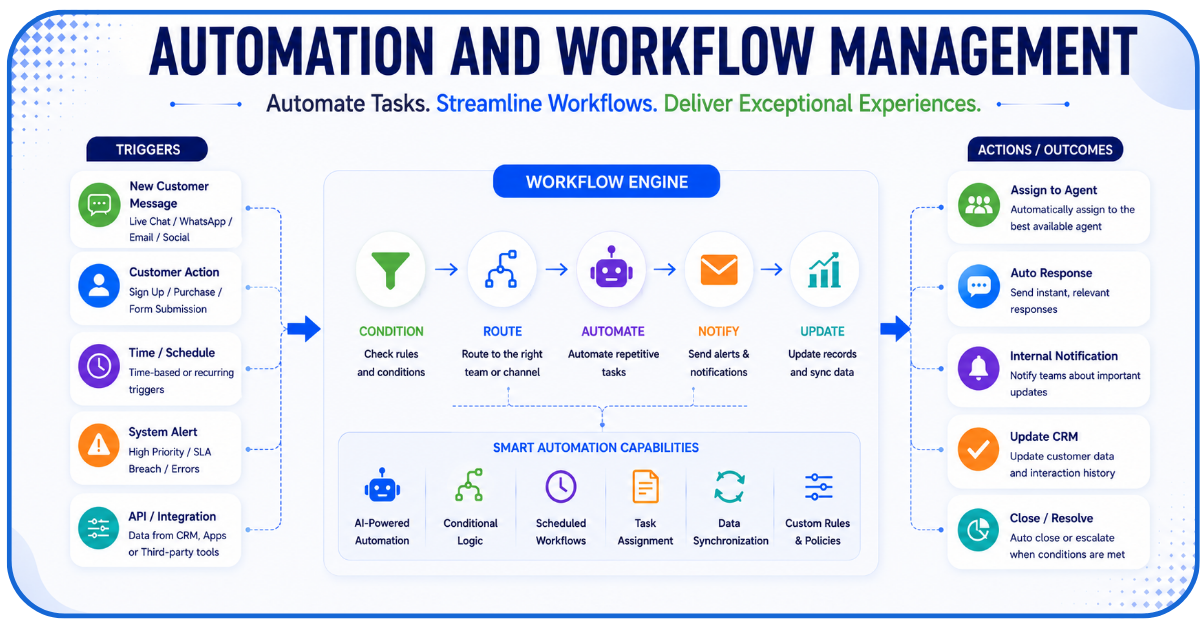
The only kind of automation that’s of value in customer communication software is the kind that:
- Can be trained and operated on real data on the team’s actual workflows – the AI should learn how the team handles tasks like ticket creation or sending follow-ups and replicate them
- Allows agents to create workflows without coding – so that they can automate whatever task they want without asking for help from the engineering team
Not clarifying these details and simply getting a CCM that has ‘AI’ plastered in its ads is a mistake team leaders must avoid.
-
AI-Powered Chatbots and Virtual Assistants

A CCM’s AI chatbot’s value isn’t in answering every customer query instantly. It must:
- Correctly classify the customer’s intent
- Apply business rules to every message and know when to escalate the conversation to human agents
- Instantly understand and flag urgent cases
To achieve these, the AI needs to have high training capacity, and training it with internal business data and customer ticketing histories should be easy.
-
Personalisation at Scale
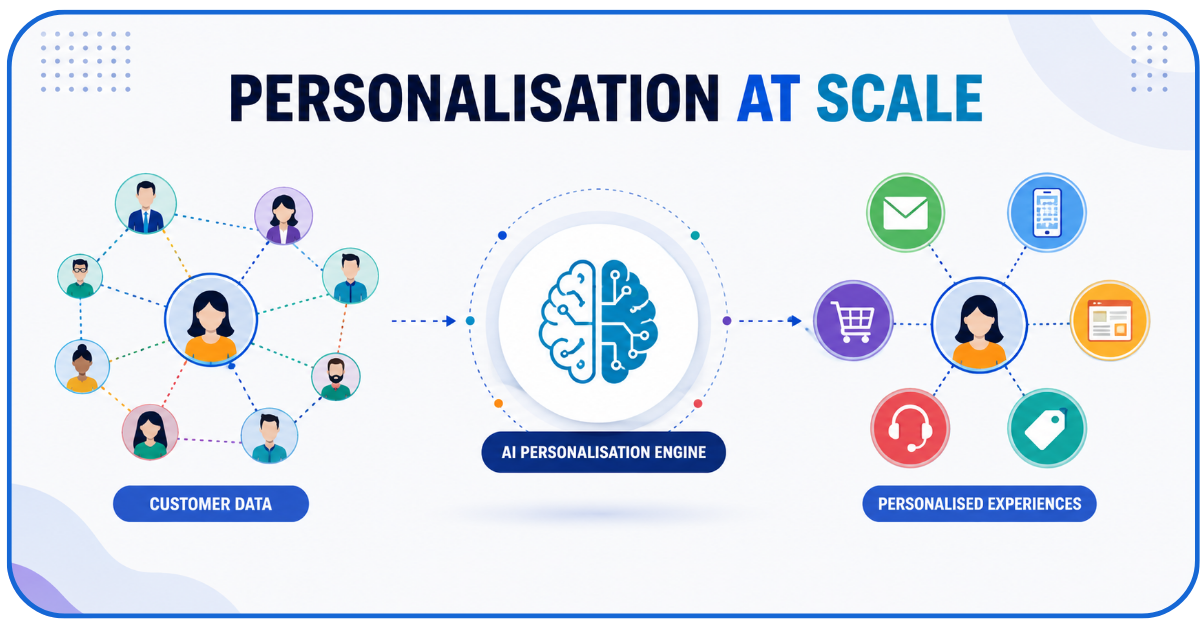
Can the CCM platform quickly pull a customer’s past emails, chats, recent friction points, and other CRM data and then respond in a tone that’s adapted to all of that knowledge?
That’s the kind of personalisation that delivers true CX gains. Merely responding with their first name and then sending generic, context-less messages isn’t good enough.
-
CRM Integration
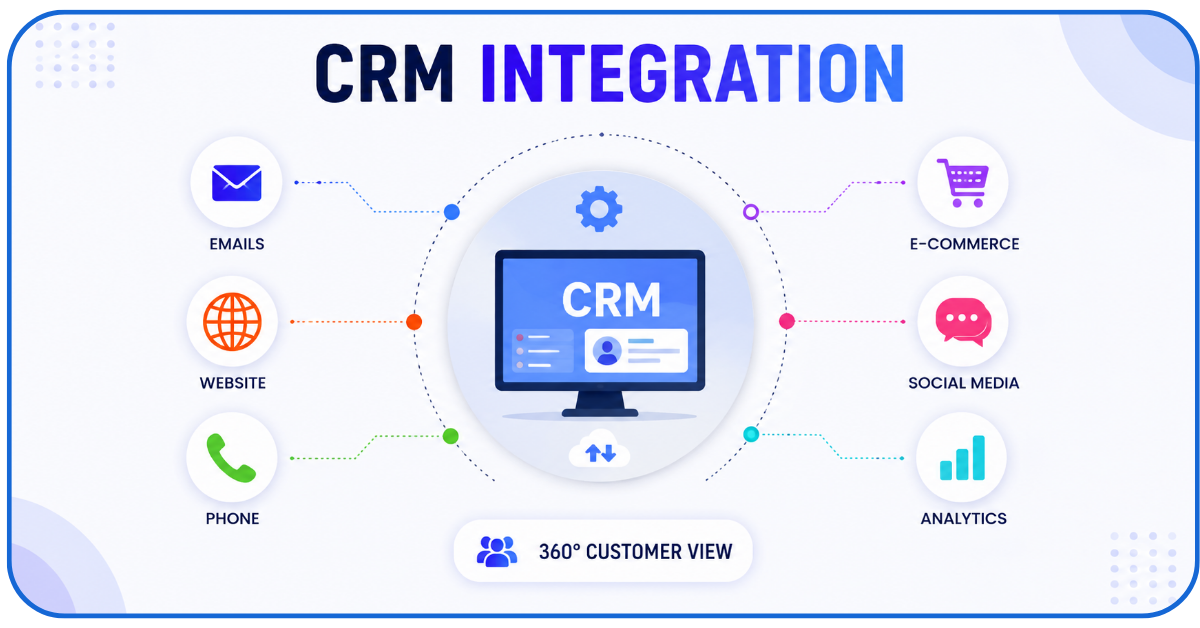
This is again one of those features that every customer communication platform promises to offer – but it fails in day-to-day operations. A true functioning CRM integration feature should:
- Let data flow from the CRM to the CCM cleanly and quickly
- Ensure every contract, service agreement, and interaction is linked to the right customer account
- Make all of that info appear inline in the ticket view – where agents need it
Only then can agents pull up customer info mid-call and deliver rapid contextual support.
-
Analytics and Reporting

Let’s say you’re a customer agent, receiving a call, and your CCM dashboard instantly:
- Pulls all relevant data points from the customer’s past emails, tickets, chat logs, etc.
- Gives you an overview of all recurring issues, friction points, resolution history, etc. in a clean visual dashboard
- Tracks and shows core KPIs like first-contact resolution per agent and per customer
This is the kind of in-depth analytics reporting the best CCM tools are capable of today. It’s how savvy team leaders track agent performance and prioritise fixes for customers.
The one you choose mustn’t offer anything less sophisticated than that.
-
Team Collaboration Tools
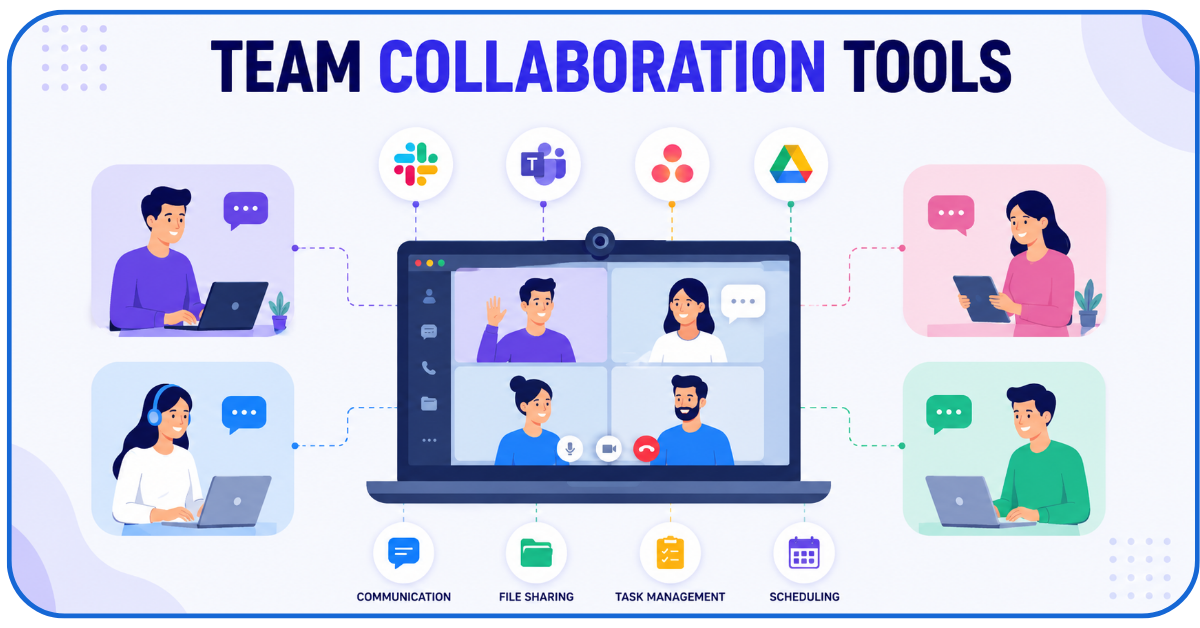
It’s not uncommon for support agents to refer to engineers or project managers when resolving customer complaints.
A CCM should simplify these types of cross-department collaboration by offering features like:
- Internal note-sharing option threaded directly into conversations – for seamless handoffs between departments
- Direct integrations with the project management tools the engineering department uses (like Linear) to ensure technical bugs move quickly to developers
- Structured daily stand-ups that keep every department aligned
These features ensure that the support team doesn’t have to share too many informal updates with other departments.
They’re especially helpful when customer complaints escalate, and everyone (including remote teams) needs to be on the same page and pace to fix the issue.
-
Scalability

Let’s say your company grows from 100 customers to 1000 in the next 9-months. Will the customer communication platform be able to absorb the 10x volume? That’ll be possible only if it offers:
- Flexible pricing models that don’t penalise growth
- Automation that learns from your agents’ workflows and accurately deflects routine inquiries
- A built-in architecture that lets you expand users, channels, agents, team sizes, and regions without expensive migrations to other tools/versions
Never pay top-dollar for a platform that doesn’t come with these scalability guarantees.
-
Security and Compliance
If your CCM tool can’t protect sensitive customer data, your business will fall astray of non-negotiable industry compliance standards like:
- SOC 2
- GDPR
- HIPAA
Your business will be deemed unfit to handle customer data if your CCM doesn’t have:
- Robust data residency controls
- Granular role-based permissions that shield customer data from unauthorised parties
- Secure multi-factor authentication that works for business workflows, not just SMS codes
- Audit logs that help you prove historical compliance to auditors 6 months down the line
These all non-negotiables for support teams.
-
Mobile Accessibility
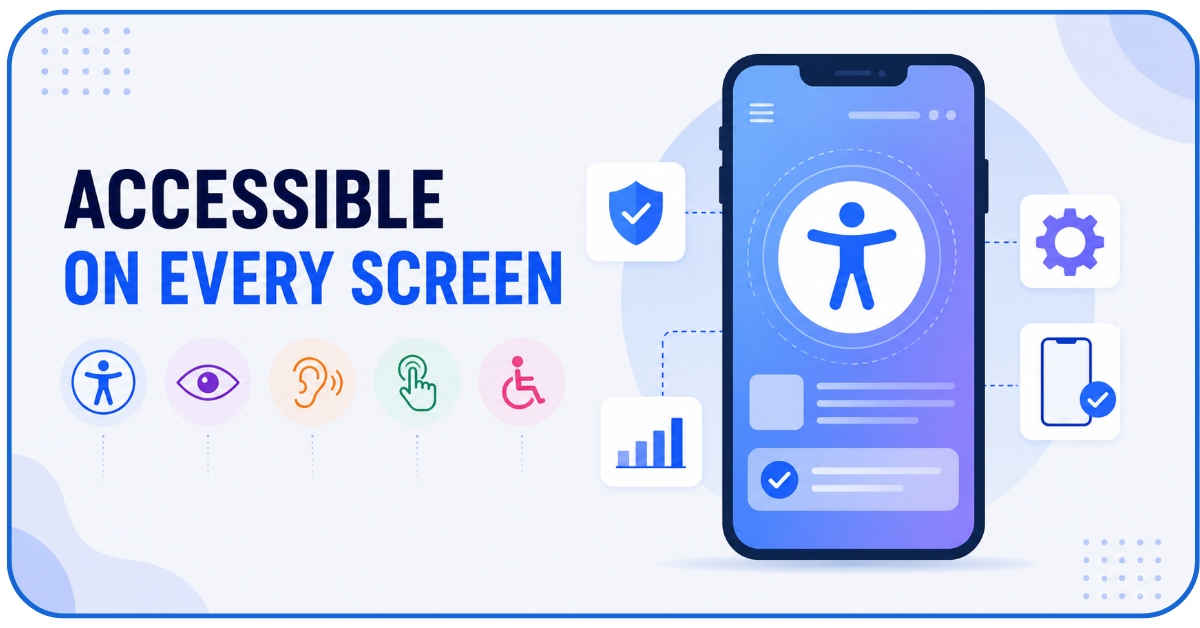
Agents should be able to use the CCM just as smoothly on their phones (via a well-designed mobile version of the CCM) – as they do on their computers.
Or else, their responsiveness will be hampered whenever they’re away from their computers.
-
API and Third-Party Integrations
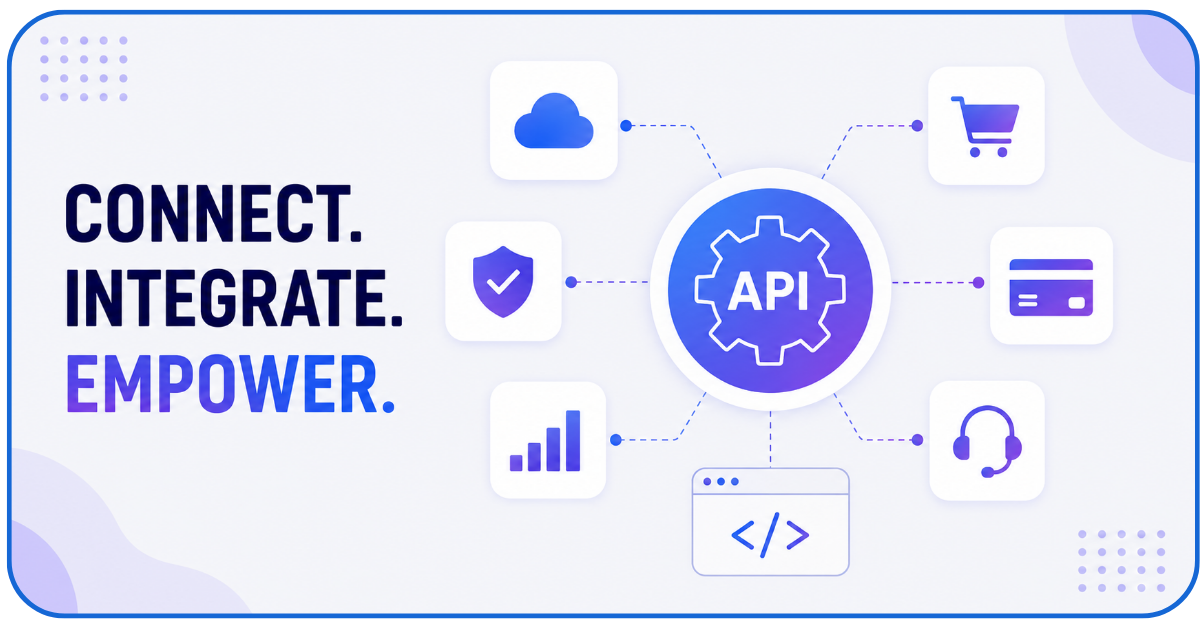
For a support team to be always data-ready, the customer communication platform must be able to easily pool data from:
- Stripe, Slack, Linear and all other project management tools the overall team (including developers) uses
- CRMs, internal databases, audit logs, customer logs
To do that, it needs to offer maximum API flexibility so that your developers can freely engineer these integrations and build custom workflows within the CCM.
-
Easy-to-Use Dashboard
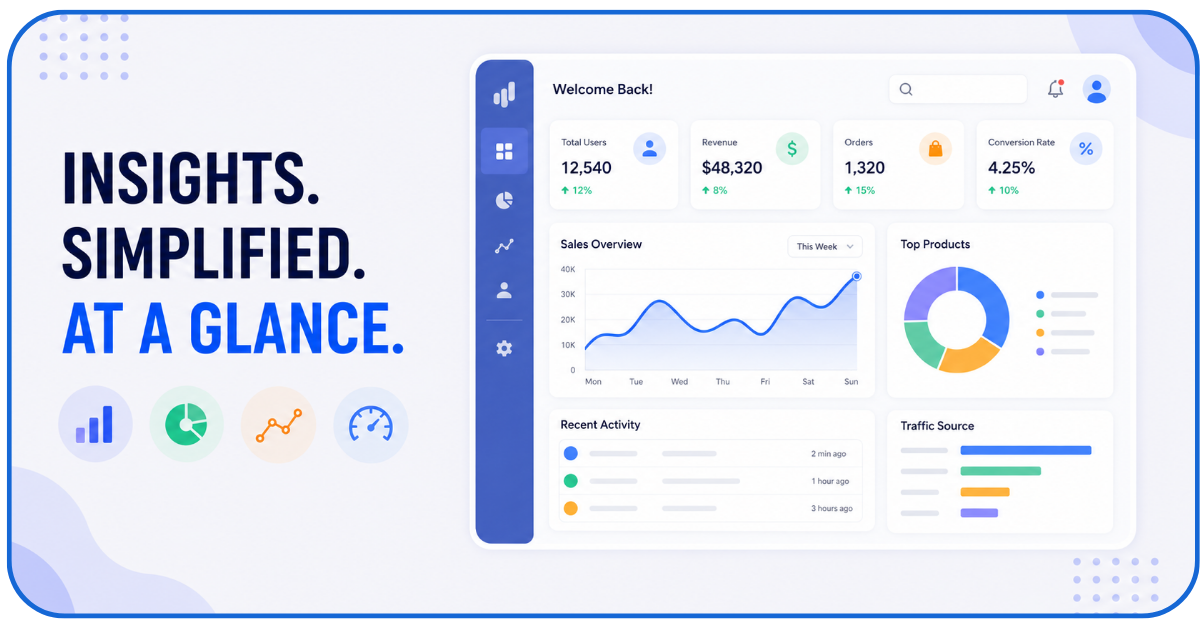
Lastly, you don’t want to spend months training your agents how to use the CCM. Having them verify its usability (especially with the AI and analytics features) before purchase is very important.
How to Choose the Right Customer Communication Platform
- Business Size: The CCM’s price and feature tier should match your business size, ticket volume, and scalability goals
- Budget: Apart from the customer communication software’s base subscription costs – its per-seat pricing, add-ons, and API usage limits should all be within your budget
- Integrations: It should be compatible with your existing CRM, database, and all other tools you want to integrate it with
- Ease-Of-Use: It should have a clean, easy-to-learn interface
- Support: The sellers of the customer communication platform should have a robust support team themselves and hold transparent discussions regarding SLAs and your scalability goals
- Scalability: The platform should handle both seasonal ticket surges and bi-annual/annual expansions of your team and customer base’s size
Conclusion
Your support team can only be as efficient as their customer communication management platform allows them to be. Make sure the one you choose enhances – not dampens – their ability to serve customers, without experiencing burnout. Go through this 13-point checklist the next time you shop for a customer communication platform, and we’re sure you’ll find a tool that does all of that!
FAQs
Q1- How can AI improve a customer communication platform?
It can – only if it can be trained on real workflow data, ticketing history, and other internal data.
Then, it can classify customer intent, answer repetitive questions accurately, and timely re-route complex queries to human agents.
Q2- Can an AI-powered customer communication platform fully replace my human agents?
No. It can assist customers only to a degree. For more complex problems, customers will always demand real human assistance.
Q3- Can a small-scale business use and benefit from a customer communication platform?
Absolutely! Small teams benefit the most because the CCM unifies all customer communication into one unified thread – that a small, one- or two-person support team can easily handle.
Q4- How long will it take for me to start using my customer communication platform?
Modern cloud-based CCMs facilitate fast data migration. After that, configuring the workflows and training the workers on using the tool should take 2-3 days.
Q5- What kinds of businesses will benefit the most from these 13 features?
All businesses!
But especially finance, healthcare, and eCommerce businesses because they’re the ones who handle tons of sensitive customer data and deal with hundreds of queries/complaints every week.