
For over a decade, Trello has been the default visual project management tool for organizing tasks with its interactive boards, visual lists, and drag-and-drop cards.
That consensus was shattered in May 2025, when Atlassian redesigned the software and positioned it as a ‘personal productivity’ assistant and an individual task manager — not a team project platform.
When marketers and other professionals complained and called for a return to more project management-centric features, the company openly refused.
Since then, marketers have been switching to various Trello alternatives in droves.
They need their project management tools to have advanced reporting, automation, resource planning, workload management, and cross-project visibility-enhancing features.
We’ll review 9 Trello alternatives for marketing teams that offer these types of features and make tasks like multi-channel content calendaring and social media scheduling easier.
If you too are thinking of switching away from Trello, use this guide to learn what differentiates each alternative, what kind of work each tool suits, and where they earn their worth.
Why Should You Look for Trello Alternatives?
Trello had a big user base because it was one of the earliest user-friendly organization tools on the market. But it was never a dedicated project management tool.
And since Trello’s makers have said they won’t be making any project-management-focused feature updates, it has made some existing flaws in the tool even more unacceptable:
Limited Reporting
Trello’s built-in reporting features have always been basic. For example, to assemble weekly client updates on it, you still have to copy-paste card titles into documents. There are no auto-updates, no automated progress summaries, and no built-in time tracking features.
Growing Project Complexity
Trello has never given users the ability to overview multiple client accounts. Users have always had to create multiple card checklists as makeshifts.
So, whenever growing marketing teams start handling multiple accounts, they constantly flip between separate boards or link mirror cards—just to piece together each client’s deliverables.
Limited Automation
Trello’s built-in AI tool ‘Butler’ can automate routine board actions.
But since information inside it is always fragmented across separate tasks, boards, conversations, lists, and tools, its utility is severely limited.
No Resource Management Features
There are no workload view features. A board may show that tasks are assigned to team members, but not whether the assigned person has enough time to complete them.
Delegating tasks efficiently is very hard without these features.
Small teams managing a handful of boards may work around the software and avoid switching to Trello alternatives. But for growing agencies, making the switch has never been more pressing.
9 Best Trello Alternatives for Marketing Teams to Consider
All 9 tools below solve different problems. Some are great for simple task tracking, some for managing entire campaigns, and some excel at simplifying reporting with automation. So, the ‘best’ alternative for you among these 9 depends on what your team actually needs to get done.
-
Asana
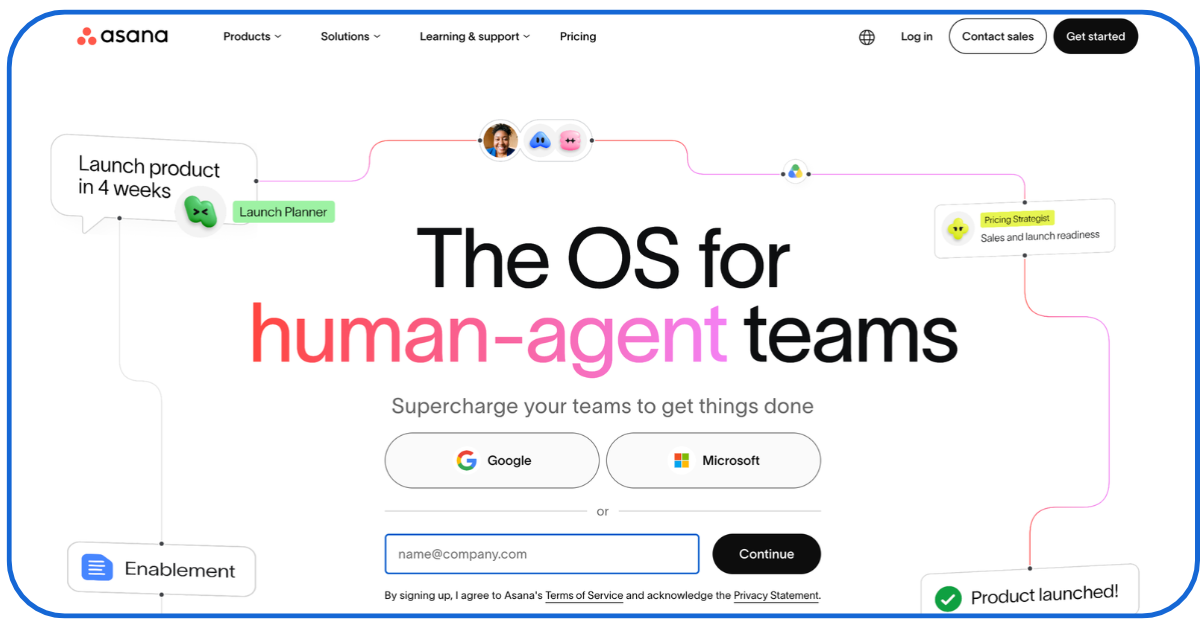
Asana fixes Trello’s biggest weakness — reporting.
While Trello forces you to manually update lists and notes, Asana lets you link related tasks, group several projects into one portfolio, and then build dashboards that update automatically.
A guest posting agency can run blog creation, SEO, and campaign launches in one project dashboard.
Leaders can assign responsibility to different members and check in the live dashboard — which jobs are holding up others — in real-time.
When team members ask questions like ‘what did we ship this week?’ or ‘what content still needs posting’—the leader can send a link to this dashboard — instead of having to send copy-pasted emails.
There’s also a new ‘AI Teammates’ feature that lets users connect their Asana projects with HubSpot, Canva, Figma, and other tools marketing agencies typically use.
-
Monday.com
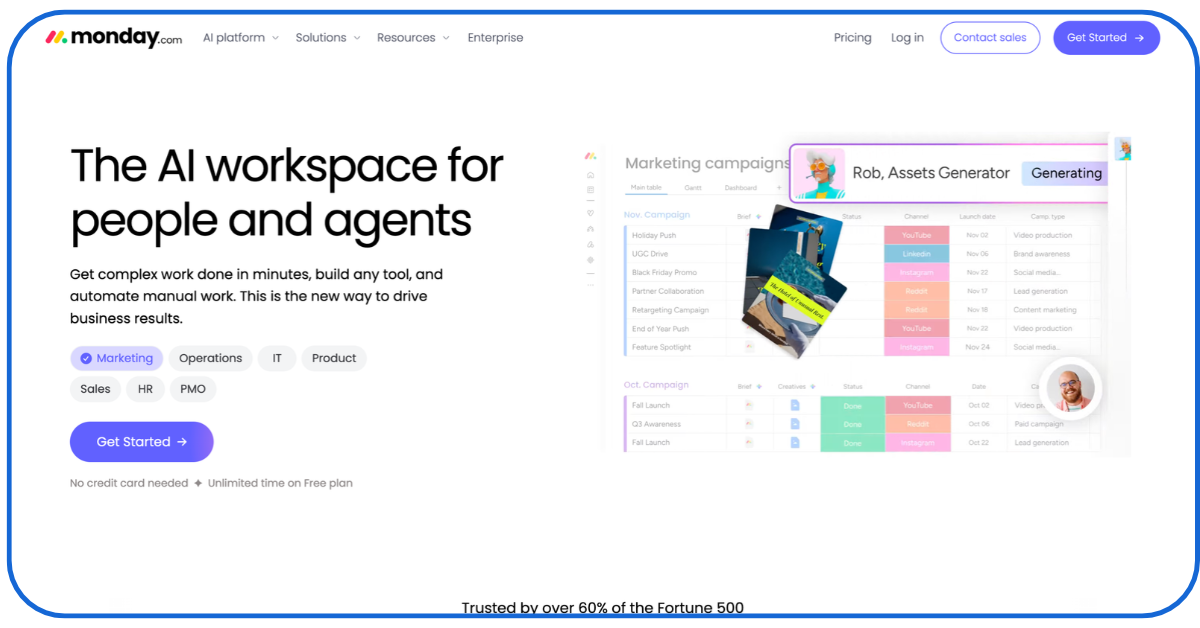
Monday.com looks a lot like Trello at first glance — colourful boards, drag-and-drop cards. But it offers the one thing Trello never had — a bird’s-eye view.
Its dashboards can pull information from multiple boards into a single screen. So, an agency can see every client’s campaign status without flipping between boards all day.
A marketing manager can open one dashboard on Monday morning and immediately see the status of every social media calendar, ad creative, and blog post across the entire agency.
It also has a workload view feature, which shows who on the team is overloaded and who has room.
-
ClickUp
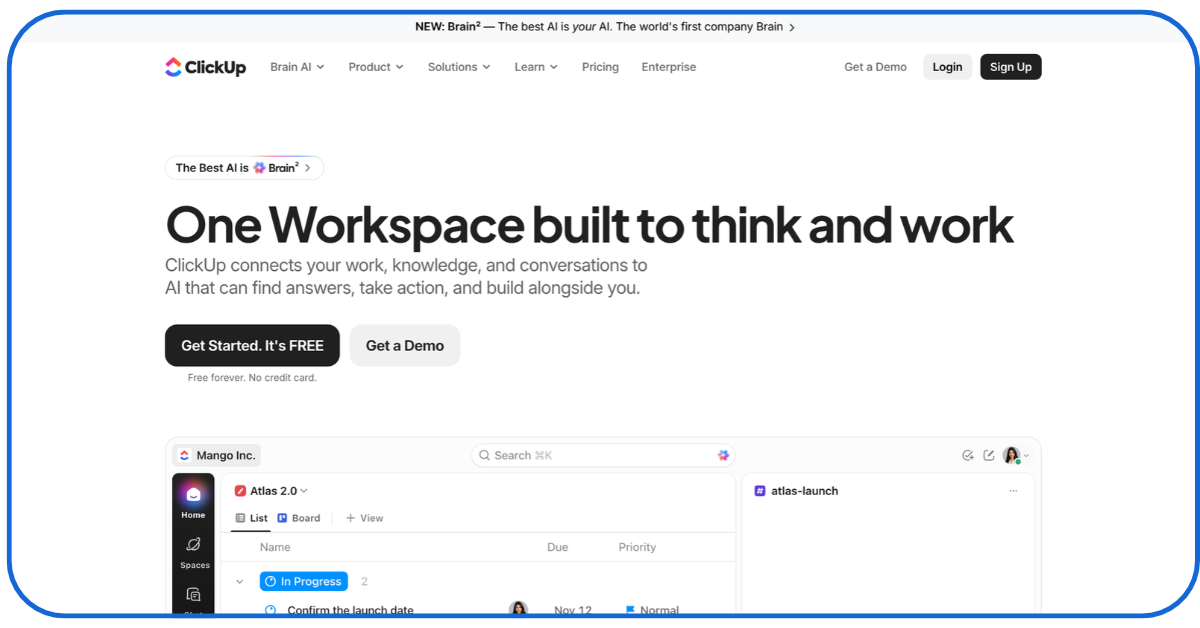
Businesses that use Trello often have to use it alongside separate tools for managing documents, time tracking, team discussions, and reporting.
ClickUp combines documents, tasks, chat, dashboards, and time tracking — with over a thousand ready-made templates — into one workspace.
An agency could manage and access content drafts, keyword research, client tasks, and campaign deadlines in a single place, instead of scattering them across Trello, Slack, and someone’s DMs.
-
Wrike
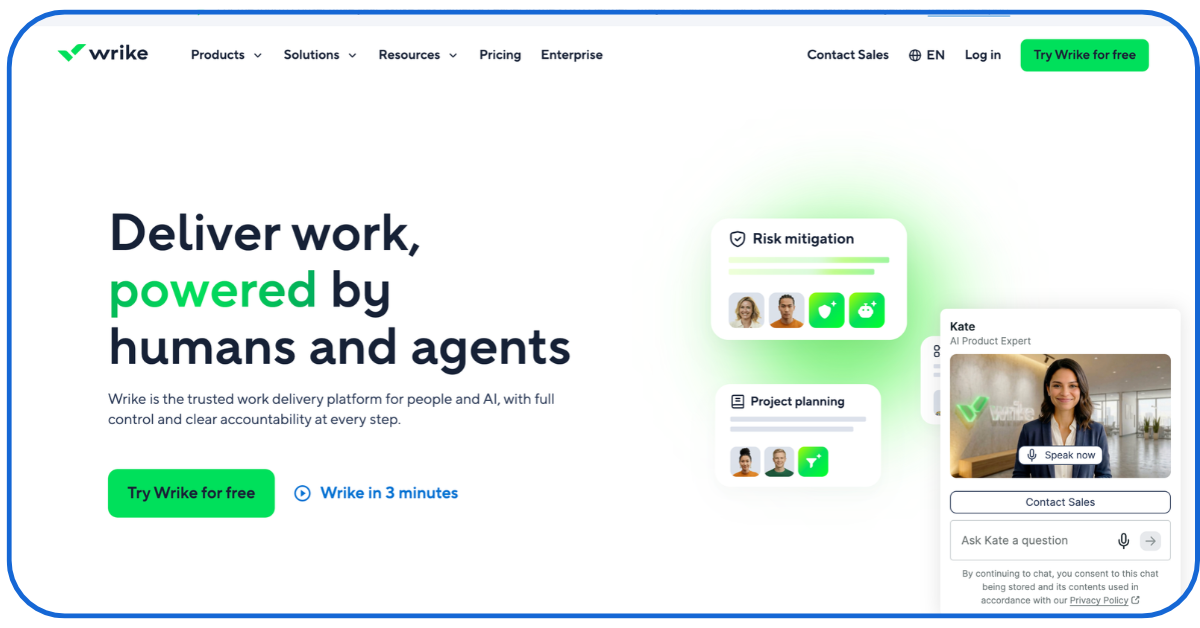
Wrike is built for agencies juggling many clients at once. Its standout features are:
- Proofing, which lets clients review and approve design files directly inside the tool
- Request forms that let new work enter the workspace through structured forms (not messy emails)
Its ‘workload view’ feature also shows who has free time across 9+ workers and a dozen client accounts in a live workload chart — something Trello cannot do.
It also connects with Adobe Creative Cloud, which design-heavy marketing teams appreciate. But bear in mind – most of these features only exist on the Business plan. So budget accordingly.
-
Teamwork
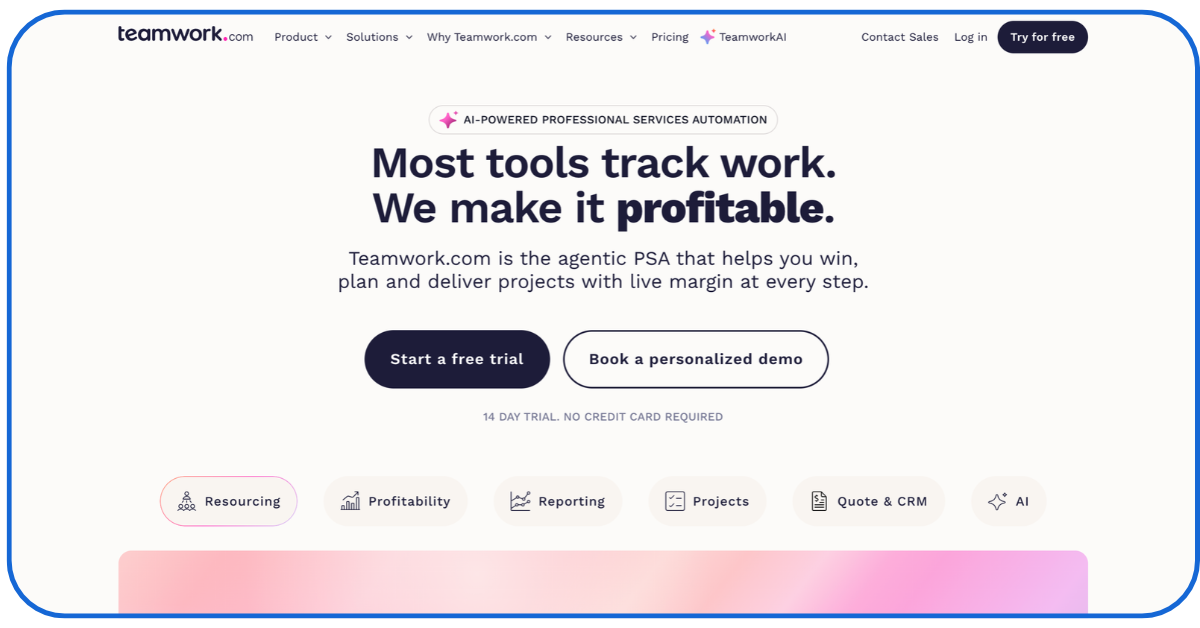
Teamwork has the best client-oriented project management features among all the Trello alternatives in this list.
Teamwork pairs task lists and boards with built-in timers and budget trackers.
As your team works on monthly SEO fixes, blog writing, or ad campaigns, they can log their hours directly on the task here.
Teamwork then shows you how much of the client’s monthly retainer you’ve used up and warns you before you accidentally work for free.
It’s ideal for agencies that deliver ongoing services and need to constantly track the most critical marketing KPIs.
-
Basecamp
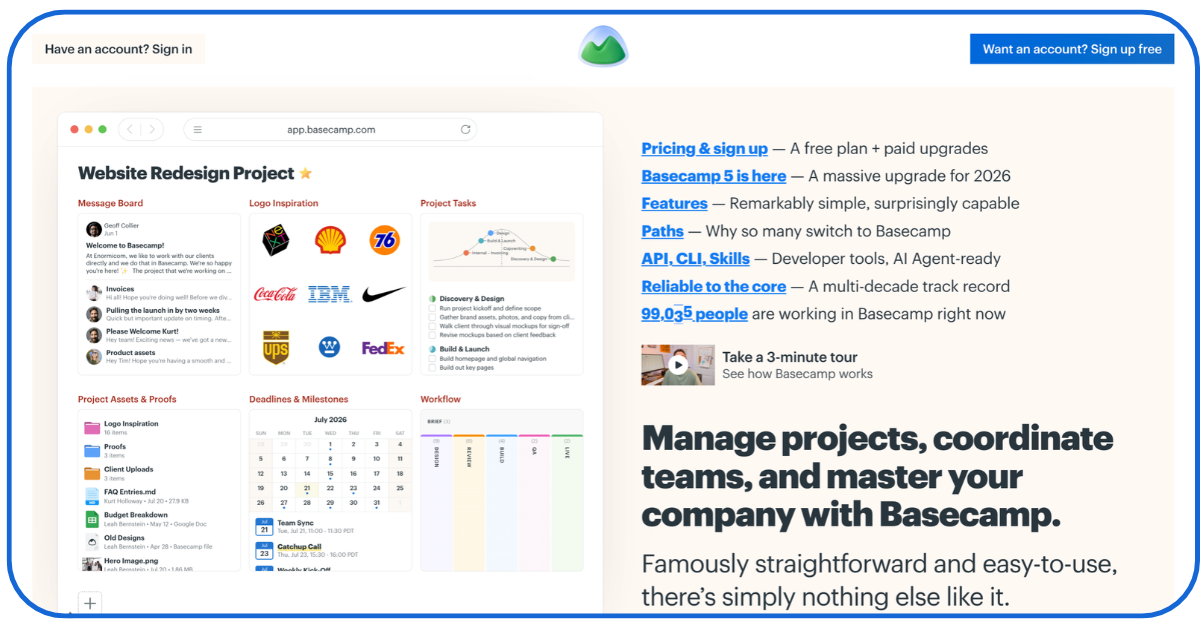
For some agencies – the biggest problem is that their client conversations happen in email, feedback arrives on WhatsApp, and their project files get scattered across different folders and tools.
Basecamp solves this problem. It offers a message board for big announcements, to-do lists, a shared calendar, dedicated folders for storing files, and a built-in group chat for team members.
On it, an agency can create projects for each of their clients, store all relevant files, keep feedback in the relevant discussions, and make project deadlines visible to everyone involved – all in one place.
But there are no AI summaries, workload views, or deep reporting features. Basecamp deliberately trades power for simplicity and low, all-in-one package deals.
-
Airtable
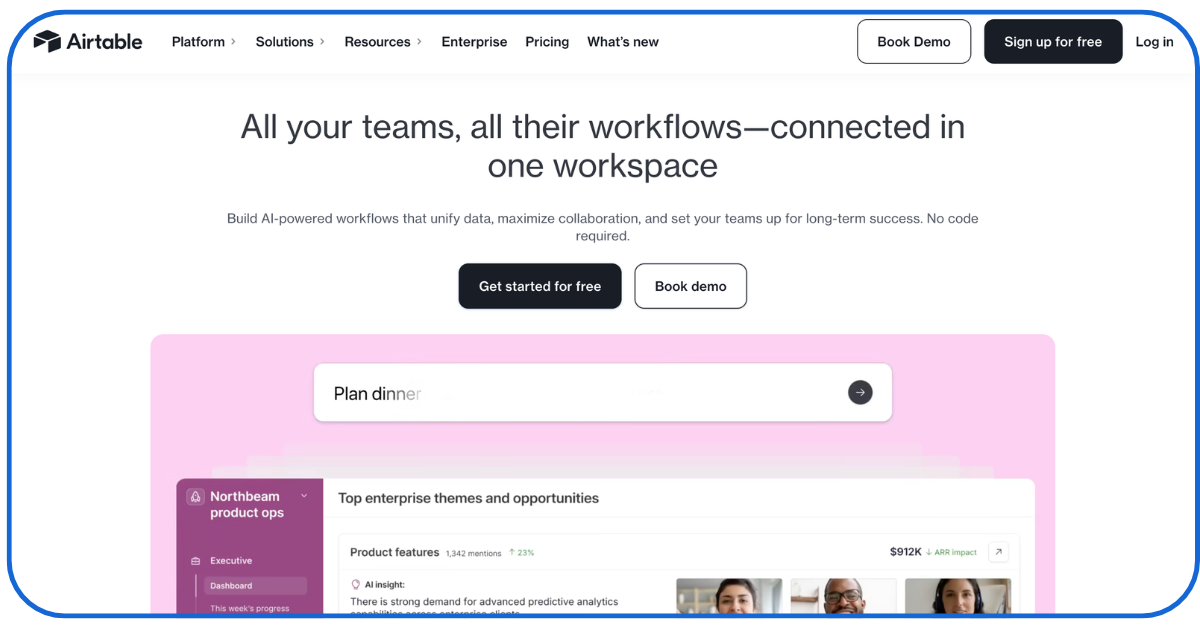
Airtable is a good fit for marketing teams that manage large amounts of structured data. Unlike basic task boards, it works more like flexible spreadsheets that can be connected to related records.
In a regular spreadsheet or Trello board, updating a client’s campaign details in one place means manually updating it in 5 other places. Airtable lets you link information together across tabs.
- You can connect a list of clients to their active campaigns
- Link those campaigns to 500 target SEO keywords
- Match each keyword to an assigned writer or influencer
You can then turn that data into:
- A Trello-style board for your writers
- A calendar for your social team
- A clean summary page for your client
-
Microsoft Planner
Already using Microsoft 365? Then, Microsoft Planner may be the easiest alternative to try.
It integrates with Microsoft Teams and other Microsoft tools and lets marketing teams:
- Assign tasks
- Set deadlines
- Track progress
Marketers can use these features to coordinate all types of campaign tasks.
And they get to keep their internal conversations in Teams and documents in SharePoint.
The basic version covers everyday task management. With paid plans, you can get added features like live timelines and team workload views.
Planner is less specialised for marketing than the other Trello alternatives we’ve reviewed. But the existing Microsoft setup makes adoption easier.
-
Jira
Does your marketing team have developers? Then you’ll love using Jira.
A technical SEO pro, for example, may identify a website error that only developers can debug.
Jira will let any team member:
- Record the issue
- Assign it to the developer
- Track it through testing and completion
That’s a much more effective way of keeping team members in the loop regarding technical issues.
But Jira’s structured workflows can feel heavy for writers, designers, and social media managers who mainly need to track straightforward content tasks.
It’s best suited for the technical side of marketing rather than as the team’s only project board.
How to Choose the Right Trello Alternatives for Your Business

Which of these 9 should you choose? Go through this checklist:
- Can your team learn the software without extensive training?
- Can admins see deadlines, delays, and workloads on the tool without asking everyone for updates?
- Does the platform work with your team’s existing tools like Google Drive, Slack, Microsoft Teams, or your CRM?
- What’s the full cost, including extra seats, AI features, automation limits, and advanced reporting?
- What tasks can it automate? And does that automation sync status across tools, or just move cards inside one board?
Use these queries to shortlist 4-5 Trello alternatives that suit your agency the most.
Why Marketing Teams Need More than Basic Task Management
Trello alternatives for marketing teams need another layer of testing. After all, marketing projects usually involve more people, channels, deadlines, and approval stages than most kinds of work. So, test if the shortlisted tools complement these essential marketing activities:
- Content Management: A social media post today goes from keyword research to briefing, drafting, editing, SEO review, and several other layers. The tool must let you live-track, oversee, document, and arbitrate that whole journey.
- Campaign Coordination: SEO, email, paid ads, and social media campaigns run on different schedules but share one calendar and real dependencies. For these types of tasks, you need tools with strong overview features like monday.com or Asana.
- Client Collaboration: Feedback, approvals, and constant communication with clients between deliverables define agency life. Wrike’s built-in proofing, Basecamp’s free client access, and Teamwork’s client portal each solve this problem differently. But they do solve it, and the Trello alternatives you consider should do the same.
- Performance Visibility: Marketers perform better when their project management tool lets them understand whether their work is contributing to traffic, leads, or sales. So, the tool should let you track project progress and campaign results side-by-side.
Conclusion
Above all, Trello alternatives for marketing teams need to suit the teams using them. The best way to make sure your choice meets your staff’s unique day-to-day needs is to make them use it.
By now, your shortlist must be down to 2-3 Trello alternatives. Sign up for their free or lowest-cost tiers. Then, run the same real project — perhaps a month-long content campaign — in each.
See which one your team members find most effective for overseeing your old and new campaigns.
FAQs
- Can I integrate Google Analytics and Google Search Console into these Trello alternatives?
Some can. Check the integrations list beforehand. If a software doesn’t integrate, you can embed live Looker Studio (Google Data Studio) reports directly inside your workspace pages.
- Will these tools help me comply with my clients’ data privacy requirements?
All of these tools have built-in data privacy, data encryption, and guest permission features.
- Are there open-source Trello alternatives?
Does your company run its own server? Then, try using open-source Trello-style tools for free, like:
- Kan
- Planka
- Vikunja
- WeKan
- Do any of these tools have AI features to predict delays in campaigns?
Yes. Asana, Wrike, monday.com, and ClickUp have AI tools that:
- Scan your boards
- Summarize weekly progress
- Flag tasks falling behind schedule
- How to migrate historical project data from Trello without losing important information?
Every tool we’ve reviewed has a built-in ‘Trello Importer’ that moves your boards, lists, and cards over in a few clicks, or lets you upload a Trello CSV/JSON export file.