

Nowadays, cyber threats and attacks have become common worldwide. Therefore, saving your business or personal website from such concerns is highly demanded. Here comes the role of the website vulnerability detection tools in the digital world.
These digital detectives search for weaknesses or any hidden threats to your website that can leak confidential data. Vulnerability scanner tools provide defense against online disruptions and cyber attacks, protecting a business website’s online image.
If you are also hunting through the internet to learn about such tools, go no further! In this blog, we will provide you with the list of the best website vulnerability scanners to protect your site and create a robust online reputation.
How are Website Vulnerability Scanners Beneficial for Businesses?
Business personnel must employ vulnerability scanner tools to secure their sites when AI integration within tools is in demand, guarding their sensitive data and other online assets. Here’s why these tools are essential for enterprises.
- Hackers can breach into a company’s confidential customer data through its official website, often by exploiting weak or reused credentials that should be secured via a password manager. Therefore, website scanners prevent such incidents and protect consumers’ information by finding weaknesses in a site.
- When a business assures its customers of safeguarding their personal information, it builds trust among them. This, in turn, maintains customer loyalty, retaining them for the future.
- Any type of cyber threat, such as malware infection and data theft, results in financial losses for a company or person. Employing website scanning tools, therefore, saves money and losses due to cyber crimes.
- Businesses must meet regulatory compliance requirements of having a safe and secure website according to industry standards. This is fulfilled by using a website vulnerability scanner to protect a brand’s online reputation.
- When a company has assurance of digital security, it can focus on other key tasks, leading to growth and innovation. Thus, businesses can stay ahead of their industry rivals, showing their commitment to a secure and robust online presence.
How Does Vulnerability Scanning Work?

Vulnerability scanning is a process that aims to determine vulnerabilities or weaknesses within web applications or sites by following the three distinct steps. These measures assist organizations in identifying online risks at an early stage, so that they can enhance their overall security status. Here’s how the vulnerability scanning process works.
Step 1: Scanning to Discover Possible Threats
- This starts with a scan of all the assets in the IT environment of a company, including servers, applications, databases, endpoints, and network devices.
- Scanning tools are used to scan running processes, software versions, configurations, or any open ports. These scanners ensure that a complete list of what has to be safeguarded is provided to the users.
Step 2: Analyzing the Listed Assets in Accordance with Vulnerability Databases
- Now the scanner matches the listed possible vulnerabilities in the system with known vulnerability databases, like CVE or NVD. The issues may include outdated software, insecure protocols, default passwords, and many more.
- More advanced scanner tools can even log into the system for a deeper examination; otherwise, an external check is performed.
Step 3: Reporting to the User and Offering Guidance on Fixing the Problem
- Finally, the website vulnerability scanners generate reports with proofs listing the found vulnerabilities along with their level of severity.
- Critical problems in the server are prioritized. Then, they issue the configuration or patch guidance.
- According to the reports and provided instructions, teams work on the patch systems and apply setting changes in their IT environments.
Different Types of Vulnerability Scans
Web application or site scanning can be of the following types.
????Active Scanning
In this scanning approach, the systems are examined directly by sending queries or requests to identify the open ports, weak services, and software updates. It also gives detailed information on the found vulnerabilities, but it may also interfere with the performance of the server or website. Finding insecure file transfer protocol (FTP) services is an active scan.
????Passive Scanning
Passive scanning scanners monitor the network traffic without actively engaging the devices. It silently monitors the communication patterns to detect old software or misconfigurations, creating no disturbance. However, it has restricted visibility, only discovering what is visible in regular traffic.
????Internal Scanning
Internal scanning tools scan a company’s servers, workstations, and internal applications that are used in its firewall. Therefore, an organization can save its internal network from cyber attacks. Internal scanning plays an important role in identifying weaknesses or fragile settings within the enterprise environment.
????External Scanning
Website scanner tools perform examinations of a system from the perspective of an attacker. Therefore, it focuses on online applications, servers, or websites and identifies any potential vulnerabilities in them. The aim is to identify the weak points that could be exploited over the network for a cyber attack.
????Authenticated Scanning
Authenticated scanning is performed to gain access to systems with valid credentials and conduct a more in-depth scanning of a website or online application. It detects all the hidden internal or configuration vulnerabilities, along with patches that unauthenticated scans are incapable of discovering. This approach depicts the health of the system more precisely. However, scanners need to be cautious while using login credentials.
????Unauthenticated Scanning
Unauthenticated scanning tools do not log into the system. In this, tools discover visible vulnerabilities and weaknesses, but not as comprehensively as authenticated scans. Although it is not as detailed, it can be used to assess the external security posture of a private organization.
List of Best Website Vulnerability Scanners
Below are the top vulnerability mitigation tools of the digital world.
1. Acunetix
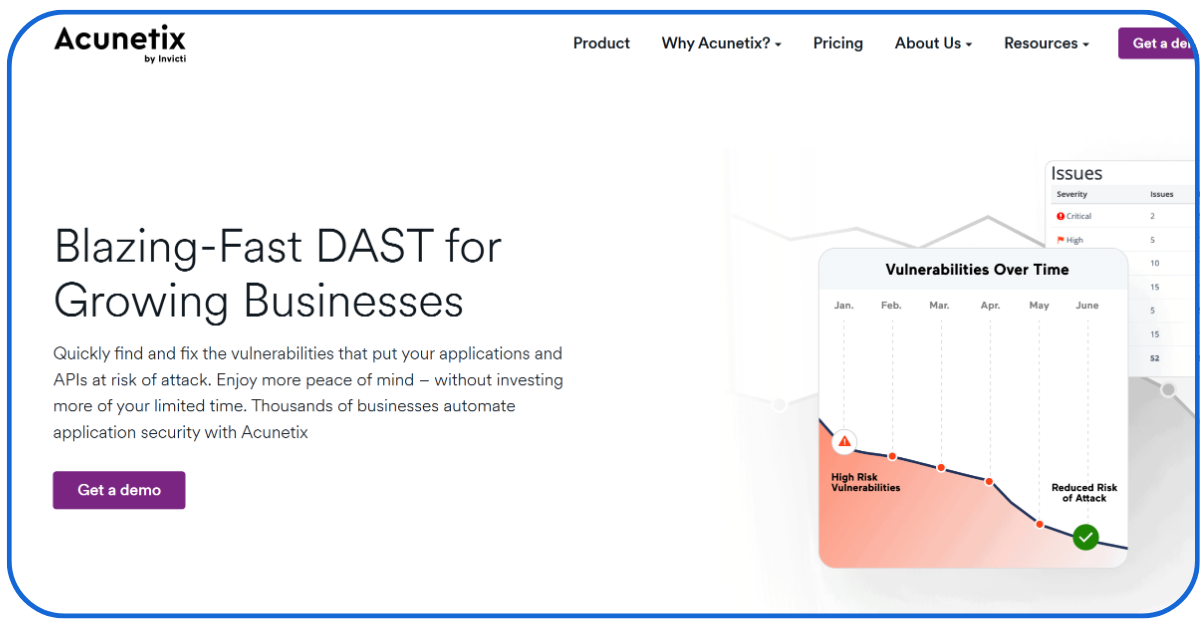
Acunetix is a paid scanner that offers Essentials, Professional, and Ultimate plans with custom quoting.
- The tool is able to detect more than seven thousand vulnerabilities and weaknesses in a website, whether it is SQL injection or XSS, aka cross-site scripting.
- It offers a deep scan technology that can crawl and analyse even complex internet applications, scanning all the risks of getting attacked online that other tools may not find.
- Acunetix also provides users with a detailed report about a site’s insecurities.
- Furthermore, it can integrate with prominent workflow management and development tools like Jira and Jenkins.
2. Burp Suite DAST
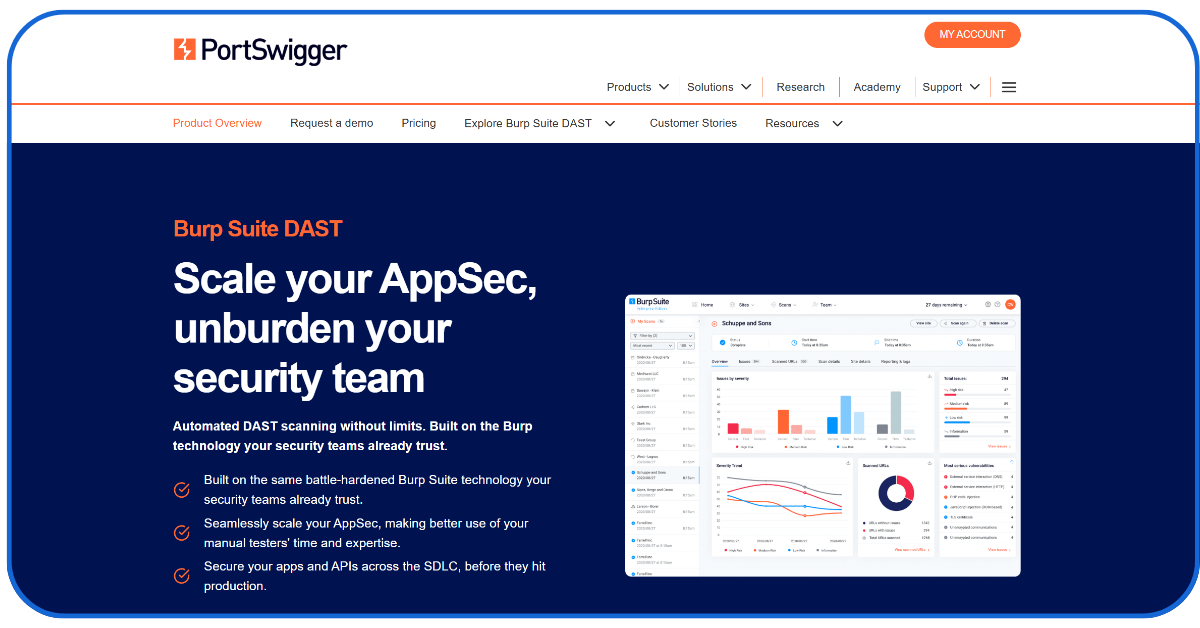
Burp Suite, a product of PortSwigger, offers automated DAST scanning without any limits.
- It is a popular web application scanning tool to test its security automatically and manually.
- It works with out-of-band (OOB) testing techniques that are able to detect hidden vulnerabilities that older tools miss.
- It can link with continuous integration (CI) and continuous deployment (CD) pipelines and offer comprehensive reports about the automated workflow.
3. Detectify
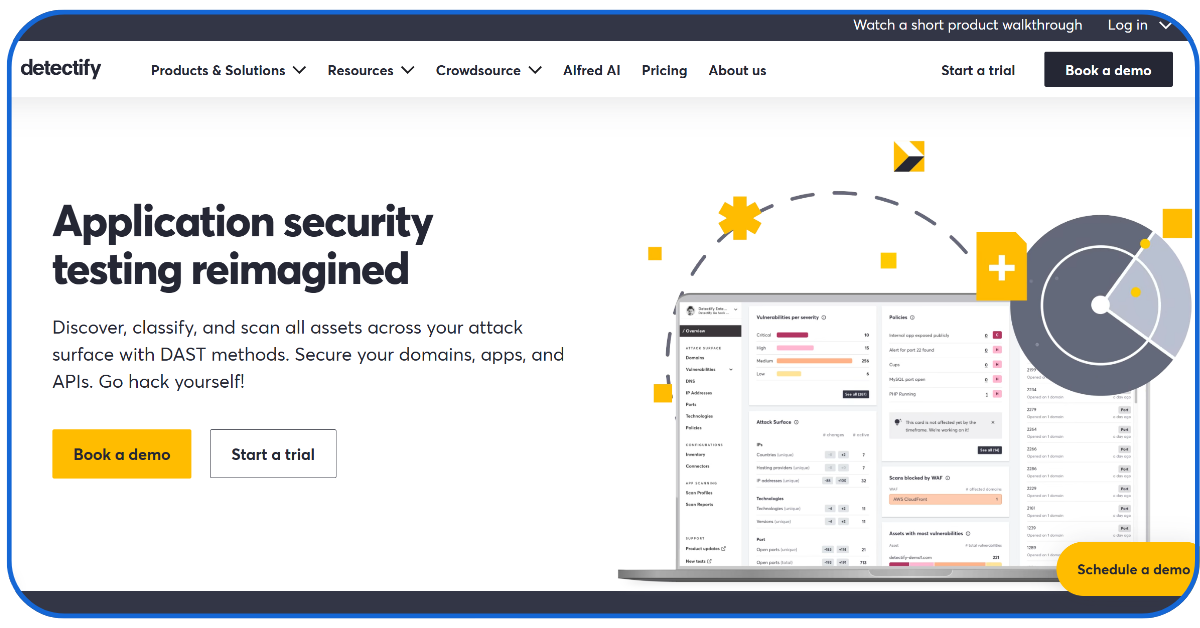
Detectify, with famous partners like Grammarly, Discogs, and Trustly, has helped over ten thousand users in managing their online attack surfaces.
- It is an eminent cloud-based website vulnerability scanner that can detect real-time weaknesses in a website using crowd-sourced security.
- Detectify automatically searches for vulnerabilities in a website and alerts users promptly, providing a detailed report.
- The above feature makes it ideal for DevOps teams in companies.
- Additionally, it can be joined with famous creation tools such as GitHub and Jenkins.
4. Invicti
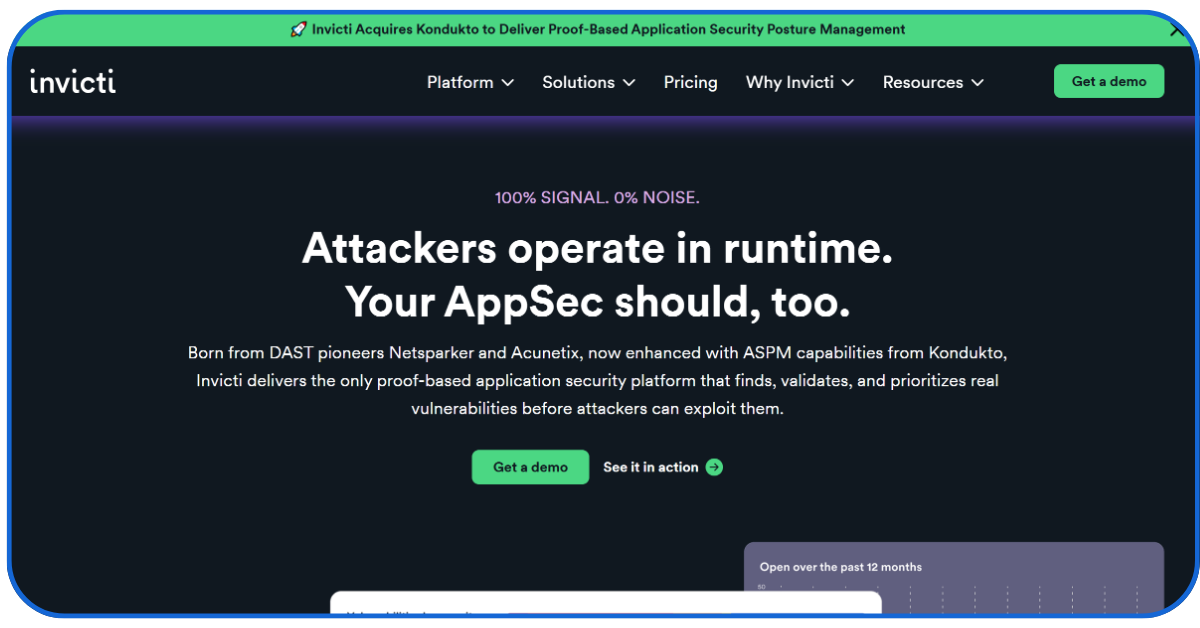
Invicti offers a transparent pricing model with flexible plans based on custom quotes.
- Invicti, formerly named Netsparker, is another widely used website vulnerability scanner that offers a proof-based search and analysis.
- Invicti provides users with deep reports and guidance to fix the found vulnerabilities, such as XSS and SQL injection.
- It can also link with CI and CD pipelines in automated workflows and other well-known development tools.
5. StackHawk
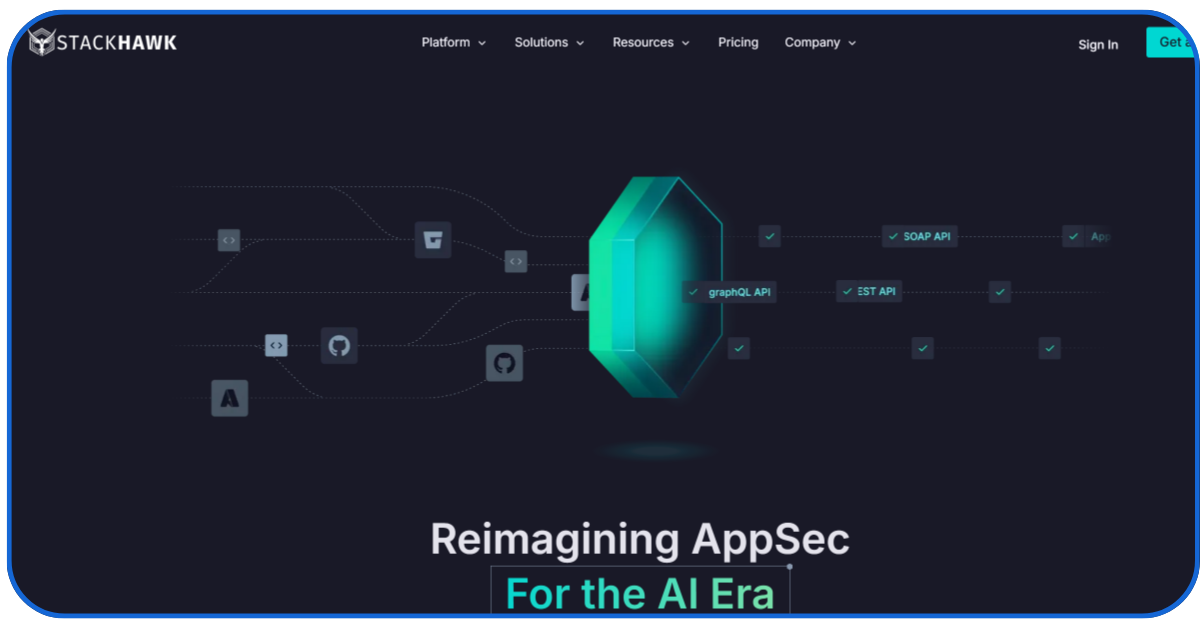
StackHawk offers two comparable pricing plans named Secure and Scale, covering GraphQL, SOAP, REST, SPAs, and other traditional applications.
- StackHawk is an application programming interface (API) security tester used to search for vulnerabilities in modern internet-based apps and websites.
- The tool offers both automatic and manual testing options along with thorough reports for the DevOps teams in enterprises.
- Developers can integrate StackHawk with their development tools like Jenkins and GitHub.
6. Outpost24
With more than three thousand organizations as partners, Outpost24 offers a hybrid testing, including automated and human-led validation processes.
- Outpost24 is a popular website vulnerability detector that is known for present-time vulnerability detection in webpages and applications.
- It alerts the user regarding the weaknesses in a website after an automated scan.
- The tool offers a cloud-based scan feature and an HIAB (Hacker-in-a-Box) solution for addressing both external and internal risks.
- Outpost24 is compatible with several security information and event management tools through API, supporting secure HTTPS connections.
7. Probely
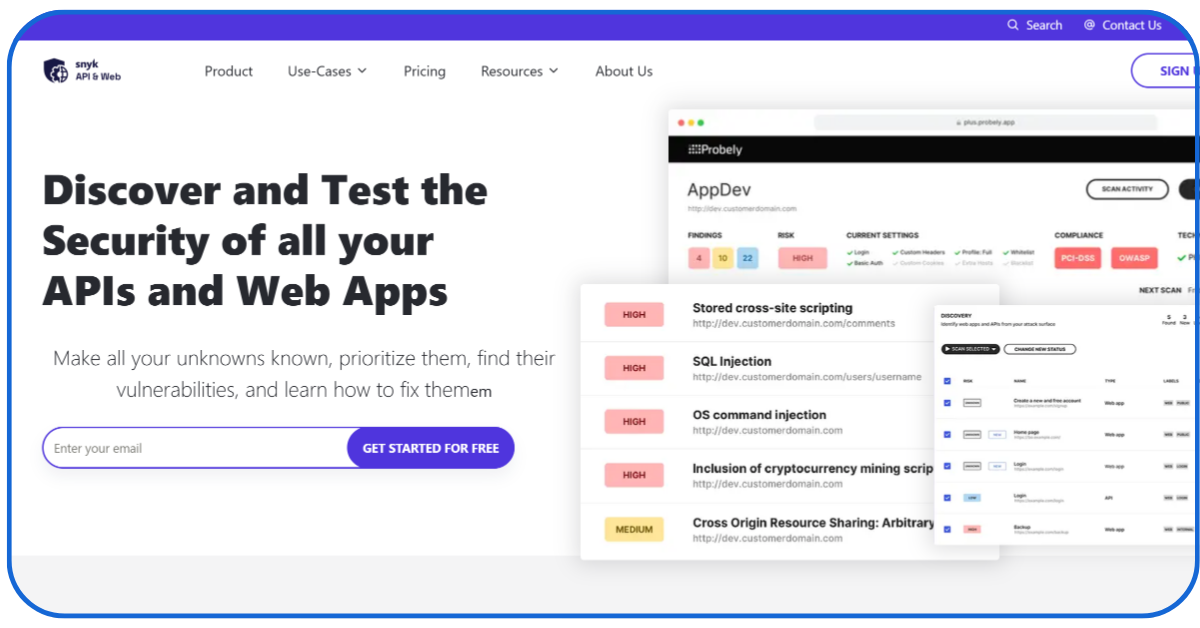
Probely offers a 14-day free trial including full features. Other schemes include a free plan (at $0 per month) and an enterprise plan (Custom pricing).
- Probely, recently merged into Snyk, uses Chrome-based spiders to support modern internet applications.
- It can automatically discover XMLHttpRequests made by a site or web application to an API.
- The tool always reports a potential issue in a website with proof; thus, security teams do not need to verify them manually.
- It verifies whether vulnerabilities found in testing also exist in production; therefore, teams can modify remediation methods accordingly.
8. PatchStack

With a passionate team working globally, PatchStack claims to be the smartest vulnerability mitigation tool.
- PatchStack is a prominent open-source threat management tool, mainly focusing on WordPress websites.
- The tool automatically creates a virtual patch for a discovered vulnerability without changing a website’s actual coding.
- PatchStack performs lightweight because it does not crawl the whole website, putting no impact on the server’s speed and performance.
- Users with a premium plan receive alerts and protections for about 48 hours before the vulnerability is reported on the National Vulnerability Database.
List of Free Website Scanners
1. Nikto
Nikto is a popular free web server scanner that searches for approximately 6700 vulnerabilities in a website or web application.
- The tool is known for performing quick scans and providing detailed reports within minutes.
- It is written and maintained by the community in Perl, an open source programming language.
- It is compatible for performing scans for Apache, Nginx, IIS, and SSL/TLS servers.
2. WPScan
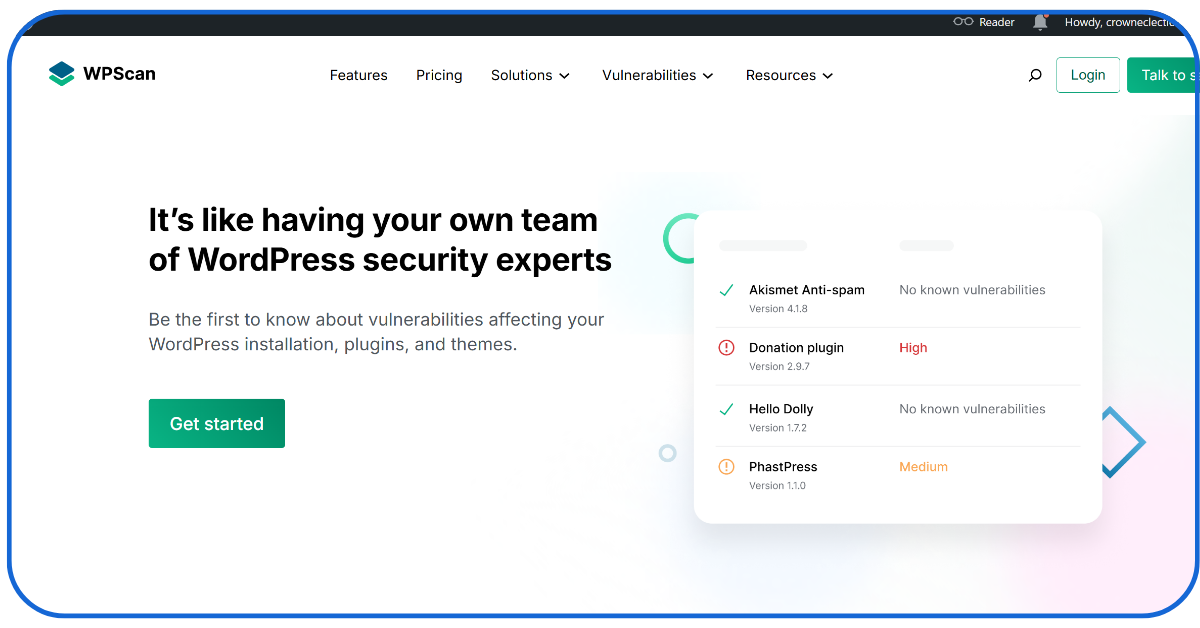
WPScan is one of the prominent open-source free website vulnerability detection tools, specifically for WordPress websites.
- It has a dedicated and constantly updated database regarding vulnerabilities of a WordPress site, including plugins, themes, and core.
- WPScan can easily detect even the hidden installed themes and plugins to identify abandoned or outdated features.
- The community actively contributes to updating the tool; therefore, it is widely used for penetration testing and DevOps departments in various private institutions.
3. OpenVAS
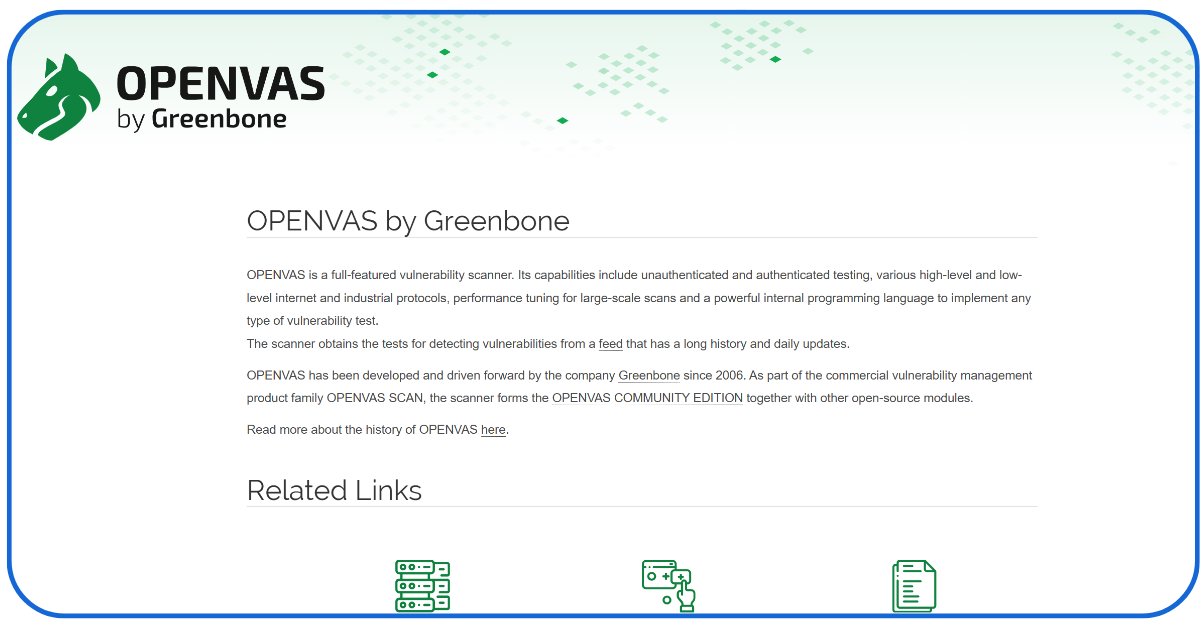
OpenVAS by Greenbone is a robust open-source web scanner that can detect outdated software, weak passwords, or any insecure service.
- The tool offers both authenticated and unauthenticated testing for web apps and networked systems of a company or public institution.
- It supports various industrial, high-level, and low-level protocols, such as HTTP, HTTPS, FTP, and SMTP.
- The scanner offers the latest updates daily, ensuring a perfect scanning and detection process for a website.
4. Nuclei
Nuclei, created by Project Discovery, has a template-based engine that offers high-performance modern security testing for web applications.
- It has more than 300 contributors worldwide who publish Nuclei templates within hours, providing faster services than older enterprise website scanners.
- It is compatible with various network protocols, such as DNS, SSL, and WHOIS, scanning even local files and interacting with JavaScript logics.
- The tool offers a seamless integration with GitHub and Jenkins, making development processes more efficient.
Website Vulnerability Scanners- Crucial for a Perfect Web Presence
In today’s ever-evolving digital world, where cyber threats can harm a business’s online reputation, website vulnerability scanners are highly recommended. Enterprises can defend and safeguard their privacy and sensitive data using these tools.
Businesses can maintain their customers’ trust by securing their websites and creating a distinctive brand reputation.
If you are also thinking of taking this proactive step for a secure and trustworthy online experience, we have listed the best web scanner tools in this blog.
We hope this blog will help you find the most suitable scanner according to your business model and requirements.
Read more informative blogs by New Traffic Tail about AI marketing and Business marketing
Know Zudio Franchise Cost in India- No.1 Best-Selling Brand
Why Restaurant Branding Is More Than Just a Logo?
Best 13 AI Customer Support Software – Get Enhanced Leads
FAQs
Q1: Why do enterprises or private institutions need website scanners?
Businesses require vulnerability detection tools to preserve their websites’ confidential customer data from various cyber threats, retaining their customers’ trust.
Q2: How often do enterprises scan their websites?
Websites must be scanned regularly in one or two weeks to discover any new or updated vulnerabilities to protect them from emerging web threats.
Q3: Are there any free website scanner tools?
Many scanners offer free trials, but with minimal features. However, there are some free vulnerability detectors, such as OpenVAS and WPScan, offering promising scanning features.
Q4: Can a website vulnerability scanner be used for multiple web applications or sites?
Of course, several website security scanners offer bulk scanning, supporting multiple websites or web applications along with detailed reports.
Q5: How do users fix weaknesses or threats detected by a vulnerability scanner?
Many tools offer remediation methods and guidance to fix the discovered vulnerabilities. It can be software updation, patching code, or configuration in security settings.